
Here’s the sign-up link if the image above doesn’t work:



Every month, we’ll share five themed posters that you can share on your website (with attribution), post on your walls, or simply be inspired.


Every month, we’ll share five themed posters that you can share on your website (with attribution), post on your walls, or simply be inspired.

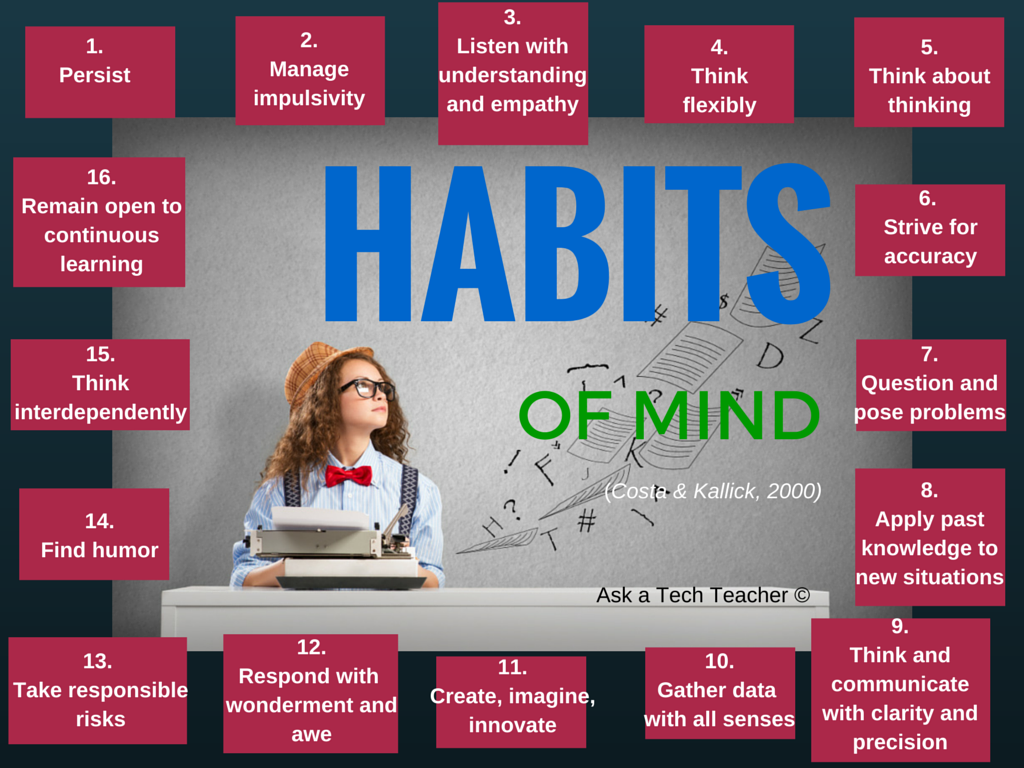



–for the entire collection of 65 posters, click here
Jacqui Murray has been teaching K-18 technology for 30 years. She is the editor/author of over a hundred tech ed resources including a K-12 technology curriculum, K-8 keyboard curriculum, K-8 Digital Citizenship curriculum. She is an adjunct professor in tech ed, Master Teacher, webmaster for four blogs, an Amazon Vine Voice, CSTA presentation reviewer, freelance journalist on tech ed topics, contributor to NEA Today, and author of the tech thrillers, To Hunt a Sub and Twenty-four Days. You can find her resources at Structured Learning.
Every month, we’ll share themed posters that you can share on your website (with attribution), post on your walls, or simply be inspired.



–for the entire collection of 65 posters, click here
Jacqui Murray has been teaching K-18 technology for 30 years. She is the editor/author of over a hundred tech ed resources including a K-12 technology curriculum, K-8 keyboard curriculum, K-8 Digital Citizenship curriculum. She is an adjunct professor in tech ed, Master Teacher, webmaster for four blogs, an Amazon Vine Voice, CSTA presentation reviewer, freelance journalist on tech ed topics, contributor to NEA Today, and author of the tech thrillers, To Hunt a Sub and Twenty-four Days. You can find her resources at Structured Learning.


Here’s a preview of what’s coming up on Ask a Tech Teacher in January:
Public Domain Day
Subscriber Special and MLK Day
10 Hits and 10 Misses for 2021
10 Top Reviews for 2021
10 Top Tips in 2021
Tract–How to Change the Dynamics of Peer-to-peer Learning
Build Empathy Among Students
5 Must-have Apps for Curious Students
Free Posters
Practices of Tech-savvy Teachers
Tech Tips
Digital Literacy
Managing Difficult Parents
YouTube Features for Teachers
Google Earth Lesson Plans
Teaching Math
How Minecraft Teaches Reading, Writing, and Problem Solving
Here’s the sign-up link if the image above doesn’t work:


For regular readers of Ask a Tech Teacher, these are yearly reminders. For new readers, these are like body armor in the tech battle. They allow you to jubilantly overcome rather than dramatically succumb.
For most teachers I know, life zooms by, filled with lesson planning, teaching, meeting with grade-level teams, chatting with parents, attending conferences (to stay UTD), and thinking. There are few breaks to update/fix/maintain the tech tools that allow us to pursue our trade.
That includes your online presence and all those personal profiles. But, that must happen or they no longer accomplish what we need. If they aren’t updated, we are left wondering why our blog isn’t getting visitors, why our social media Tweeple don’t generate activity, and why you aren’t being contacted for networking. Here’s a short list of items that won’t take long to accomplish:


Here are the most-read posts for the month of November
Here’s a preview of what’s coming up on Ask a Tech Teacher in December:

 Illuminate Education has an interesting video (on-demand) about Navigating a New Era of Special Education. Here’s a preview:
Research shows that more students will not meet grade-level benchmarks this fall due to COVID learning disruptions. In this on-demand webinar, experts provide guidance on how to ensure students receive adequate supports while reducing unnecessary special education referrals. Watch it now.
If you’re looking for more resources on special education in your classroom, check out our resources:
October is Dyslexia Awareness Month
How Wearable Technology is Changing Education and Easing Disabilities
Favorite Shortkeys for Special Needs
How Smart Tech and IoT are Making Educational Spaces More Accessible
Is Orton-Gillingham Right For Your Students?
A Helping Hand: Assistive Technology Tools for Writing
3 Great Special Needs Digital Tools
Long list of Special Needs Websites
@illuminateeducation @illuminateed #specialneeds #specialeducation

We know technology is a challenge for veteran teachers. It wasn’t part of their teacher training program so they rely on school PD to fill the many holes in blending tech with education. What is surprising is that many teacher programs don’t prepare their graduates well for the rigors of using technology to meet current educational requirements. That is made worse by the demands of a post-pandemic classroom that often operates online, remotely, or a hybrid. Ask a Tech Teacher contributor, Christian Miraglia, 35 years as a teacher and now an educational consultant for T4Edtech, has a good discussion on that:
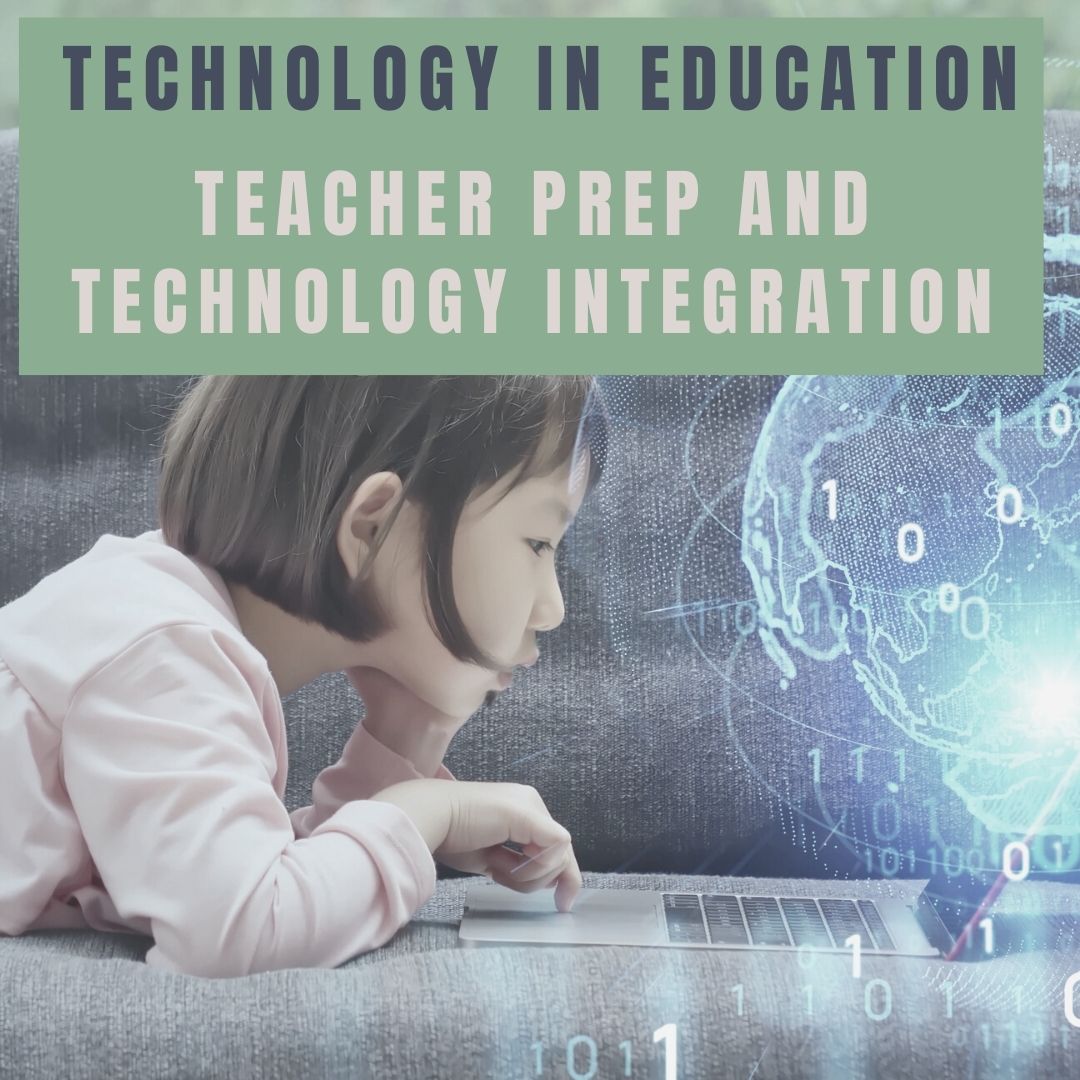 For many years I served as a master-teacher for prospective teachers from various universities in my area. In my interactions with the candidates, I found that although their coursework focused on methodology and practice, it invariably lacked a technology integration component. It was clear that as I worked with these up-and-coming teachers, their first exposure to the integration of technology was in my classroom. I can only imagine a teacher entering the workforce now who has to contend with the basics of teaching and then realizes that there is a whole other component of the equation that they were inadequately prepared.
In the report, Reimagining the Role of Technology in Education, published in 2017, the Office of Technology Education recommended that:
“Institutions responsible for pre-service and in-service professional development for educators should focus explicitly on ensuring all educators are capable of selecting, evaluating, and using appropriate technologies and resources to create experiences that advance student engagement and learning. They also should pay special care to ensure that educators understand the privacy and security concerns associated with technology. Institutions cannot achieve the goal without incorporating technology-based learning into the programs themselves.”
And here lies the problem. The pandemic affected every school district in the nation, yet many of the university programs still lack the technology component in their programs three years later. Exposed now are deficiencies of utilizing online learning management systems that school districts face. There should be a concerted effort to focus on this area.
Moreover, sending teachers into the workforce without adequate training is equivalent to sending doctors out to practice without learning to treat specific ailments. The student today learns much differently than students did five years ago. Moreover, the general use of technology has changed. There is an increased movement towards personalizing the educational experience, practiced with student agency and choice on assessments. For a teacher, this translates into knowing what students use and understanding these platforms themselves.
Here’s a preview of what’s coming up on Ask a Tech Teacher in October:





