

Digital Citizenship Week — October 19-23, 2026
Here at Ask a Tech Teacher, we will offer a variety of Digital Citizenship resources and lessons. I’ve provided links, but they won’t work until live:
- Digital Citizenship Week: What to Teach When–a video (this one)
- Digital Citizenship Resources–from our Library
- 8 Projects to Teach Digital Citizenship–by Grade (a pillar post)
We’ll start with a great video (40 minutes) we use in training, available for free today to Ask a Tech Teacher readers. There are many digcit topics–it’s easy to miss some. The summary–
- Cyberbullying
- Digital citizenship
- Digital commerce
- Digital communication
- Digital footprint
- Digital law—plagiarism, copyrights, fair use, public domain
- Digital privacy
- Digital rights and responsibilities
- Digital search/research
- Fair use/Public domain
- Image copyrights
- Internet safety
- Netiquette
- Online plagiarism
- Passwords
- Social Media
- Stranger danger
Note: This video is a reprint so you may have seen it last year. Enjoy!
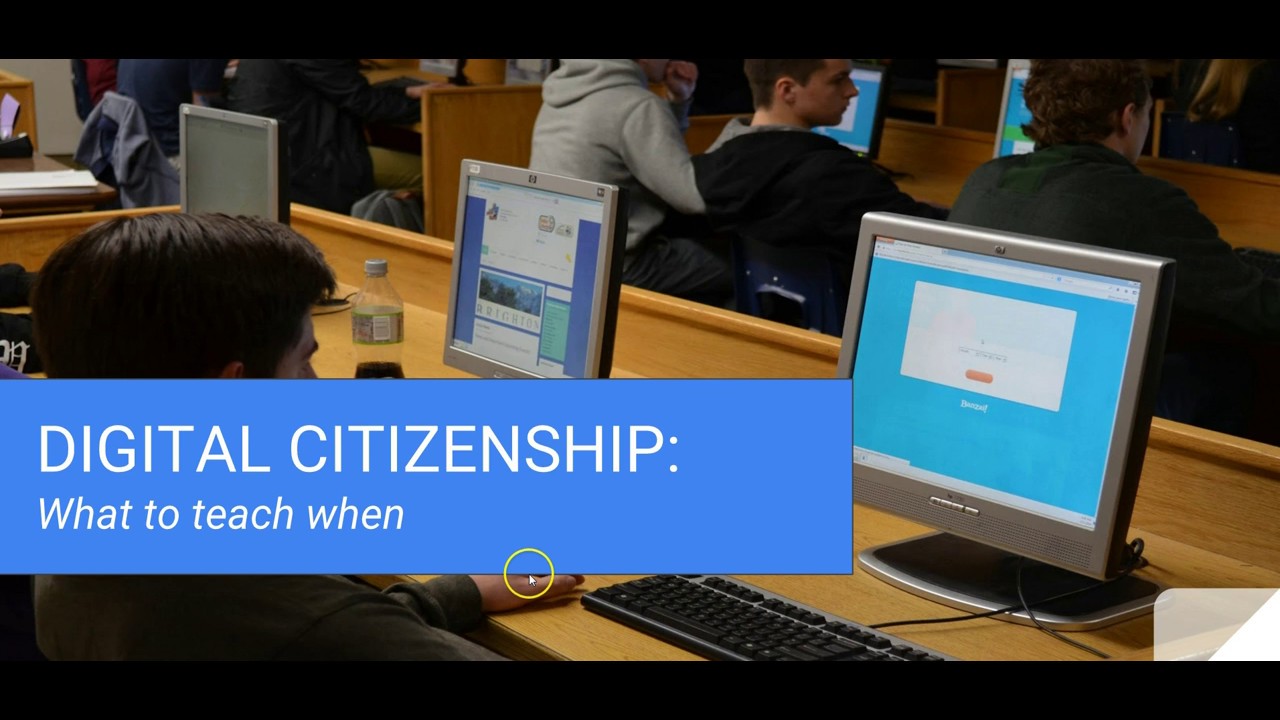
Digital Citizenship: What to Teach When
Summary
The importance of teaching digital citizenship in schools, outlining key topics and strategies for each grade level to foster responsible online behavior.
Highlights
- 📚 Digital Citizenship Defined: Understanding rights and responsibilities as internet users is crucial.
- 🏫 Grade-Specific Topics: Digital citizenship is taught progressively from kindergarten to middle school.
- 📊 Tools and Resources: Each grade level includes specific resources and projects to enhance learning.
- 📅 Ongoing Education: Digital citizenship concepts are reviewed annually to reinforce knowledge.
- 👩🏫 Engaging Projects: Creative projects encourage students to apply what they’ve learned about online safety and etiquette.
- 🔑 Cyberbullying Awareness: Addressing cyberbullying is an essential part of digital citizenship education.
- 🔍 Digital Footprint: Students learn about the importance of managing their online presence and reputation.
Key Insights
- 🌐 Foundation of Digital Citizenship: Teaching digital citizenship establishes a framework for students to navigate the online world safely and responsibly. By starting early, students learn essential skills that will serve them throughout their lives.
- 🔒 Rights and Responsibilities: Understanding that with the right to access the internet comes the responsibility to act ethically is vital. This dual focus helps students develop a sense of accountability for their actions online.
- 🎓 Progressive Learning: The curriculum’s structure allows for gradual learning, ensuring that as students mature, they encounter more complex topics related to digital citizenship, making the concepts more relatable and applicable.
- 🌍 Global Perspective: Digital citizenship education encourages students to think globally. They learn that their actions online can impact others around the world, fostering empathy and respect for diverse cultures.
- 🎨 Creative Engagement: Utilizing projects and creative tools not only makes learning fun but also aids retention. Students are more likely to remember concepts when they apply them in engaging, hands-on ways.
- 🚫 Cyberbullying Prevention: Regular discussions about cyberbullying help destigmatize the issue and empower students to speak up and support one another, creating a safer online environment.
- 📈 Ongoing Review: Revisiting digital citizenship topics each year is crucial for reinforcing knowledge and adapting to new digital challenges, ensuring students remain informed about safe online practices.
–summarized by NoteGPT

This video is from a series I taught for school districts. It is now available for free to Ask a Tech Teacher subscribers. Videos include (in alphabetic order):
- 15 Webtools in 15 Weeks
- 18 Digital Tools in the Classroom
- 4 Critical Pieces of Every Lesson and How to Gamify Them
- Creating and Using Curriculum Map
- Curriculum Maps
- Differentiation–How to teach the hard-to-teach class
- Digital Citizenship: What to Teach When
- Digital Quick Writes
- Gamification of education
- How to Create a Macro
- How to use Digital Quick Writes
- How to Teach the hard-to-teach Class
- How to Teach a Tech Lesson
- Teach Speaking and Listening Skills with Student Presentation Boards
- Warm-ups
Copyright ©2026 askatechteacher.com – All rights reserved.

Here’s the sign-up link if the image above doesn’t work:
Jacqui Murray has been teaching K-18 technology for 30 years. She is the editor/author of over a hundred tech ed resources including a K-12 technology curriculum, K-8 keyboard curriculum, K-8 Digital Citizenship curriculum. She is an adjunct professor in tech ed, Master Teacher, freelance journalist on tech ed topics, and author of the tech thrillers, To Hunt a Sub and Twenty-four Days. You can find her resources at Structured Learning.





