Category: Videos

How to Set up a Class Internet Start Page–the Movie
I’ve talked a lot of about class internet start pages–where you collect links in one place for student access. Here’s an article, but for many that’s not enough. They want visual–so I created a movie. Let me know if this answers all your questions:

(more…)

How to Organize Your Classroom–the Movie
Last week, I shared ideas on how to set up your tech classroom. Today, I want to share a video:


Dear Otto: How do I assess a project like Movie Maker?
 Dear Otto is an occasional column where I answer questions I get from readers about teaching tech. If you have a question, please complete the form below and I’ll answer it here. For your privacy, I use only first names.
Here’s a great question I got from Tracy in South Africa:
I am doing Movie Maker with my Grade 6 girls. (age 12) How would you suggest I assess this?
It depends upon your needs, Tracy. Tech ed is at times expected to be assessed quantitatively and other times, on a qualitative, effort-based platform. If your school requires the former of you, you might want to create a rubric that includes the Movie Maker features you expect to be included (i.e., storyboard, transitions, images, length, integrated sound), make that available as a checklist to students prior to completion, and then let them grade each other. You can then take that completed rubric and use it for your grading. As for the rubric: Here’s a link to one of my posts with some ideas on that.

7 Technology Tools Every Educator Should Use–the Movie
A month ago, I wrote an article about 7 technology tools that have made a big difference in my classroom:
I posted it on TeachHub and they turned it into a movie. Take a look:

Weekend Website #104: Animoto
Every Friday, I share a website (or app) that I’ve heard about, checked into, gotten excited to use. I hope you enjoy it as much as I do.
[caption id="attachment_8326" align="aligncenter" width="614"]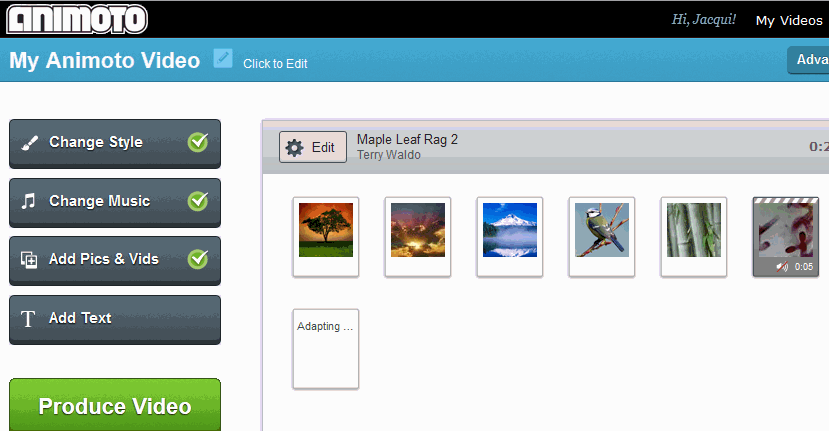 Animoto–create a video in a minute (if you’re in a hurry) or take your time to make it perfect. Either way, it’s easy.[/caption]

Weekend Website #98: TED-Ed
Every Friday, I share a website (or app) that I’ve heard about, checked into, been excited to use. This one is a math app. Since ‘math’ is by far the most popular search term of readers who seek out my blog, I know you’re going to enjoy this review.
[caption id="attachment_8405" align="aligncenter" width="614"]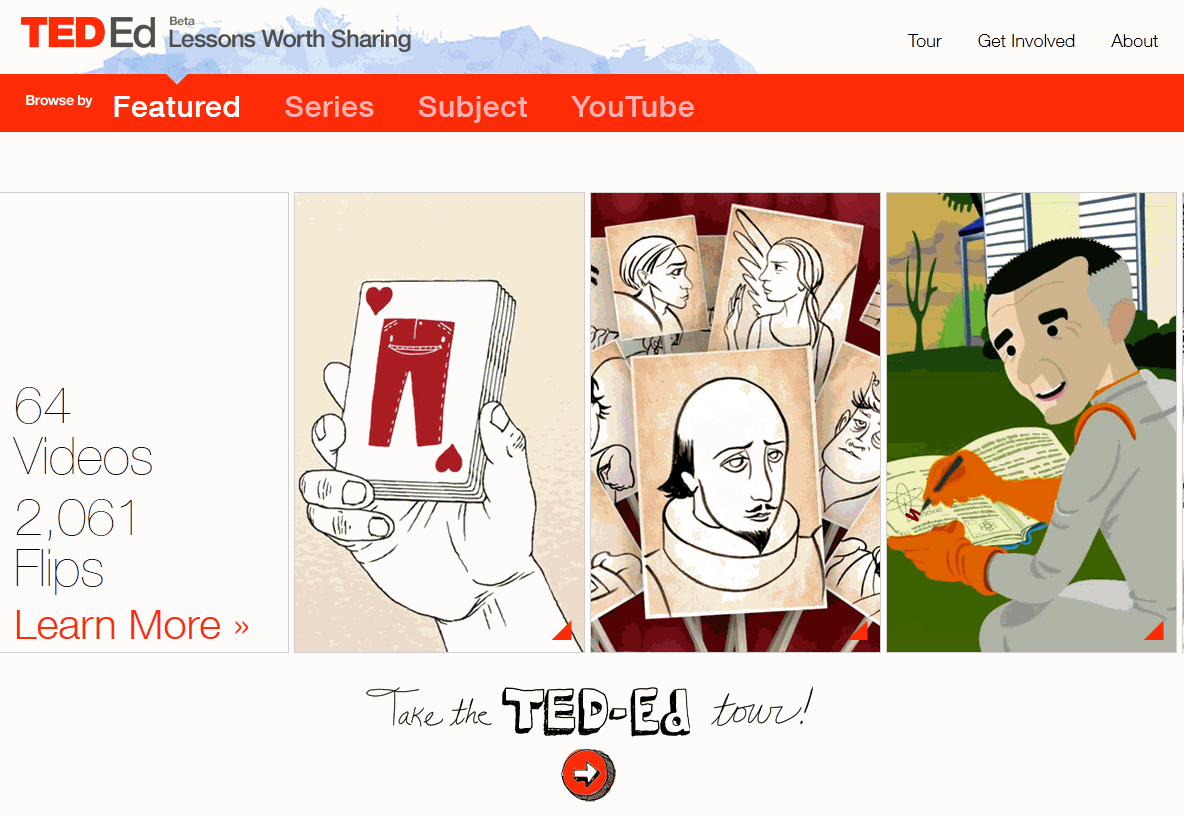 Lessons worth sharing[/caption]
Weekend Website #32: SqoolTube
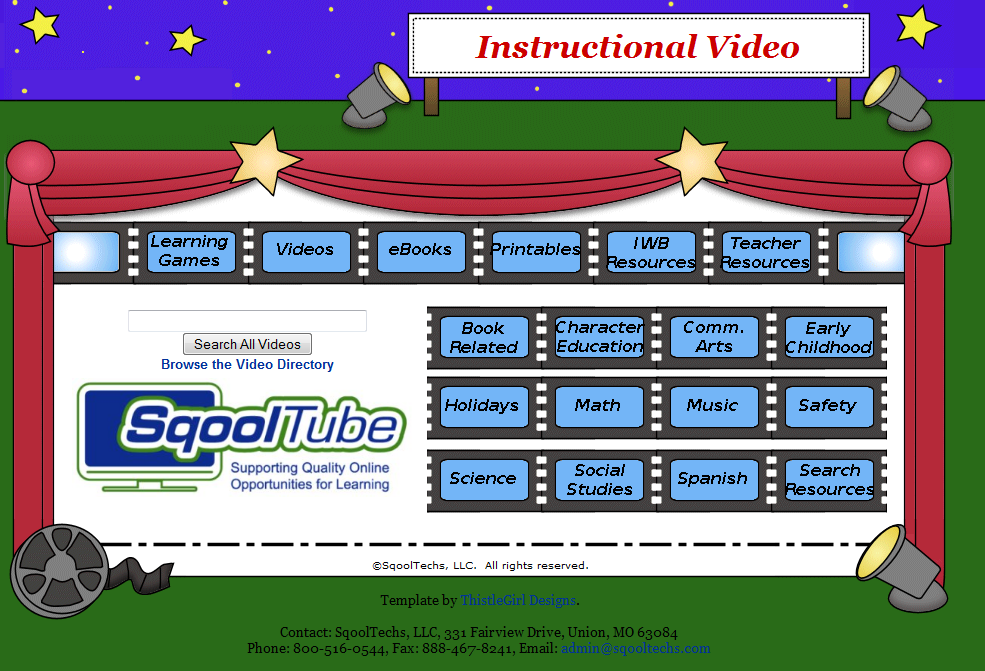
Drop by every Friday to discover what wonderful website my classes and parents loved this week. I think you’ll find they’ll be a favorite of yours as they are of mine.

Weekend Website #27: TED
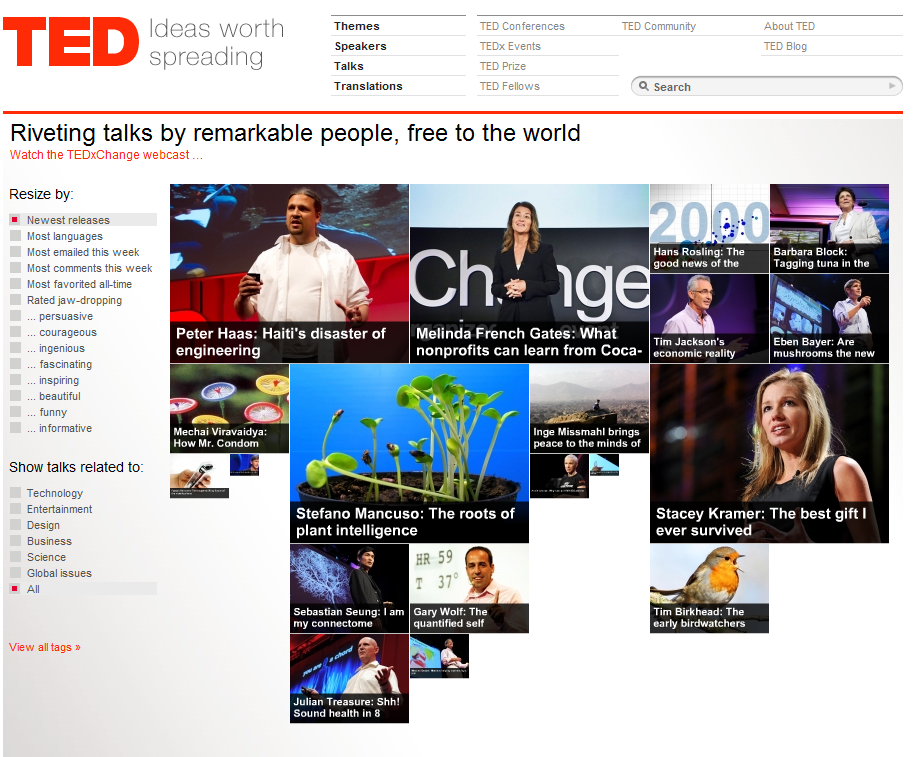
Drop by every Friday to discover what wonderful website my classes and parents loved this week. I think you’ll find they’ll be a favorite of yours as they are of mine.