Category: Videos

10 Reasons Why Videos are Great Educational Tools
 I’ve written a lot lately about the benefits of using videos in your classroom. Guest author, Emily Clearly over at mysimpleshow has ten more reasons why videos are a great educational tool for your teaching:
***
Videos are in line with the technological times and can be accessed on the Internet at any point, from wherever you are in the world. Education is something that will never go out of style. Why not put the two together?
There are plenty of reasons why videos are great educational tools, and there are many tools on the web to help provide you with video content. You can hire professionals to create videos for you if your budget allows. Video hosting sites like YouTube, Wistia, and Vimeo offer endless options for pre-curated content. Although they are helpful, sometimes these sites can be over-saturated with content. That’s where video creation tools like mysimpleshow come in (see the sample video created below, using mysimpleshow). The tool is great for creating more tailored and personal content, and you end up with a professional quality explainer video in no time, and without budget! It’s simple, and adding videos to lessons really engages the learner.
If you’re not a believer in video and need some convincing, or you’re still slowly hopping on the bandwagon, here are 10 reasons why educators should be using video inside and outside of the classroom.

How to Teach With Videos
 A topic I get a lot of questions on lately is videos. I reviewed mysimpleshow, a new tool that is getting a lot of buzz, and then asked them to share how their digital tool addresses this burgeoning interest in video. Here are some ideas:
***
Educators – as you know, we’re in a digital world, and using technology in the classroom such as video as a means of communicating messages is taking over. The days of checking books out of the library, traditional style lecturing, and writing papers with a pen are continuously becoming pastimes. Academia is transforming in a way that responds to most of its younger inhabitants: digital natives who have a knack for technology.
Using technology in and outside of the classroom as a means of teaching and learning is valuable to both educators and students. Teachers can impact and engage their students while learning about new technology tools at the same time. Students can relate to media and technology, whether it be through watching or making videos with mysimpleshow, using apps on smartphones, or logging in to LMS systems to access their online textbook.

8 Reasons Why Students Should Create Videos and 15 Webtools to Do That
 For decades, teachers have used videos in the classroom to share information. They communicate a message with audio, visual, motion, color, and spatial details, making videos much more effective than traditional approaches like reading from a text, lecturing, or showing a slideshow. As a result, students retain more information, understand concepts more rapidly, are more enthusiastic about what they are learning, and make new connections between curriculum topics and the world outside the classroom.
So why shouldn’t students create videos when constructing knowledge for formative or summative assessments? Why insist they write a report, participate in a play, or create a poster instead? Here are eight reasons why students should always be offered the option of using flexible learning paths such as videos to leverage their ideas:
Practice writing skills
To tape a video, students must first prepare a storyboard that follows class writing conventions. Before they can turn the camera on, they must draft the script, edit, and rewrite–sound familiar? That’s right out of Common Core writing standards. When preparing for a video, students won’t mind because they’re excited about the goal.

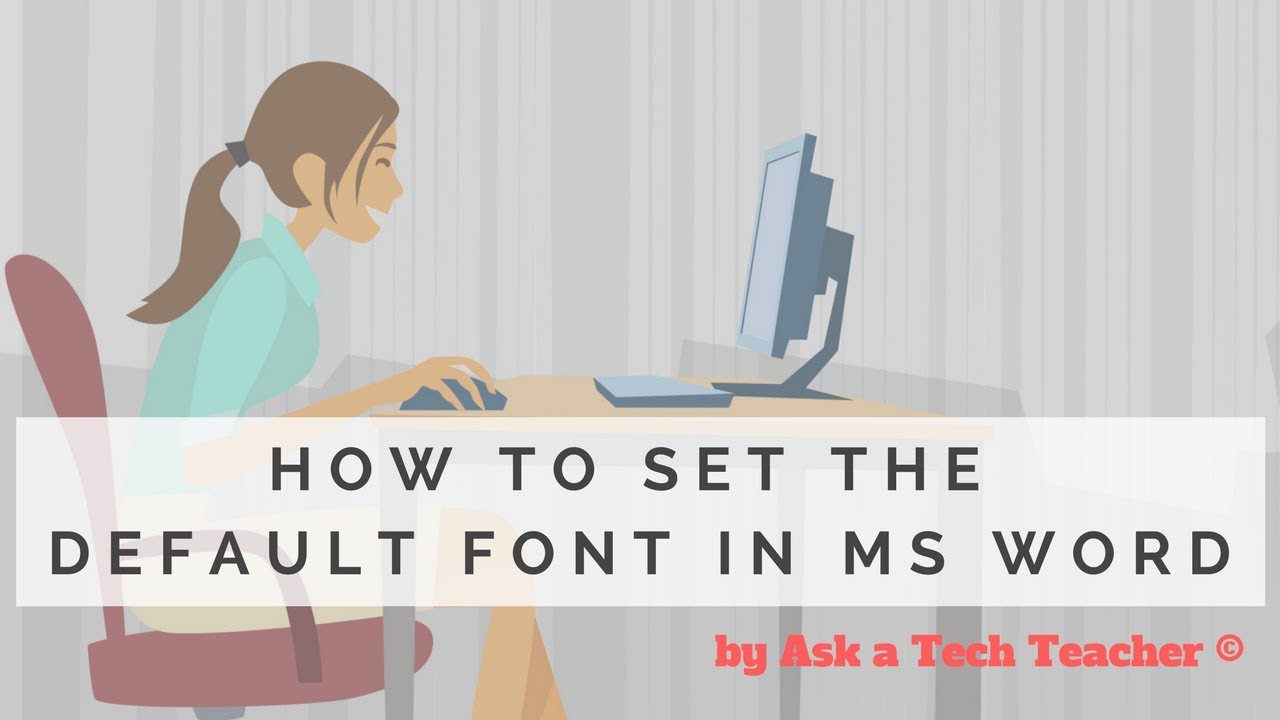
Dear Otto: How do I set the default font on MS Word

Dear Otto is an occasional column where I answer questions I get from readers about teaching tech. If you have a question, please contact me at askatechteacher at gmail dot com and I’ll answer it here. For your privacy, I use only first names.
Here’s a great question I got from a reader:
MS Word opens with Calibri 11 and I want Times New Roman 12. How do I change that?
The easiest way to answer this is by showing so here’s a quick video on that:

Hour of Code: Create Macros
Creating a macro is a quick, easy programming exercise that students fifth grade and up can accomplish with moderate supervision.
By fifth grade, students appreciate technology for how it can speed up their homework and class projects and seek out ways to use it to make their educational journey easier.. Take advantage of this by introducing pre-programming skills like creating macros. Here’s a video I shared during Summer PD:

What’s With Daylight Savings?
Daylight Savings Time is back today. Watch this video for background information:
[youtube http://www.youtube.com/watch?v=84aWtseb2-4?list=PLqs5ohhass_TF9mg-mqLie7Fqq1-FzOQc&w=560&h=315]
Hour of Code: Create a Macro
Creating a macro is a quick, easy programming exercise that students fifth grade and up can accomplish with moderate supervision.
By fifth grade, students appreciate technology for how it can speed up their homework and class projects and seek out ways to use it to make their educational journey easier.. Take advantage of this by introducing pre-programming skills like creating macros. Here’s a video I shared during Summer PD:

How to Create a Tagxedo
Tagxedos are an excitingly versatile tool that turn words into pictures. They’re word clouds–like Wordle, but more powerful. You can use them to share ideas, collect descriptive words and phrases about events, or evaluate the import of a website. Click here for a review of the webtool and over fifteen uses in your classroom.
We used Tagxedos this summer in Summer PD and I created this how-to video for students. Watch it–if you haven’t used Tagxedos before, you will fall in love with them.
Here are Sara’s thoughts over at Teachers and Technology, and Hardy Leung shares 101 ways to use it.

How to Embed Student Work into Digital Portfolios
With the education spotlight on sharing and publishing, students need to be able to take a project they’ve created and place it in their blogs, websites, or another location that shares their work with others. Often, this starts with an embed code.
Here’s a video I created for my Summer PD students on how to embed a project:


How to Teach a Tech Lesson–the Movie
I get lots of questions on how to deliver a tech class. What’s included? How do teachers blend it with other learning? How do you answer all the student questions?
Here’s a video with the answers to those questions and more. I’d love to hear how your tech class runs–add a comment at the bottom: