
Category: 4th Grade

Weekend Website #41: Spanish Help
Every Friday I’ll send you a wonderful website that my classes and my parents love. I think you’ll find they’ll be a favorite of your students as they are of mine.
[caption id="attachment_4351" align="aligncenter" width="614"]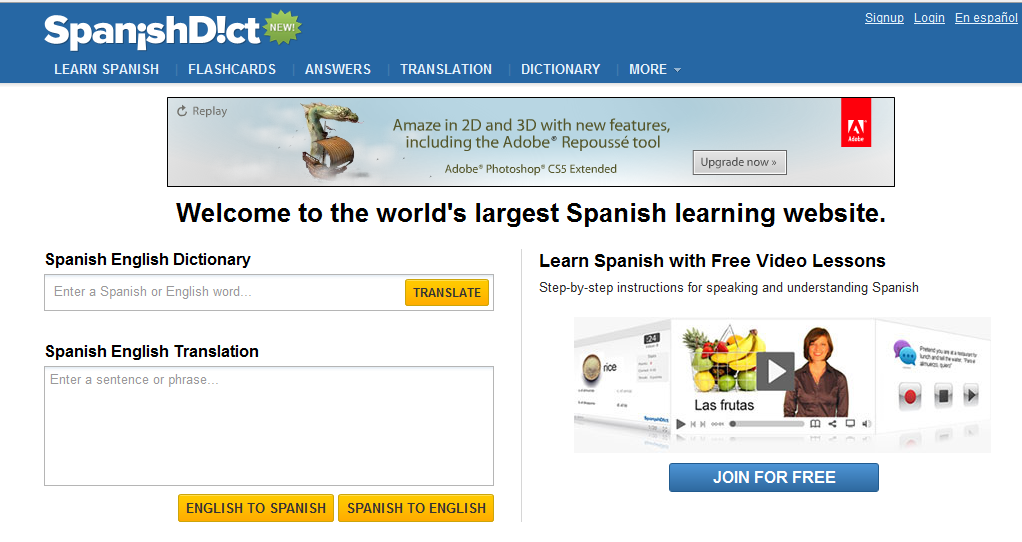 Learn Spanish[/caption]
(more…)

#27: Internet Skills for K-8: Blogs
Blogs are the most exciting educational tool to come along since… well, wikis, twitter and email. Without any effort on the teacher’s part, students become enthralled with writing. (more…)

Tech Tip #31: What’s Today’s Date
 As a working technology teacher, I get hundreds of questions from parents about their home computers, how to do stuff, how to solve problems. Each Tuesday, I’ll share one of those with you. They’re always brief and always focused. Enjoy! (more…)

#12: Create Simple Shapes in Excel
What’s the first thing you think of when I say, Excel. Numbers, right–turning data into information. That is Excel’s ‘killer app’, but the ingenious human brain has come up with another striking use for Excel: Drawing. I spent a long time trying to find a lesson that taught drawing in Excel and/or offered example. I finally gave up and created my own. (more…)

#3: Windows Skills: Make Your Own Wallpaper
One of the best ways to get students interested in technology is allow them to personalize their work area. That starts with placing wallpaper of their choice on their desktop. Read on: (more…)

Tech Tip #30: Menu Command is Greyed Out
As a working technology teacher, I get hundreds of questions from parents about their home computers, how to do stuff, how to solve problems. Each Tuesday, I’ll share one of those with you. They’re always brief and always focused. Enjoy! (more…)
Tech Tip #28: 5 Ways to Fix a No-Sound Problem–For Free
As a working technology teacher, I get hundreds of questions from parents about their home computers, how to do stuff, how to solve problems. Each Tuesday, I’ll share one of those with you. They’re always brief and always focused. Enjoy! (more…)
Weekend Website #32: SqoolTube
Drop by every Friday to discover what wonderful website my classes and parents loved this week. I think you’ll find they’ll be a favorite of yours as they are of mine.
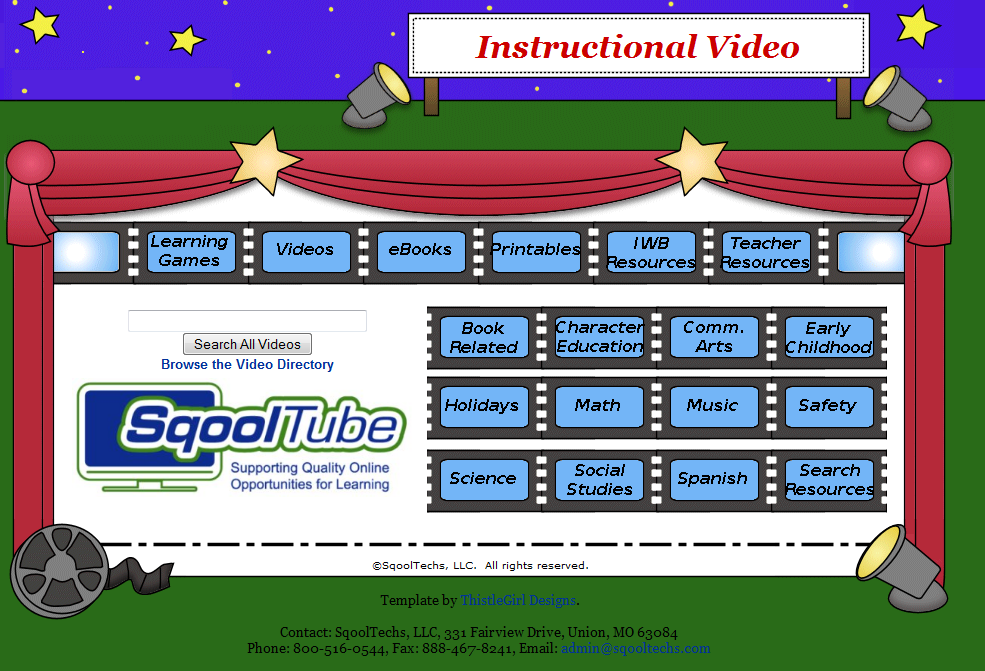

9 of the Best Math Websites Out There
There are an awful lot of math sites on the internet and too often, they are filled with distracting ads that make it difficult to find the learning material, or too many games that don’t so much teach math skills as babysit kids.
Here are some I’ve found useful in my technology lab. They’re straightforward, with an uncluttered interface (mostly) and a focus on teaching not entertaining:
Math and Virtual Manipulatives and Tessellations –well organized, using a whiteboard with shapes and colors as the virtual manipulatives.
Math website—popular, a standard 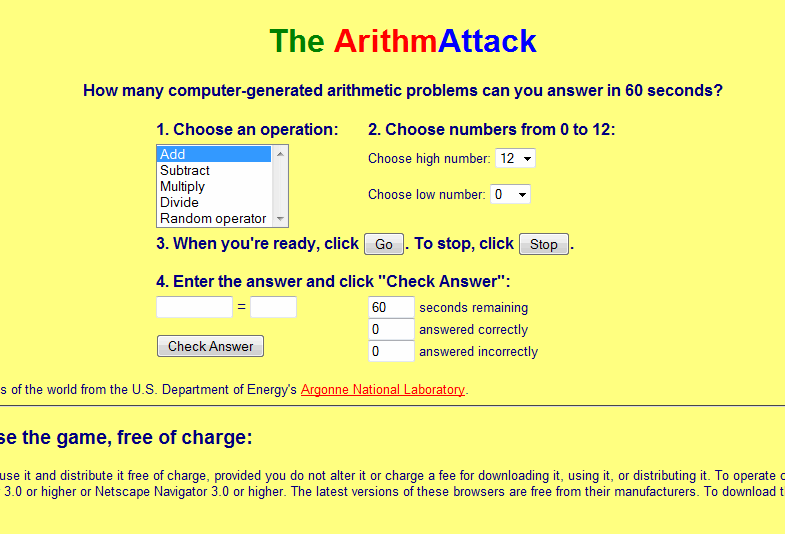
Math—by Grade Level–a longtime favorite that reinforces basics, math facts and speed math
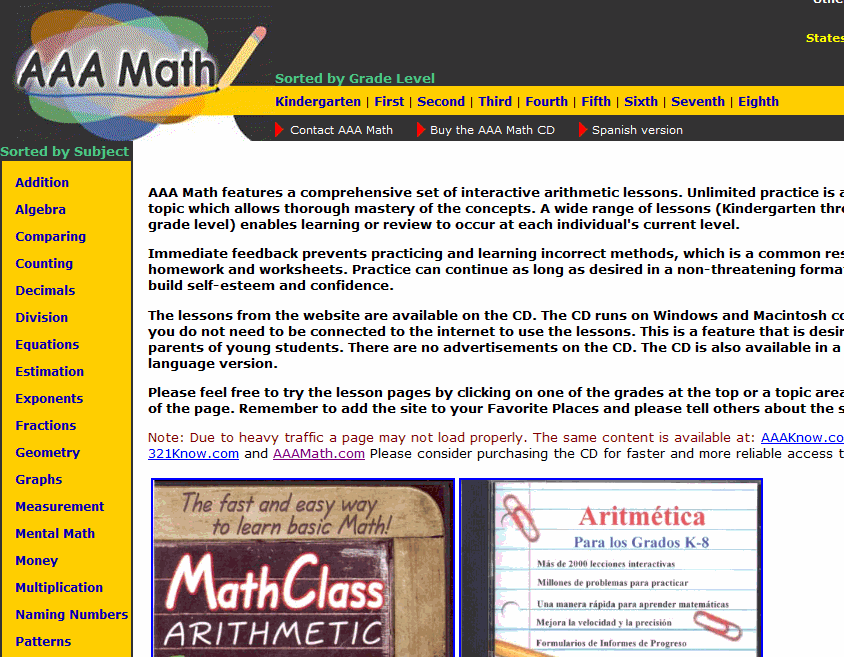
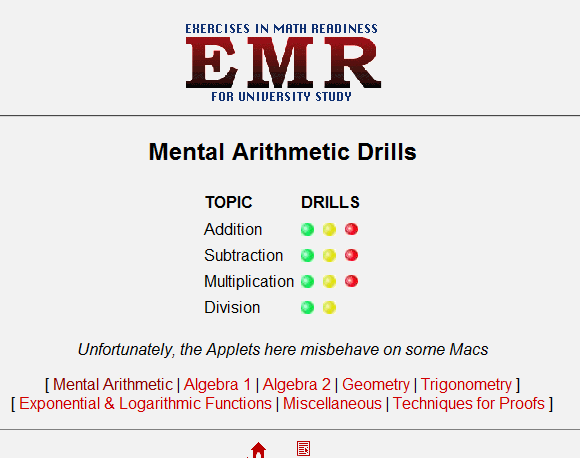
Math–Mental Math –traditional mental math practice. Well done.
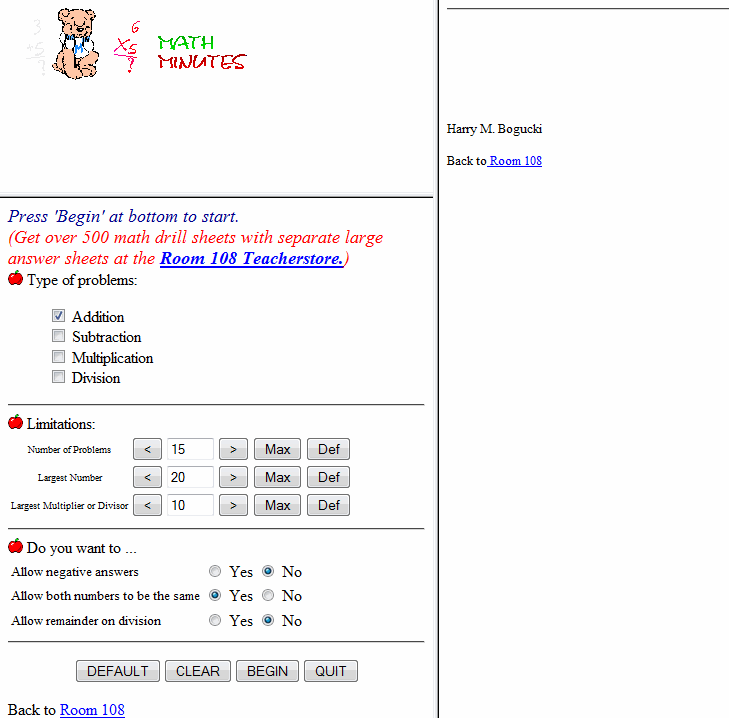
Math–Minute Math –Mad Minutes
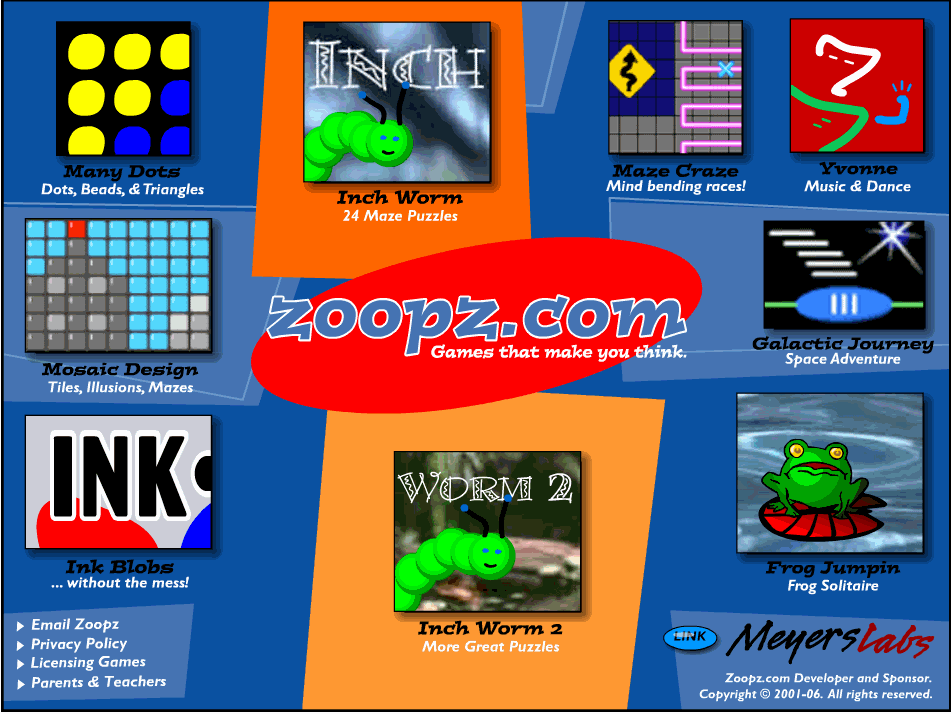
 Games that make you think –logic, for K-3
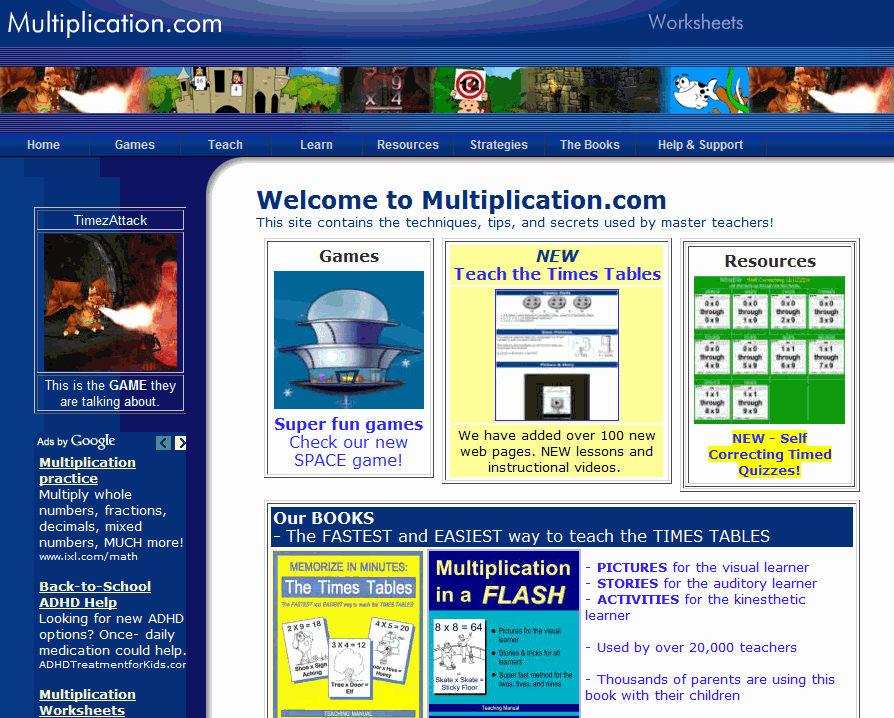
Multiplication.com–lots of multiplication problems, lessons, games, with a few on addition and subtraction
Interactive Math Lessons–lots of them. You’ll find everything you need here.
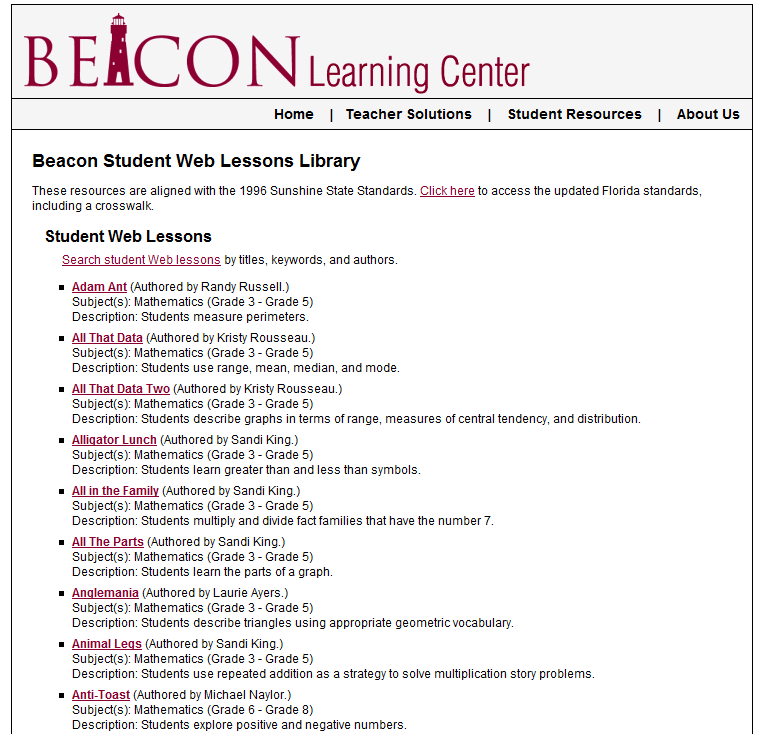
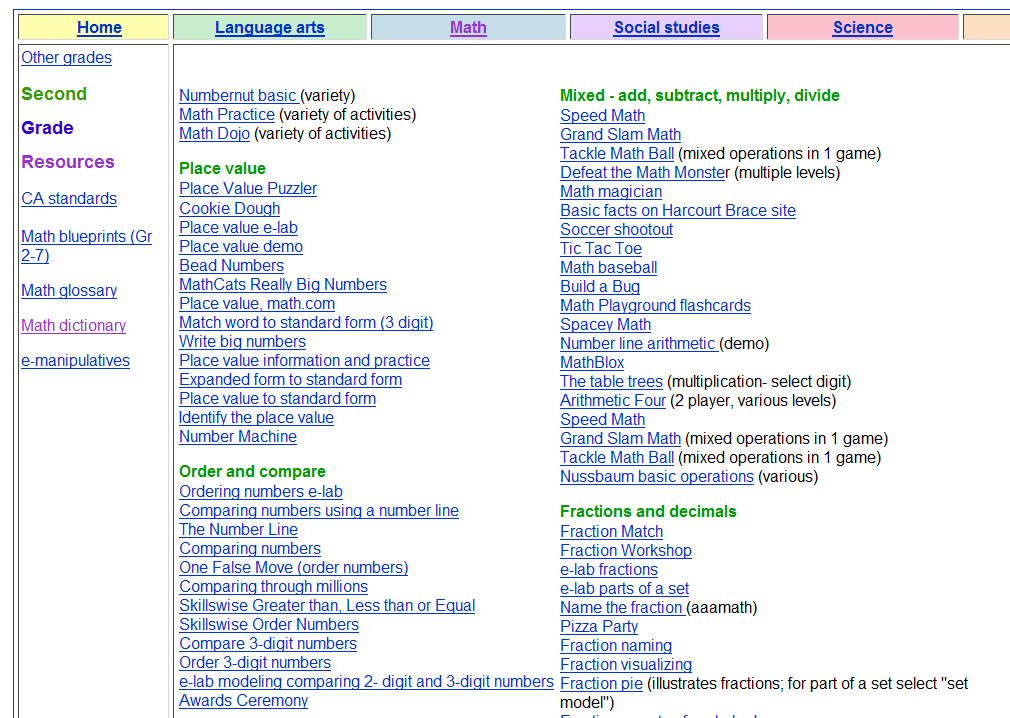
Math problems by skill and grade
Jacqui Murray has been teaching K-18 technology for 30 years. She is the editor/author of over a hundred tech ed resources including a K-12 technology curriculum, K-8 keyboard curriculum, K-8 Digital Citizenship curriculum. She is an adjunct professor in tech ed, Master Teacher, webmaster for four blogs, an Amazon Vine Voice, CSTA presentation reviewer, freelance journalist on tech ed topics, contributor to NEA Today, and author of the tech thrillers, To Hunt a Sub and Twenty-four Days. You can find her resources at Structured Learning.

Where Would You Like to Go Today?
Are you here for a lesson plan… Tech tips… Humor? Click the category below and you’re there.
[caption id="attachment_1055" align="aligncenter" width="154"] 52 weeks of tech tips[/caption]
[caption id="attachment_1057" align="aligncenter" width="150"]
52 weeks of tech tips[/caption]
[caption id="attachment_1057" align="aligncenter" width="150"] KidPix lessons for K-2[/caption]
[caption id="attachment_1058" align="aligncenter" width="150"]
KidPix lessons for K-2[/caption]
[caption id="attachment_1058" align="aligncenter" width="150"] Google Earth lesson plans[/caption]
[caption id="attachment_1059" align="aligncenter" width="150"]
Google Earth lesson plans[/caption]
[caption id="attachment_1059" align="aligncenter" width="150"] Photoshop lesson plans[/caption]
[caption id="attachment_1063" align="aligncenter" width="150"]
Photoshop lesson plans[/caption]
[caption id="attachment_1063" align="aligncenter" width="150"] Web 2.0 lesson plans[/caption]
[caption id="attachment_1064" align="aligncenter" width="150"]
Web 2.0 lesson plans[/caption]
[caption id="attachment_1064" align="aligncenter" width="150"] MS Word lesson plans[/caption]




 Mouse lesson plans[/caption]
[caption id="attachment_1072" align="aligncenter" width="150"]
Mouse lesson plans[/caption]
[caption id="attachment_1072" align="aligncenter" width="150"] Take a break[/caption]
-
Jacqui Murray has been teaching K-18 technology for 30 years. She is the editor/author of over a hundred tech ed resources including a K-12 technology curriculum, K-8 keyboard curriculum, K-8 Digital Citizenship curriculum. She is an adjunct professor in tech ed, Master Teacher, webmaster for four blogs, an Amazon Vine Voice, CSTA presentation reviewer, freelance journalist on tech ed topics, contributor to NEA Today, and author of the tech thrillers, To Hunt a Sub and Twenty-four Days. You can find her resources at Structured Learning.





