

Few people can sit down and start writing. Most of us hem and haw as we mentally walk through how to get from introduction to conclusion. It’s called ‘prewriting’ and students are no different. Where they diverge from you and I is they haven’t tested all the available methods for planning a story, constructing non-fiction, or building the evidence-based argument. It’s up to us–as their teachers–to introduce these alternatives so they can pick one best suited to their learning and communication style.
Disclaimer: These are presented in random order because what works for your students will depend upon the writing method used in your school, whether its the 6+1 Traits, Common Core Writing Standards, or the tried-and-true who-what-when-where-why.

Brainstorm/Mindmap
Brainstorming, also called ‘mindmapping’, is a collaborative visual approach to thinking through and presenting ideas. It enables students to come up with many ideas without worrying about whether it’s realistic. It’s great for collaborative writing, notetaking, or an individual effort.
Here are basics for brainstorming in the classroom:
- There are no wrong answers.
- Get as many ideas as possible.
- Don’t evaluate ideas–just record them.
- Build on the suggestions of others.
- Stress quantity over quality–get as many ideas as possible. Sort them later.
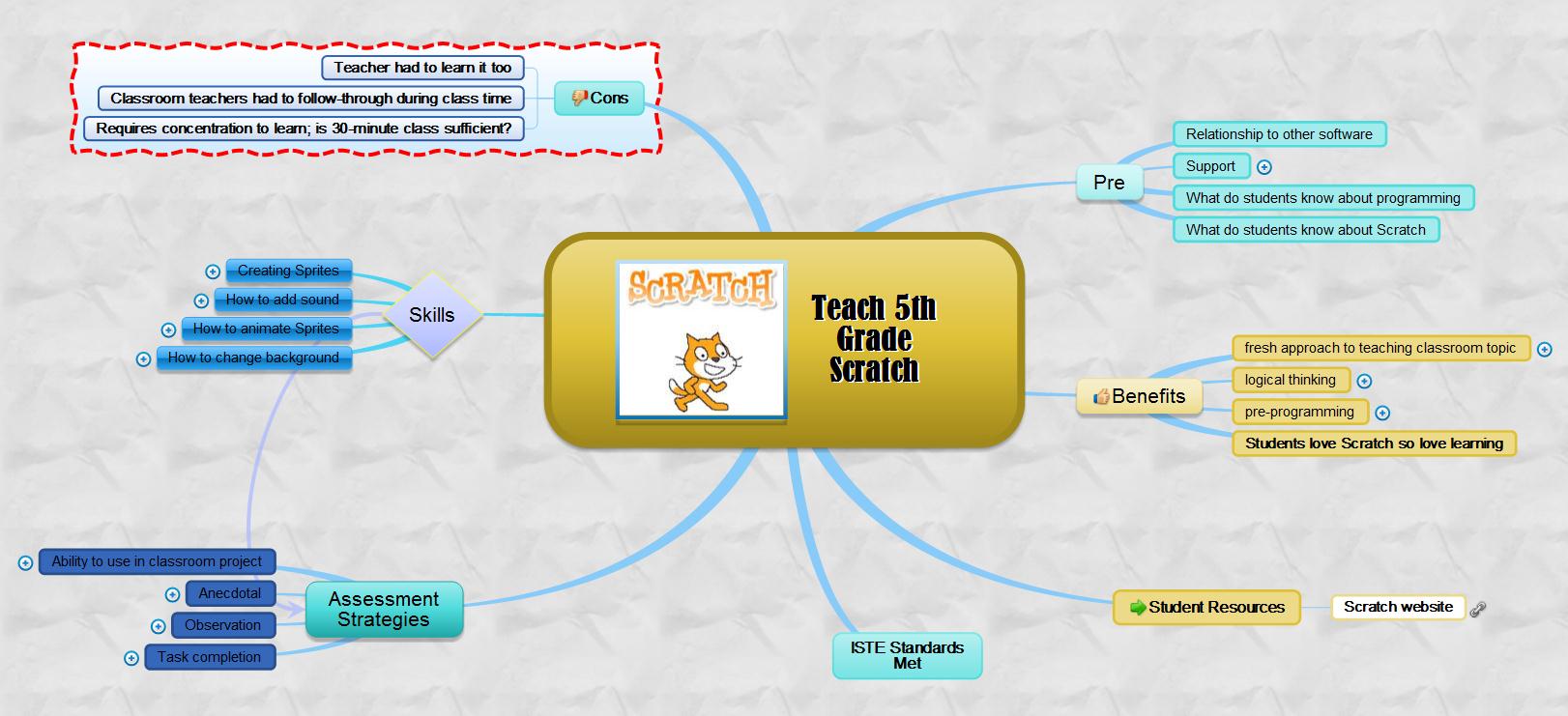
There are many online tools that facilitate this process. If you’re looking for a webtool, try one from this list.

Timeline
Timelines are graphical representations of a sequence of events over a period of time. Researching and creating timelines appeals to students’ visual, mathematic, and kinesthetic intelligences. Can be completed collaboratively, but is probably better suited to individual work.
They can be created in:
- a desktop publishing tool like Publisher
- an online tool like Canva
- a spreadsheet program like Excel or Sheets

There are many online tools that facilitate this process. If you want a webtool, try one from this list.

Outline
Outlines are a tried-and-true approach used inside and out of the classroom to organize knowledge on a topic. They:
- summarize important points
- encourage a better understanding of a topic
- promote reflection
- assist analysis
Once a general outline is established, they are a valuable method of curating a group’s thoughts on subtopics of a theme.
Outlines can be completed easily and quickly in most word processing programs (using bullet or numbered lists) or a notetaking tool like Evernote or OneNote. Excellent web-based options include Oak or Workflowy.

Digital notetaking
In Common Core, starting with fourth grade, students are expected to use books, periodicals, websites, and other digital sources to conduct research projects. That means students must not only wisely and safely use these internet sources, but be able to distill knowledge, catalog it, and then blend appropriate pieces into academic work.
Notetaking not only collects information, but power boosts learning. Consider this from the 2008 Leadership and Learning Center:
In schools where writing and notetaking were rarely implemented in science classes, approximately 25 percent of students scored proficient or higher on state assessments. But in schools where writing and notetaking were consistently implemented by science teachers, 79 percent scored at the proficient level.
Regardless of whether students write fiction or non-fiction, notetaking is an important approach to remembering and activating knowledge. This includes quickly jotting ideas down as well as the extensive notetaking employed during research. Doing this digitally allows students to rearrange, edit, and move thoughts into the order best-suited to the writing phase.
There are lots of digital notetaking tools that are both web-based or for iPads. Click here for a long list of digital notetaking tools. Click here for a lesson plan on digital notetaking.
Whichever pre-writing tool you start with, make sure it ends with writing. Digital Quick Writes are a quick, effective approach to make sure that happens. Spend five-ten minutes (no more than that) writing prose based on the plan developed with one of the above methods. If the pre-writing tool fits the student, his/her writing should flow easily. If it doesn’t, try a different one.

Copyright ©2026 askatechteacher.com – All rights reserved.

Here’s the sign-up link if the image above doesn’t work:
https://forms.aweber.com/form/07/1910174607.htm
“The content presented in this blog are the result of creative imagination and not intended for use, reproduction, or incorporation into any artificial intelligence training or machine learning systems without prior written consent from the author.”
Jacqui Murray has been teaching K-18 technology for 30 years. She is the editor/author of over a hundred tech ed resources including a K-12 technology curriculum, K-8 keyboard curriculum, K-8 Digital Citizenship curriculum. She is an adjunct professor in tech ed, Master Teacher, freelance journalist on tech ed topics, and author of the tech thrillers, To Hunt a Sub and Twenty-four Days. You can find her resources at Structured Learning.





