

Tech Tip #43: Back Up Often
 As a working technology teacher, I get hundreds of questions from parents about their home computers, how to do stuff, how to solve problems. Each Tuesday, I’ll share one of those with you. They’re always brief and always focused. Enjoy!Q: How often should I back up my current project? How about my whole hard drive?
A: I teach my students to save early, save often when they’re working on a project. You decide what you can tolerate losing. Ten minutes or Ten hours. After all, if the computer loses your work, you’re the one who has to start over.
As for the entire computer, once a week is good. Me, I save each project I’m working on and then save-as to a back-up location. I hate losing my work.
BTW, most people skip this. Don’t! It’s easy.
Questions you want answered? Leave a comment here and I’ll answer it within the next thirty days.

Weekend Website #54: 20 Great Research Websites for Kids
Here are quick, safe spots to send your students for research (for updates to this list, click here):
- All-around research site libraryspot.com

- Dictionary www.dictionary.com
- Edutainment site—requires subscription www.brainpop.com/
- General info research www.infoplease.com/yearbyyear.html
- Internet research sites for kids http://ivyjoy.com/rayne/kidssearch.html
- Kids search engine for the internet kids.yahoo.com (more…)

Weekend Website #61: Brainy Widgets from Wolfram Alpha
Every Friday, I’ll send you a wonderful website (or more) that my classes and my parents love. I think you’ll find they’ll be a favorite of your students as they are of mine.
[caption id="attachment_5665" align="aligncenter" width="614"]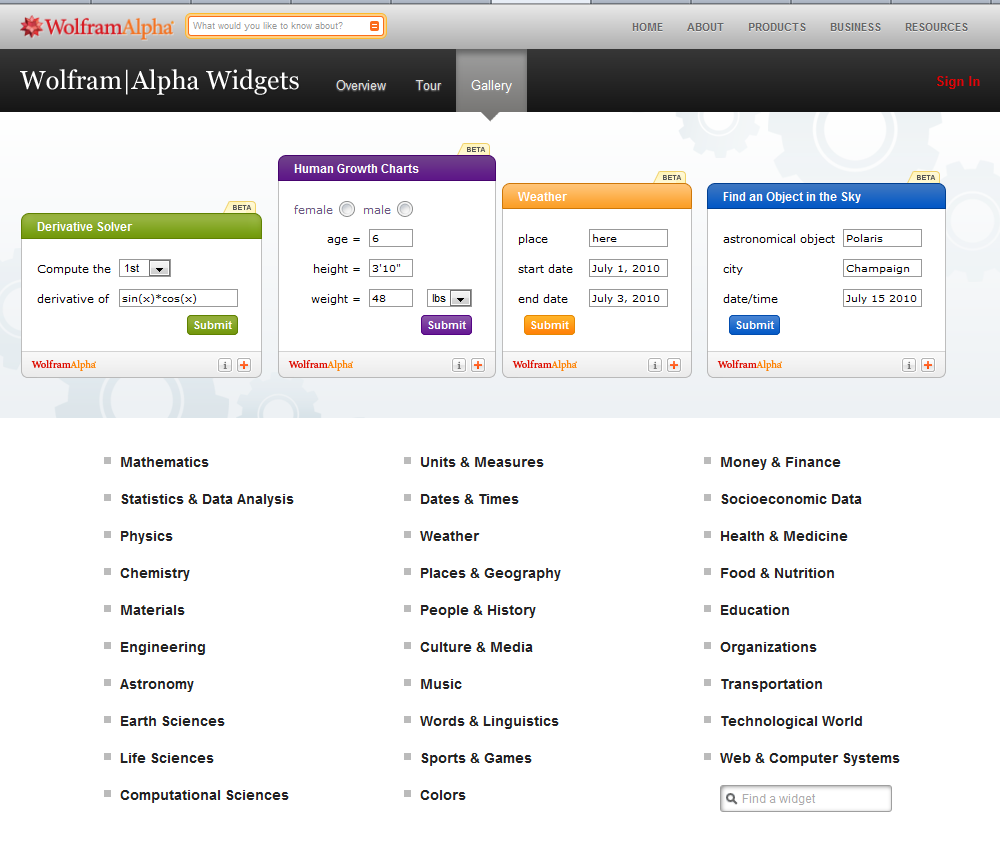 Educational widgets for your blog or website[/caption]
(more…)

Tech Tip #42: How to (Re)Set Your Homepage
As a working technology teacher, I get hundreds of questions from parents about their home computers, how to do stuff, how to solve problems. Each Tuesday, I’ll share one of those with you. They’re always brief and always focused. Enjoy!Q: My homepage got hijacked! I mean, it no longer opens up to what it used to. How do I fix that?
A: Go to the page you want as your homepage. Here’s what you do next:
- If you’re in Firefox, go to Tools–Options
- Click on General
- Click the button that says, Use Current
- Say OK
If you use IE: (more…)

Weekend Website #53: 41 Websites for Teachers to Integrate Tech into Your Classroom
This list has a little bit of everything, and will kick-start your effort to put technology into your lesson plans:

Weekend Website #52: 7 Sites About Coin Counting
Second graders (sometimes first graders) learn about money. The only way to really ‘get it’ is by repetition, so I came up with a list of websites to provide redundancy for each type of learner. Thought I’d share them with you (check here for link updates):
Do you have any to add to this list? These are mostly for youngers–I’d love some for older age groups. (more…)

ISTE Debrief: Don’t Hide the Internet from Today’s Kids
If you didn’t make it to ISTE 2011, you missed a great time. There was more going on than any sane person could absorb in a month and all 30,000+ of us  attendees tried to do it in four days. The seminars cover every topic from tech integration to how to use specific programs to general trends. I tried to attend a few of each to not only learn new material but to make sure what I’m teaching is as relevant this year as when I first taught it to my classes.
Here are some of my thoughts:
- Teachers are not lecturers. We are guides, even fellow-learners
- Students learn by doing more than being taught. Encourage this
- There are a lot of ‘right’ ways to learn
- Students are problem-solvers. Let this happen
- Technology is about offering options in learning styles
- Technology offers different ways to teach different learners. Use it that way.
- Work beyond the classroom because class is too short, kids aren’t engaged the entire five hours
- Paperless classroom is possible. Figure it out.
- Virtual presentations so kids hear from the experts in real time (more…)

#35: Sponge Activities for Vocabulary Building
There are lots of great online vocabulary websites to help kids learn high-frequency and dolch words. I’ll share five you would enjoy this summer. Maybe you have some to share with the group. (more…)

Weekend Website #51: 17 Story Sites for First and Second Grade
This is my list of websites students can use when we’re studying story-telling, fables and myths. This list includes sites
[caption id="attachment_4872" align="alignright" width="222"]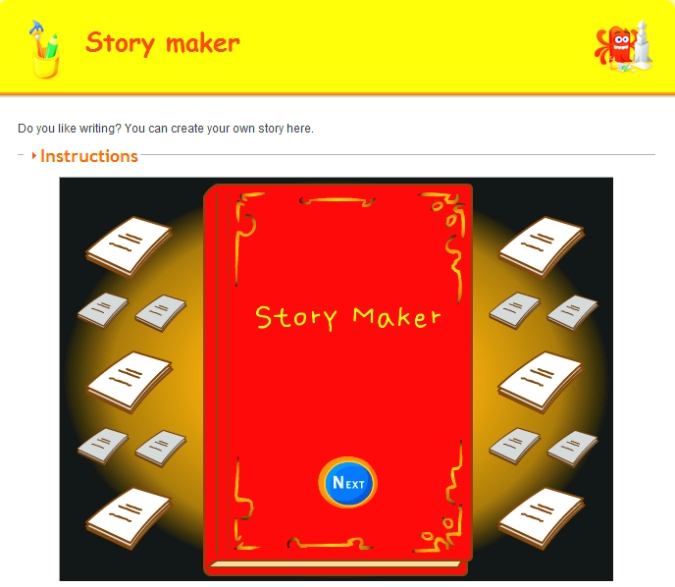 Create a story[/caption]
where students can read stories, have stories read to them and create their own. I pick 3-4, post them on our internet start page for a week or two, and then change the list. If you click that link, it takes you to kindergarten. You can select the red first grade tab or the blue second grade for more choices. If you don’t see any there, it’s because we’re not discussing stories right now.
See which work best for your students:

#10: Drawing in Photoshop
Photoshop reputation as a photo editor ignores its many other tools that enable you to draw like a pro with a wide variety of brushes, textures, and scintillating extras. This side of Photoshop is perfect for creative projects that tie in with many different classroom lesson plans.
[caption id="attachment_5413" align="aligncenter" width="576"]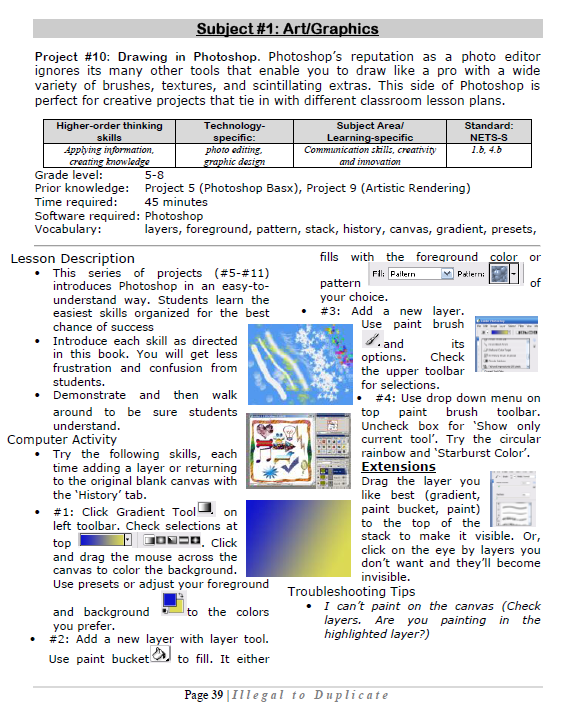 Photoshop basics[/caption]





