Public Doman Day 2026

Also on January 1st: It’s Public Domain Day! This is an observance of when copyrights expire and works enter into the public domain–free for all to use. According to Public Domain Review, here are some of the newly available artistic works you might like a/o January 1, 2026:

The picture above is interactive on the website. If you click it, you enter Public Domain Review’s website and can then explore each of these new sources of inspiration, free to use.
A few recently released that caught my attention: (more…)


Happy Holiday! I’ll be Dark Dec. 20-Jan 4th!
I’ll be taking a few weeks off to edit/format my website, work on projects with a deadline, prioritize life, and wish my two adult military children could come home to visit. I may drop in on you-all as you enjoy holidays, but mostly I’ll be regenerating.

I wish you a wonderful season, safe and filled with family.

A Typing Website With a Twist for 2026

KidzType is a free comprehensive approach to learning keyboarding. The ad- and distraction-free interface provides not only practice drills but quick links to grade-appropriate keyboarding games (including the popular ones from DanceMat Typing). It’s easy to get started and just as easy to use making it the perfect tool for busy teachers and students who have lots to do besides keyboarding.
But in the crowded field of online keyboarding, KidzType will become your favorite for one other simple reason: It multitasks. It has tons of wordlists for many subjects so students learn while practicing keyboarding. For example, if you’re working on geography, students can keyboard with the Geography word list or Marzano Science. If you’re studying literacy, use wordlists for Dolch/Fry/Sight words, Compound Words, or Phrases. Activities present as a timed test (between one and five minutes) that are selected by grade and topic. When completed, students get a certificate that can be printed or simply saved in their personal file.

New Year, New Mindset
Here’s the outline for a seminar I teach in schools before the holiday break, to excite teachers about what they can accomplish “the second half” of the school year. Because it’s about the mental side of teaching, you may find similarities to last year’s post:

Every year, I make New Year resolutions and ignore them. I don’t promise to fulfill them. I don’t even check my progress and revise as needed. I make-and-forget, check it off the New Year’s To Do list and move on.
This year, like last year, I’m making resolutions that aren’t quantified, that won’t take extra time from my too-busy schedule, resolutions about my teaching mindset. Here’s my list:
I will learn one new tech tool a month
There are so many. I get massive lists of webtools, websites, apps, extensions, and links in my inbox, mostly proclaimed as “the tool I can’t do without”. Every month, I’ll pick one and try it.
Just to be clear: Today’s tech ed tools aren’t like they used to be. The ones I’m interested in are easy-to-use, intuitive, easily differentiated for varied student needs, and free or inexpensive. Anything that requires a time commitment to learn and buckets of creativity to use is off the list. My schedule is too packed for that sort of commitment. And, I’ll unpack them with the students, authentically, as part of a project we do.
To get me started, add a comment with your favorite tool — the one I should start in January.


A Shout Out for My Donate Button

Ask a Tech Teacher is a small group of tech-ed teachers with a big goal: provide free and affordable resources and insight to anyone, anywhere on how to integrate technology into education. It’s an ambitious goal and we rely on donations from readers like you to make that happen.
About this time of each year, when several of our larger bills come due, we give a shout out for help. This year, we thought we’d share some of the costs of running Ask a Tech Teacher:

- Site hosting–we use GoDaddy–an excellent company that keeps the site up and running over 99% of the time.
- Domain name hosting--for that, we also use GoDaddy. They always take my calls, walk us through how to fix problems in terms we understand. we’re teachers, not network geeks, but they don’t hold that against us.
- Legal images–to avoid problems with illegal images, we buy ours through a service.
- Constant and chronic techie problems–such as IPNs and plug-in updates and so much more. Again, we’re teachers. This double geek stuff makes our heads hurt. We have a monthly maintenance service for that who can solve 99% of the problems we face.
- Plan B–problem solvers for techie stuff beyond the monthly stuff, including hardware issues
- The geeky tools and programs that deliver content–like the apps we review and the programs we use for webinars.

We could sell ads (like Google does), but clutter on the pages distracts readers from why they arrive at our destination–to search out resources for your classroom. We rely on donations. Any amount you can contribute–$5… $10… using the PayPal Donate button below or in the sidebar, would be appreciated.


BTW, we love sponsors! If you’re an edtech company interested in helping spread Ask a Tech Teacher resources to everyone, contact us at askatechteacher@gmail.com. We can add you to the sidebar, review your product, or another sponsor sort of activity.


14 Holiday Websites and 5 Projects

Need a few websites to fill in free minutes? Here are holiday websites that will keep students busy while teaching them (click for updates to list):
- 12 Days of Christmas
- Christmas Celebrations Across the World (video)
- Christmas puzzles and games
- Christmas—history—fun video
- Christmas Traditions Around the World (video)
- Gift Hunt–updated version of 12 Days of Christmas–just as much fun
- Holiday Crossword
- Holiday Elf Games
- Holiday—Math Facts
- Holiday—North Pole Academy
- Phone call from Santa
- Santa Tracker

2025 Holiday Gifts for Teachers

Holiday gifts for teachers are a challenge. If your child has many teachers, it’s difficult to find a personalized gift for each that is both affordable and valued. For me, as a teacher, I am always happy with a gift certificate that works anywhere but there are time-proven gifts that don’t sound like “money”.
Most popular gifts
When I chat with teacher friends, here are the most popular gifts they’ve gotten over the years. Many are free and others allow you to spend only what you can afford while still giving a gift the teacher will love.
Compliments to the Administration
Happy parents often forget to share their joy with the teachers’ administrators. Too often, Principals hear from parents only when they’re angry about the teacher or some class activity. Providing unsolicited good news about the teacher’s effectiveness is a wonderful treat for both the teacher and the school’s administrators.
A Thank You Letter
Handwrite a note to the teacher telling them how much you and your child appreciate what they do. There’s little more valuable to a teacher than the acknowledgment from stakeholders that their efforts are appreciated.

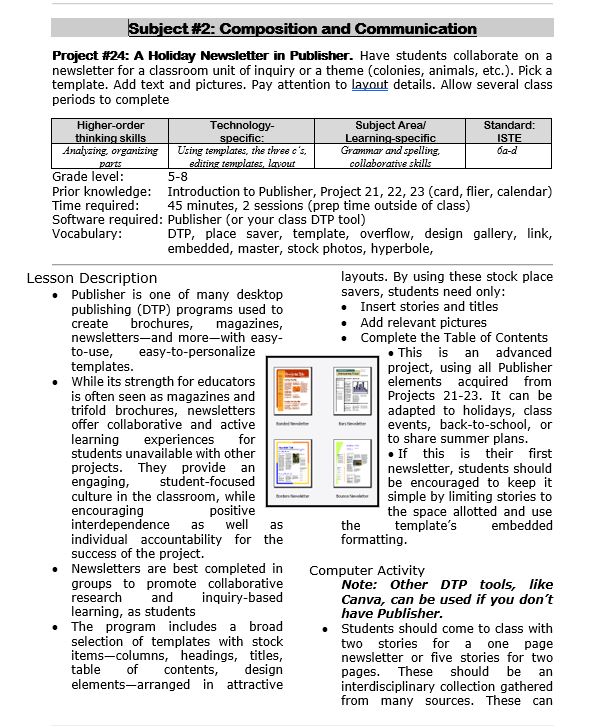
Three Projects to Kick Off the Holidays

Click to enlarge lesson plans
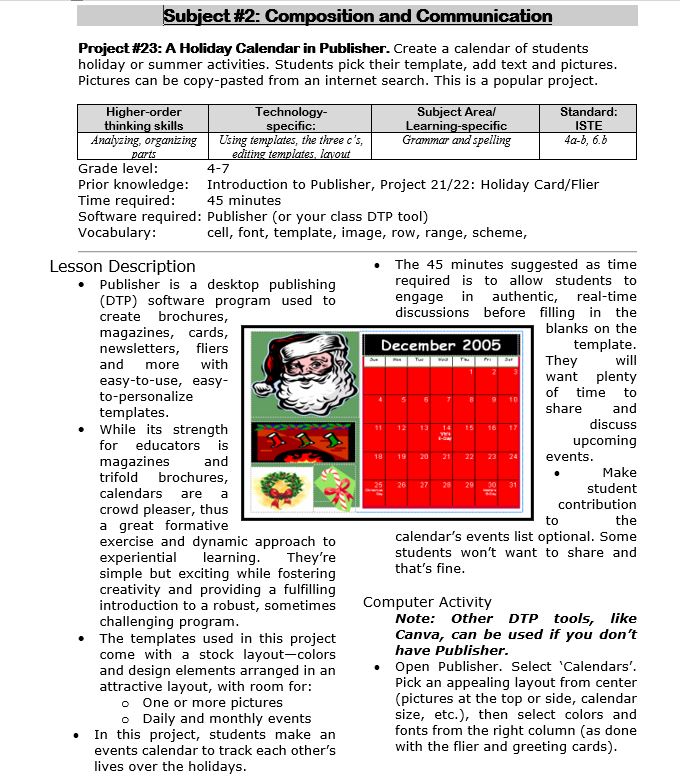
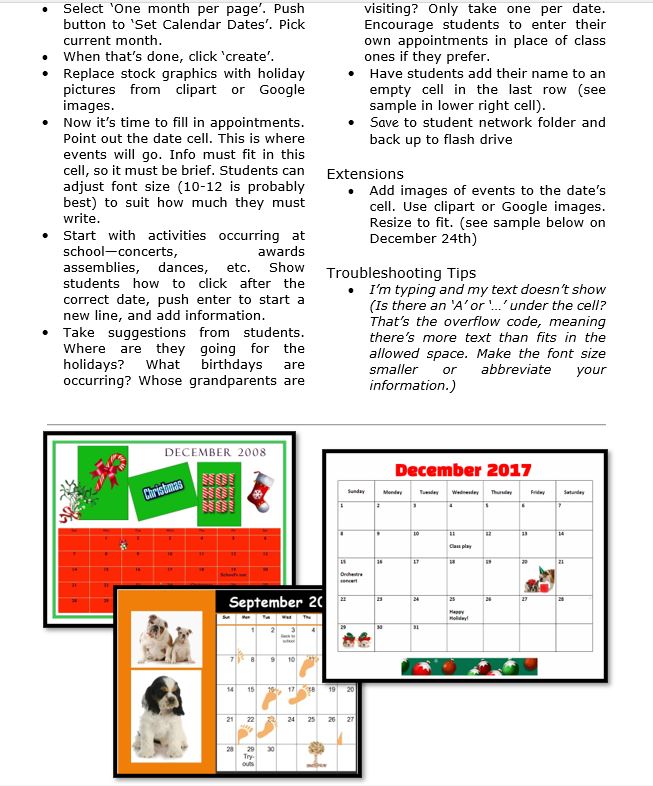
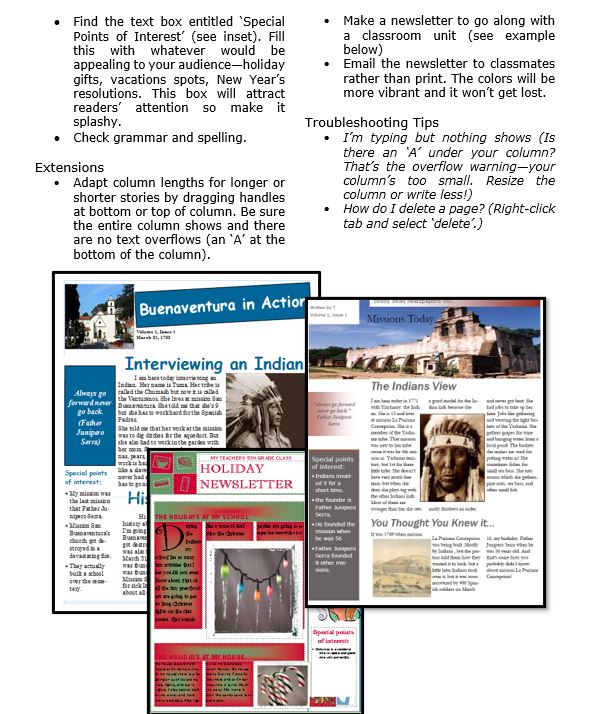
A Holiday Calendar
Kids love making this calendar. They get to talk about their upcoming vacations and hear what their friends are doing. It’s simple enough for third grade with advanced tools that satisfy a fifth graders growing intellect.