
Year: 2021

Here’s How to Motivate Summer School Students
 When you have to compete with a warm sun, sandy beaches, and playful friends, motivating students in summer school can be a daunting challenge. The best first step, right after introducing yourself, is to understand why students are with you rather than with friends or playing online games. Their reasons could be to try something new, make up for a class they failed, get ahead of classes they must take, or something else. Their answers to this question will guide you in how you teach the class. Once you know their reasons, be honest with them on how you will help them meet their goals. In general terms, you want them to know you’ll do your best to make their summer experience worthwhile, get them through the material, and help them pass the required exams with the grades they need. I’ve talked about best practices for teaching. Let’s today cover how to get students through the summer learning experience:
Make the class interesting
There are a lot of ways to teach a topic that satisfies curriculum demands. For example, you can fill in worksheets, watch videos, complete group projects, or work independently. Pick an approach that is 1) different from how you teach during the school year, and 2) fits your student group.
While you’re changing the approach, also change the setting. Teach class in a park, in a museum’s group learning room, at a restaurant over a meal, in someone’s home, or in the school auditorium. Here’s the logic behind that: Students react well to change. Do you remember the Hawthorne Effect Study? Done in the 1930’s (and redone in different ways many times afterwards), researchers examined how different aspects of the work environment (i.e., lighting, the timing of breaks, and the length of the workday) affected employee productivity. What they found wasn’t what they expected. The biggest impact on productivity came from simply paying attention to the workers and their environment. Let your summer school students experience this motivator. Change their learning ecosystem and watch how much harder they work simply because you care enough to pay attention.

Tech Tip #19: Best MS Word Tips
 In these 169 tech-centric situations, you get an overview of pedagogy—the tech topics most important to your teaching—as well as practical strategies to address most classroom tech situations, how to scaffold these to learning, and where they provide the subtext to daily tech-infused education.
Today’s tip: Ten Best MS Word Tips
Category: MS Office, Problem-solving, Keyboarding
 Here are popular MS Word tips and links to articles:
- Turn an Address into a Link–push the space bar after pasting in an internet address–that activates it (or push enter)
- What’s Today’s Date–press Shift+Alt+D in MS Word. Or, as you start typing the date, Word will populate it for you.
- Menu command is grayed out–push escape four times (you’re probably in something you don’t know you are). This works 90% of the time
- How to Undelete–push Ctrl+Z
- #109: MS Word Skills Assessment for Grades 3-8
- Dear Otto: How do I set the default font on MS Word
- Tech Tip #37: My MS Word Toolbar Disappeared
- Tech Tip #20: How to Add an MS Word Link
- MS Word for Grades 2-5
- #45: How to Use MS Word to Teach Geography
- Easy Photo Editing in MS Word
- Tech Tip #98: Speed up MS Office with Quick Access Toolbar
- Tech Tip #24: How to Open A New Word Doc Without the Program
- Tech Tip #102: Doc Saved Over? Try This
Sign up for a new tip each week or buy the entire 169 Real-world Ways to Put Tech into Your Classroom.
What’s your favorite tech tip in your classroom? Share it in the comments below.

Here’s a Preview of June

Here’s a preview of what’s coming up on Ask a Tech Teacher in June:
- What is Genius Hour and Why Should I Love it?
- Internet Safety Month
- How to Motivate Summer School Students
- Tech Tips
- Coding Vocabulary
- Online PD
- 5 Steps to Personal Privacy
- Free Posters
- What’s the hardest tech problem?
- K-8 Tech Curriculum

Subscriber Special: June

Every month, subscribers to our newsletter get a free/discounted resource to help their tech teaching.
June
Sign up for our newsletter. Then get 10% off your next purchase!
Questions? Email askatechteacher@gmail.com
Jacqui Murray has been teaching K-18 technology for 30 years. She is the editor/author of over a hundred tech ed resources including a K-12 technology curriculum, K-8 keyboard curriculum, K-8 Digital Citizenship curriculum. She is an adjunct professor in tech ed, Master Teacher, webmaster for four blogs, an Amazon Vine Voice, CSTA presentation reviewer, freelance journalist on tech ed topics, contributor to NEA Today, and author of the tech thrillers, To Hunt a Sub and Twenty-four Days. You can find her resources at Structured Learning.

What You Might Have Missed in May

Here are the most-read posts for the month of May
Jacqui Murray has been teaching K-18 technology for 30 years. She is the editor/author of over a hundred tech ed resources including a K-12 technology curriculum, K-8 keyboard curriculum, K-8 Digital Citizenship curriculum. She is an adjunct professor in tech ed, Master Teacher, webmaster for four blogs, an Amazon Vine Voice, CSTA presentation reviewer, freelance journalist on tech ed topics, contributor to NEA Today, and author of the tech thrillers, To Hunt a Sub and Twenty-four Days. You can find her resources at Structured Learning.

Websites that add sparkle to spring
 Last year was a boom year for edtech web tools. There were so many, I couldn’t keep up. I would discover what seemed to be a fantastic tool (most likely discovered in FreeTech4Teachers, Alice Keeler, or one of the other tech ed blogs I follow), give it about five minutes to prove itself, and then, depending upon that quick review, either dig deeper or move on. If it was recommended by a colleague in my professional learning network, I gave the site about twice as long but still, that’s harsh. I certainly couldn’t prove my worth if given only five minutes!
Nevertheless, that’s how it is because there are too many options. Here’s what I wanted to find out in the five minutes:
- Is the creator someone I know and trust (add-ons by Alice Keeler always fit that requirement)?
- Is it easy to access? Meaning, does it open and load quickly without the logins I always forget?
- Is it easy to use? Meaning, are links to the most important functions on the start page? For example, in Canva, I can create a flier for my class in under five minutes because the interface is excellent.
- For more complicated tools, how steep is the learning curve? Does the site offer clear assistance in the form of videos, online training, or a helpline?
- Is the content age-appropriate for the grades I teach?
- Is it free or freemium, and if the latter, can I get a lot out of it without paying a lot? I don’t like sites that give me “a few” uses for free and then charge for more. Plus, free is important to my students who may not be able to use it at home unless there’s no cost attached.
- Is there advertising? Yes, I understand “free” probably infers ads so let me amend that to: Is it non-distracting from the purpose of the webtool?
- How current is it? Does it reflect the latest updates in standards, pedagogy, and hardware?
- Does it fulfill its intended purpose?
- Has it received awards/citations from tech ed groups I admire?
After all that, here are five websites that I discovered last year, loved, and will use to brighten the Spring months:

Happy Memorial Day
I’m taking the day to honor our all soldiers on America’s Memorial Day. Without their sacrifice, where would we be? I tried to keep the videos to three and failed miserably. Once I got started watching, I got lost.
[youtube https://www.youtube.com/watch?v=Omd9_FJnerY] [youtube https://www.youtube.com/watch?v=MoNj8qsptjA] [youtube https://www.youtube.com/watch?v=07-RnI8W4xY] [youtube https://www.youtube.com/watch?v=TT5u2xVEO5M]
I’m visiting America’s Heartland!

I am out of pocket next week. I’m visiting my wonderful sister in rural Marion Indiana.

I can’t wait to live a measured, natural life for at least a week where we can veges, check on her bee hives, and eat indoors at a restaurant! I probably won’t do much commenting until next weekend but then, I’ll get everything caught up.
Have a wonderful week!

10 Digital Platforms to Teach Remotely
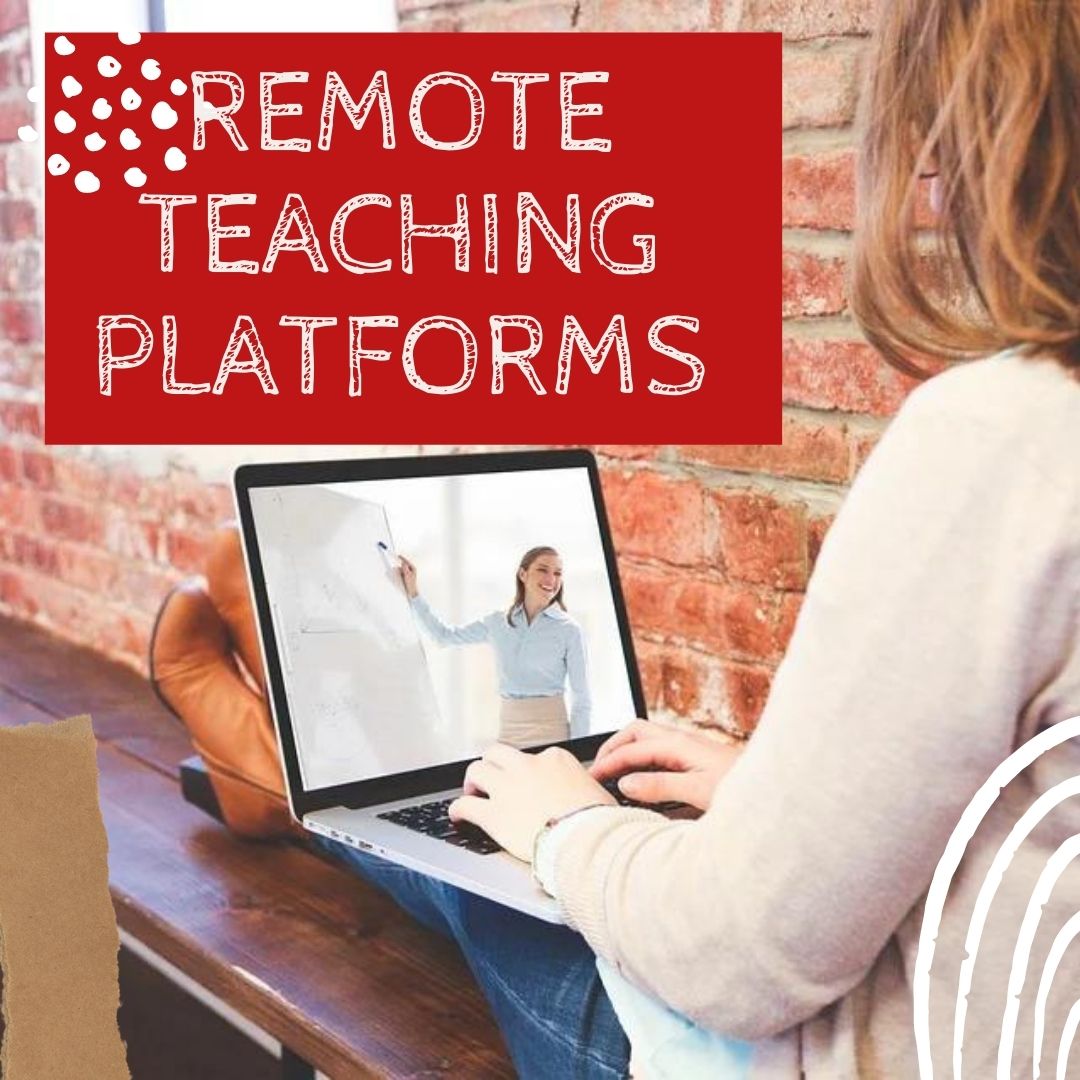 There are more options for digital learning than Zoom. Check out these:
- Big Blue Button–great conference app but embedded in LMS (not standalone)
- Canvas–with their Conference option (Big Blue Button)
- Draw Chat–virtual meeting with a whiteboard
- FaceTime–from Apple
- Google Meet–through Google Classroom or not; must use Google account and Chrome browser
- Microsoft Teams
- Skype
- Webex–from Cisco
- Webroom.net — virtual conference or meeting room
- Zoom

5 (free) Posters on Internet and Websites 1

Every month, we’ll share five themed posters that you can share on your website (with attribution), post on your walls, or simply be inspired.





