
Category: security

Tech Tip #44: Computer Safety
 In these 169 tech-centric situations, you get an overview of pedagogy—the tech topics most important to your teaching—as well as practical strategies to address most classroom tech situations, how to scaffold these to learning, and where they provide the subtext to daily tech-infused education.
Today’s tip: Computer safety
Category: Maintenance, Security
Q: I’m afraid of getting slammed with viruses, malware–all that bad stuff that comes with visiting the internet. What do I do?
A: If you take reasonable precautions, the chances of being hit are minimized. Here are two first-steps:
- Don’t download from music or video sites. They carry the greatest danger of malware statistically.
- Make sure your firewall is working.
Sign up for a new tip each week or buy the entire 169 Real-world Ways to Put Tech into Your Classroom.
What’s your favorite tech tip in your classroom? Share it in the comments below.

World Password Day — It’s Today!
One of the most important yet underwhelming international events is coming up the first Thursday in May (in Canada, it’s March 15th). What is it? It’s World Password Day,
Yawn…
I know — words can’t express how tedious most people find passwords, how annoying they are to use, and how likely it is 99% of the world will not celebrate this event. Let me see if I can convince you otherwise. On January 1, 1983, when the Internet was invented, mankind agreed to a binary choice: Invent passwords or forever regret their absence. Without them, there would be no protection for your privacy, your online information, or even your personal identity. Passwords are now required to access websites, banking, email, social media, favorite shopping sites, chat venues like iMessenger, and even certain documents. These annoying, forgettable, intrusive entities are the first line of defense against hackers and for many, their entire defense. Because so many treat passwords casually, despite all they know about their importance, password theft is one of the fastest growing and most effective crimes.
While every expert recommends changing your password two-three times a year, no one does that. Do you? I don’t. I’m challenged to remember my password much less remember to change it regularly. As a result, World Password Day came into being:
Annually, on World Password Day, change all of your passwords

5 (free) Security Posters for Tech Ed

Every month, we’ll share five themed posters that you can share on your website (with attribution), post on your walls, or simply be inspired.
This month: Security
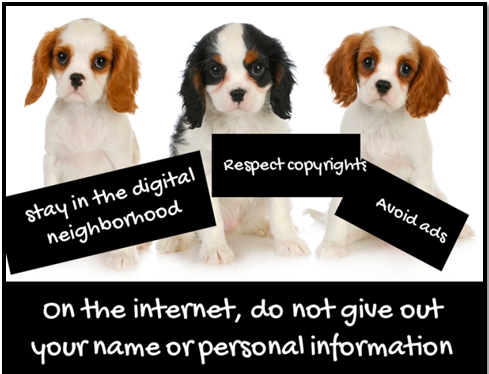
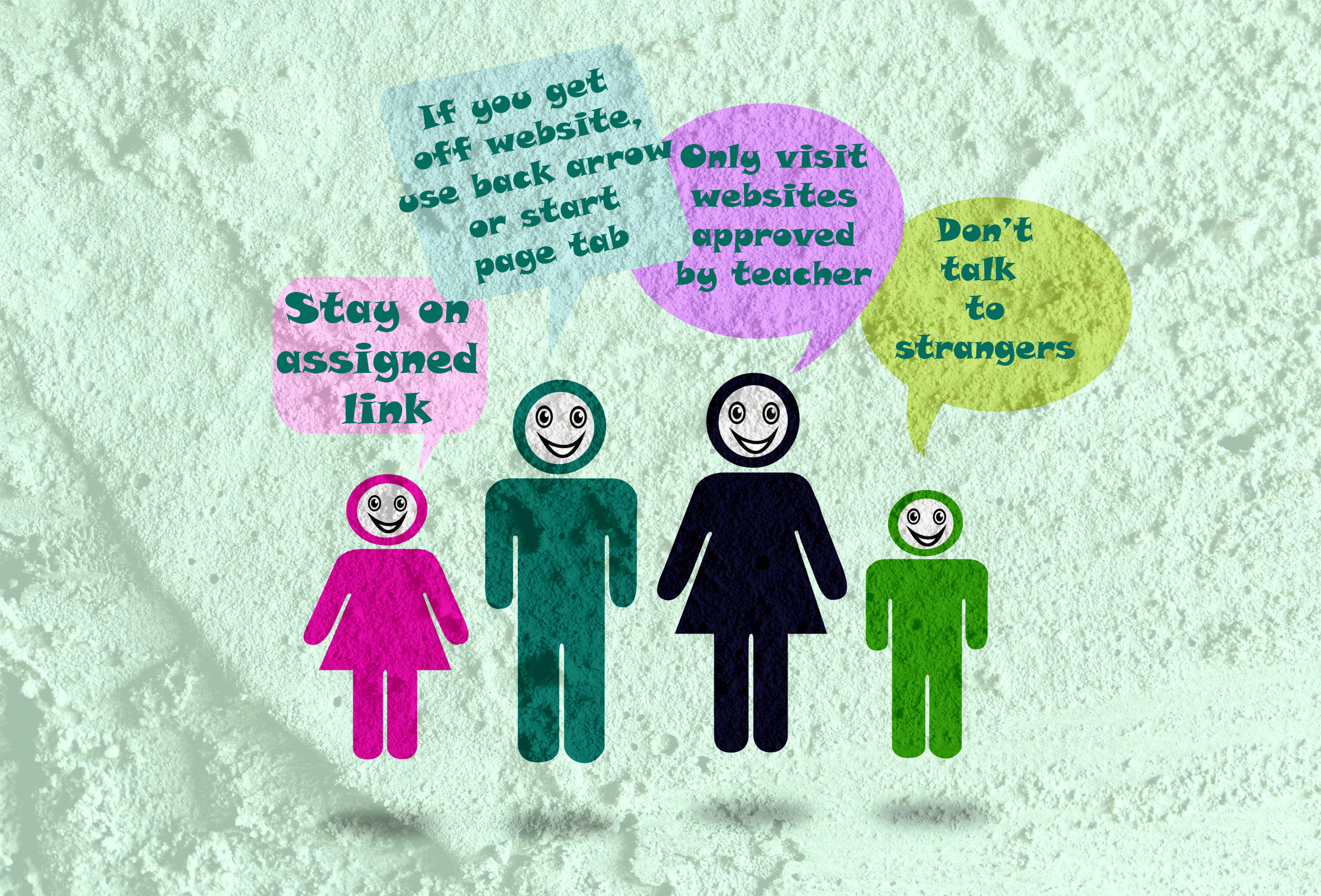
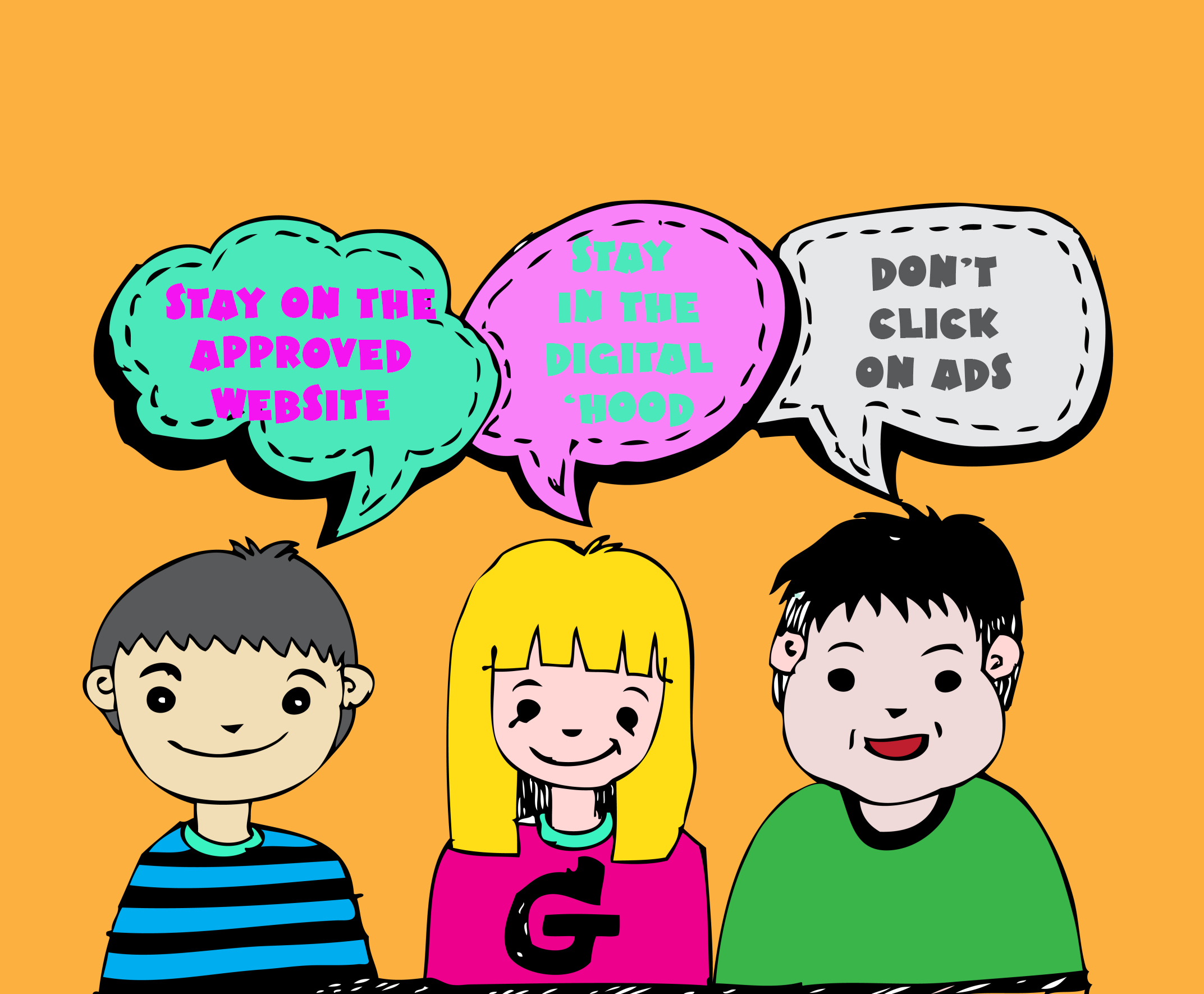
–for the entire collection of 65 posters, click here
Jacqui Murray has been teaching K-18 technology for 30 years. She is the editor/author of over a hundred tech ed resources including a K-12 technology curriculum, K-8 keyboard curriculum, K-8 Digital Citizenship curriculum. She is an adjunct professor in tech ed, Master Teacher, webmaster for four blogs, an Amazon Vine Voice, CSTA presentation reviewer, freelance journalist on tech ed topics, contributor to NEA Today, and author of the tech thrillers, To Hunt a Sub and Twenty-four Days. You can find her resources at Structured Learning.

5 (free) Tech Ed Safety Posters
Every month, we’ll share five posters you can post on your website (with attribution), on your (virtual) walls, or simply be inspired by.
This month: Safety and Security

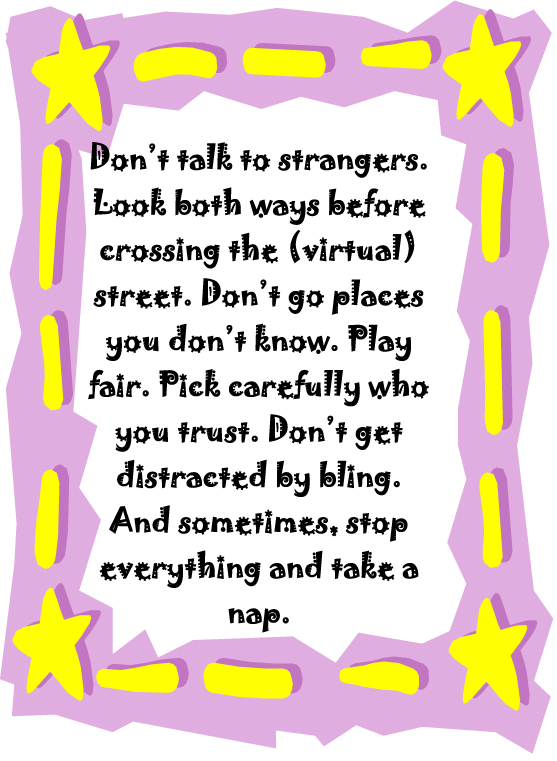

–for the entire collection of 65 posters, click here

Internet Safety Month–Rules to Live By
 June is National Internet Safety Month, thanks to a resolution passed in 2005 by the U.S. Senate. The goal is to raise awareness about online safety for all, with a special focus on kids ranging from tots to teens. Children are just as connected to the Internet as adults. This is a great list of internet cautions I got from an online efriend a few years ago. It covers all the basics, avoids boring details, and gives kids (and adults) rules to live by:
Not everything you read online is true
It used to be anything we read in print was true. We could trust newspapers, magazines and books as reliable sources of information. It’s not the same with the web. Since anyone can become published, some of the stuff you’re reading online isn’t true. Even worse, some people are just rewriting stuff they read from other people online, so you might be reading the same false information over and over again. Even Wikipedia isn’t necessarily a reliable source. If you’re researching something online, consider the source. Some poorly written, ramdom web page, isn’t necessarily a good source. However, if you find a .gov or .org site, the information has a better chance of being true. Always look at who owns the website and whether or not they have an agenda before considering whether or not certain information is true.
Not everyone you meet online are who they say they are

This is the hard part because we want to trust our friends, even our online friends. The truth is, some of the people you meet online are lying about who they really are. Sometimes adults pretend to be kids and kids pretend to be someone else. They do this for a variety of reasons; grownups might want to try and have sex with kids or frenemies might want to act like friends to get information on someone they want to bully at school or online. Unless you know someone very well and can verify their identity, don’t trust that everyone who you speak to online are who they say they are.
Some people who are pretending to be kids really aren’t. There are grownups who pretend to be kids so teens and kids won’t get creeped out talking with them. This is never a good thing. Most of the grownups who are looking to talk to kids are looking for sex. Parents need to monitor their kids’ friends list and ask questions about the friends they don’t know. It’s more prevalent than you think and it COULD happen to you.
Not everyone you “friend” is your friend. Just like in the real world, not everyone you know is a friend. Think long and hard about the people you’re “friending.” Drama doesn’t just stay in school anymore, now it follows you home thanks to the social networks. Plus, stuff y
ou share with what you think is a private social networking page is a simple cut and paste away from being broadcast all over school. Also, be careful when friending friends of friends and friends of friends of friends. You don’t really know these people, why are you giving them access to your private life? Sometimes, it’s like giving them the keys to your house.

169 Tech Tip #51 Find Public Domain Images
In these 169 tech-centric situations, you get an overview of pedagogy—the tech topics most important to your teaching—as well as practical strategies to address most classroom tech situations, how to scaffold these to learning, and where they provide the subtext to daily tech-infused education.
Today’s tip: Find Public Domain Images
Category: Images
Sub-category: Internet, Security, Search/Research, MS Office, Google Apps
Q: I know ‘fair use’ allows students to use most online images for educational purposes, but I want them to know how to find public domain pictures for everyday, non-school use. What’s the easiest way to do that?
A: Google Docs makes it easy by attaching the citation to any picture added through the program. Photos for Class does this also (see Tech Tip #52).
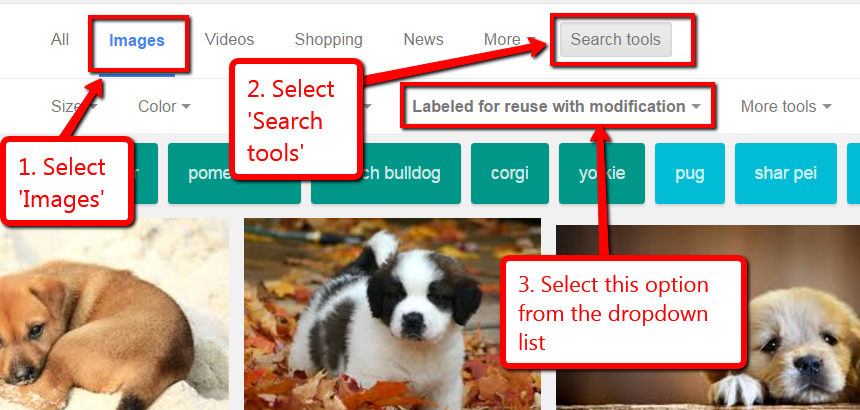
But that only works if the student is working through those two programs. To find only legal images available for free for all types of projects, you have to edit the Google search settings to reflect only images that can be used and re-edited:
- search for image through Images.Google.com (for example: puppies)
- when the thumbnails come up, go to Search tools
- using the radial button, select Labeled for reuse
Sign up for a new tip each week or buy the entire 169 Real-world Ways to Put Tech into Your Classroom.

World Password Day — It’s Coming!
One of the most important yet underwhelming international events is coming up the first Thursday in May (in Canada, it’s March 15th). What is it? It’s World Password Day,
Yawn…
I know — words can’t express how tedious most people find passwords, how annoying they are to use, and how likely it is 99% of the world will not celebrate this event. Let me see if I can convince you otherwise. On January 1, 1983, when the Internet was invented, mankind agreed to a binary choice: Invent passwords or forever regret their absence. Without them, there would be no protection for your privacy, your online information, or even your personal identity. Passwords are now required to access websites, banking, email, social media, favorite shopping sites, chat venues like iMessenger, and even certain documents. These annoying, forgettable, intrusive entities are the first line of defense against hackers and for many, their entire defense. Because so many treat passwords casually, despite all they know about their importance, password theft is one of the fastest growing and most effective crimes.
While every expert recommends changing your password two-three times a year, no one does that. Do you? I don’t. I’m challenged to remember my password much less remember to change it regularly. As a result, World Password Day came into being:
Annually, on World Password Day, change all of your passwords

Teaching Basic Cybersecurity Measures To Everyday People (For Parents of Digital Natives)
 As one who manages way too many online accounts, I read this article from Ask a Tech Teacher contributor and CyberSecurity expert (retired), Sam Bocetta with interest. My checklist (green for good and red for ‘need help’):
-
- I’m paranoid about links and downloads
- I check for virus and malware regularly
- Ooops–don’t yet use a VPN
- I should pay more attention to my passwords
- I am religiously careful of email
- Yep–switched to HTTPS for my blogs and websites
- I update software when prompted (that’ll have to be black)
Read Sam’s article below. When you’re done, evaluate your cybersecurity safety.
***
The topic of cybersecurity is becoming something people of all ages worry about. This is largely due in part to the rise in malware, ransomware, and infections people have experienced over the last year.

Tech Tip for Teachers: Cover your Webcam
Tech Tips is an occasional post on overcoming Tech Dread. I’ll cover issues that colleagues and friends, both real-time and virtual, have shared.
This week, I’m passing on a tip from my security-conscious daughter:

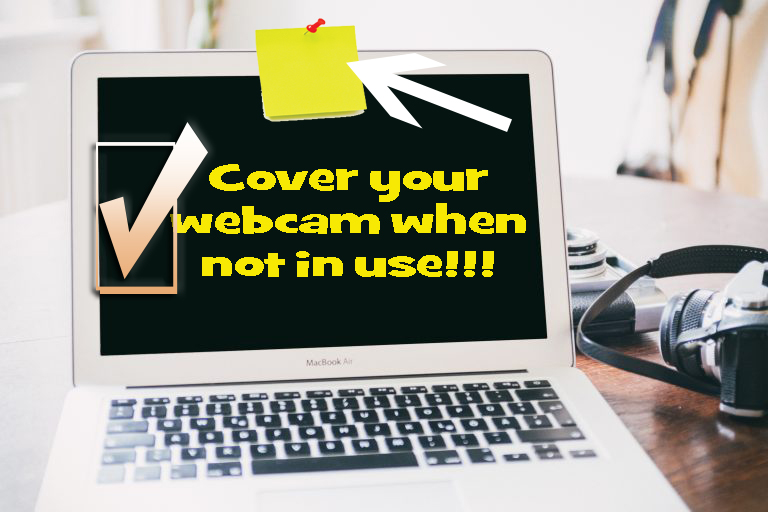
I used to do this and forgot about it. She came for a visit and slapped a post-it note over my webcam.
And she’s right! Webcams and mics are too easy to hack, been done often. Why risk it? When I want to use the webcam (which isn’t often), I take the post-it off.
I’m not the only one. In questions during a conference at the Center for Strategic and International Studies, former FBI Director Comey revealed that cam-covering is commonplace at the FBI and other government offices:
“If you go into any government office, we all have our little camera things that sit on top of the screen, they all have a little lid that closes down on them. You do that so people who do not have authority don’t look at you. I think that’s a good thing.”
One more person who’s security conscious is that poster-boy for social media: Mark Zuckerberg. See what the geek experts noticed in a photo he tweeted out:

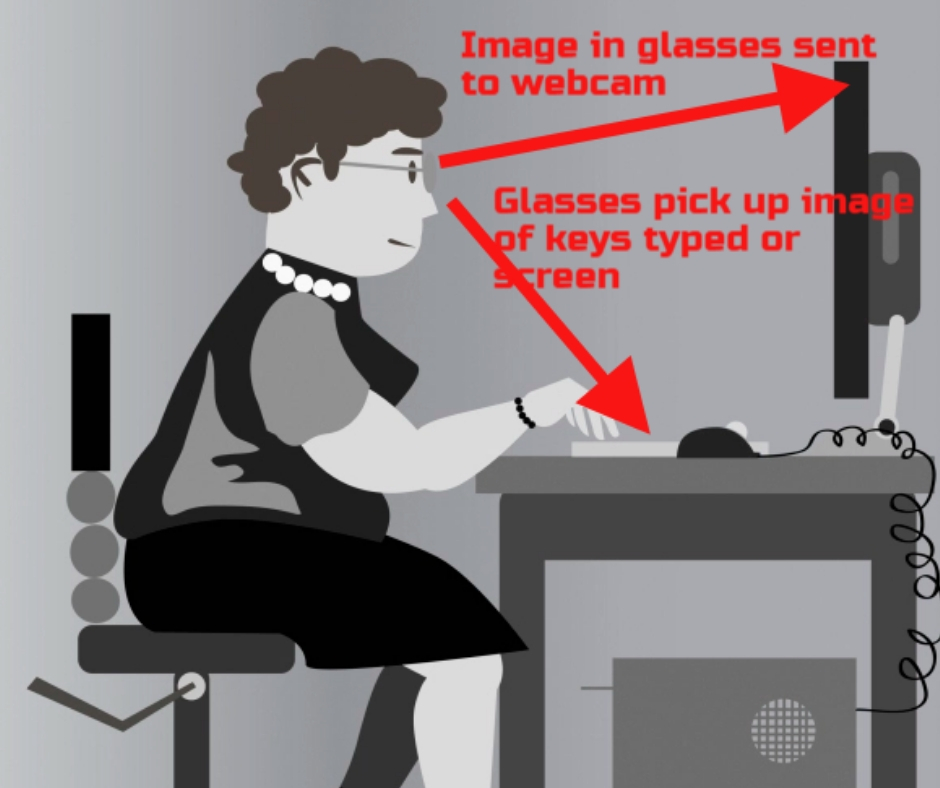
Plus, it’s old science that an image of your keyboard can be caught in the reflection of your glasses and transmitted to your webcam.

You might wonder why anyone would be interested in what shows up on your webcam. The answer is simple: blackmail.
Another tip: Close your laptop when not in use. Then, the camera and mic can’t be compromised.

Coding and US Security
If you’re a history teacher, here’s a great tie-in between history and Hour of Code:

During WWI, the Choctaw language had been used to transmit U.S. military messages. With this thought in mind, Philip Johnston, the son of a missionary grew up on a Navajo reservation and spoke the Diné tongue fluently, brought the suggestion of a similar code to General Clayton Vogel early in 1942. The Diné language has no alphabet, uses no symbols and one sound may hold an entire concept. The idea was tested and proved to be faster and more reliable than the mechanized methods. The language has more verbs than nouns, that helps to move the sentences along and makes it far more difficult for outsiders to learn – making it the most ingenious and successful code in military history.

The 382nd Platoon, USMC
The original class, the 382d Platoon, Navajo Communication Specialists, USMC, developed their code at Camp Pendleton. Once a unit of code talkers were trained, they were put on Marine rosters around the Pacific Theater. Even under severe combat conditions, they remained the living codes, since nothing was ever written down. During the first 48 hours of Iwo Jima, 800 transmissions were coded. These few men became warriors in their own right during some of the worst battles of the war.
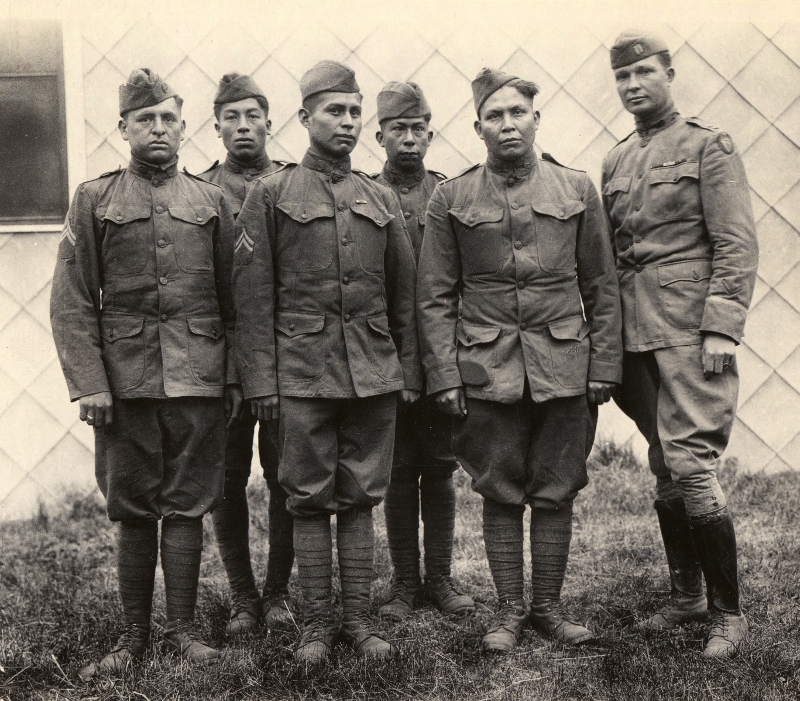
Choctaw Code Talkers
Some examples of the English word/ Navajo sound/ literal translation:
Alaska………. Beh-hga……….. with winter
America……….Ne-he-mah……… our mother
Britain……….Toh-ta………… between waters
Australia……..Cha-yes-desi…….rolled hat
China…………Ceh-yehs-besi……braided hair
France………..Da-gha-hi……….beard

The existence of the code talkers and their accomplishments would remain top secret according to the U.S. government and use their expertise in the Korean War. Unfortunately, this resulted in many of the men not receiving the recognition they deserved. I was very lucky to have grown up knowing their story thanks to Smitty, my father.
President Ronald Reagan designated 14 August as National Code Talkers Day in 1982.





