Category: Freebies/Discounts

You Know You’re a Techy Teacher When…

I have to reblog this wonderful post by my efriend, Lisa. How many of these fit you? Can you add to this list?
You Know You’re a Techy Teacher When…
- You can’t remember the last time you printed a classroom document.
- Plurking, tweeting, and playing with your wiki in public are acceptable behaviors.
- Your Notebook isn’t spiral bound – it plugs into the wall.
- Forget the garden…you spend more time on the weekend weeding out your Inbox.
- You can recite your school’s Acceptable Use Policy by heart.
- On parent/teacher night, instead of exchanging business cards, you Bump.
- You express yourself with emoticons.
- You no longer consider it graffiti to write on someone’s wall.
- Your significant other gets jealous of your PLN.
- It’s not creepy to have lots of followers.
- Your students call you the “cool” teacher.
- The other teachers are jealous of your Instagram.
- YouTube is blocked in your school, and you know how to get around it.
- The Tech Department is sick of your constant requests to unblock Twitter.
- You’ve Googled your principal.
- You know that TweetDeck is not a patio with a lot of birds.
- You correct your friends’ grammar when they text you.
- “Casual Fridays” means logging into the EdTech UNconference in your bunny slippers.
- You wear your “I Heart EdTech” button everywhere you go.
- You read this blog post then tweet it, like it, and pass it on to a friend (more…)

#72: Check Your Math in Excel
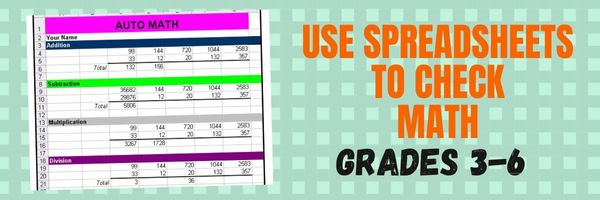
This is one of the most popular lessons I teach to Excel beginners. It is relevant, instantly usable and makes sense from the beginning. Click the images below to enlarge them for viewing.
[gallery columns="2" ids="45219,45218"]–from 55 Technology Projects for the Digital Classroom
Copyright ©2023 usna.wordpress.com – All rights reserved.
Jacqui Murray has been teaching K-18 technology for 30 years. She is the editor/author of over a hundred tech ed resources including a K-12 technology curriculum, K-8 keyboard curriculum, K-8 Digital Citizenship curriculum. She is an adjunct professor in tech ed, Master Teacher, webmaster for four blogs, an Amazon Vine Voice, CSTA presentation reviewer, freelance journalist on tech ed topics, and author of the tech thrillers, To Hunt a Sub and Twenty-four Days. You can find her resources at Structured Learning.

How to Keep a Timecard in Excel

One of the most popular applications of math is through spreadsheets (like Excel) that make those numbers relevant to everyday life. We’re going to provide a series of lessons on spreadsheet basics you can use in your K-8 classroom. Here are some of the topics we’ll cover:
- #74: Mastering Excel (for Beginners)
- #71: Beginning Graphs in MS Excel
- #70: Create a Timecard in Excel for Grade Two and Up
- #73: How to Graph in Excel
- #12: Create Simple Shapes in Excel
- #75: Tessellations in Excel
- #72: How to Check Your Math in Excel
- How to Use Excel to Teach Math Arrays
- #62: Email from Word (Or PowerPoint or Excel)
- #79: Excel Turns Data Into Information
Today:
This project (#70 in the collection of #110) hides a spreadsheet’s power behind a template you create and students fill out at home. If they’re older and more familiar with spreadsheets, involve them in creating the template. If the lesson plans are blurry, click on them for a full size alternative.
Note: The example uses Excel, but it works just as well with Google Spreadsheets.


Subscriber Special: free-lesson-plan
January 4th-9th
the 56-page PDF, “25 Digital Tools for the Classroom”
for free!
“25 Digital Tools for the Classroom” is a thorough discussion on which are the most useful tools in a K-8 classroom, organized by grade level. This includes popular digital tools such as blogs, backchannel devices, vocabulary decoding tools, avatars, digital portfolios, digital note-taking, as well as others you may not have thought of. Here’s what you do:
- Sign up for our newsletter, Weekly Websites, Tech Tips, and Tech Ed News. If you already subscribe, qualify by purchasing one of our resources on the Structured Learning website. Any product, any price qualifies.
- Email us the welcome message or receipt you receive (we’re at askatechteacher at gmail dot com). Make the subject line read, “Please send free ’25 Digital Tools for the Classroom'”.
- We’ll send you the collection.
- If the newsletter doesn’t work for you, there’s an ‘unsubscribe’ at the bottom of each email.

5 (free) Security Posters for Tech Ed

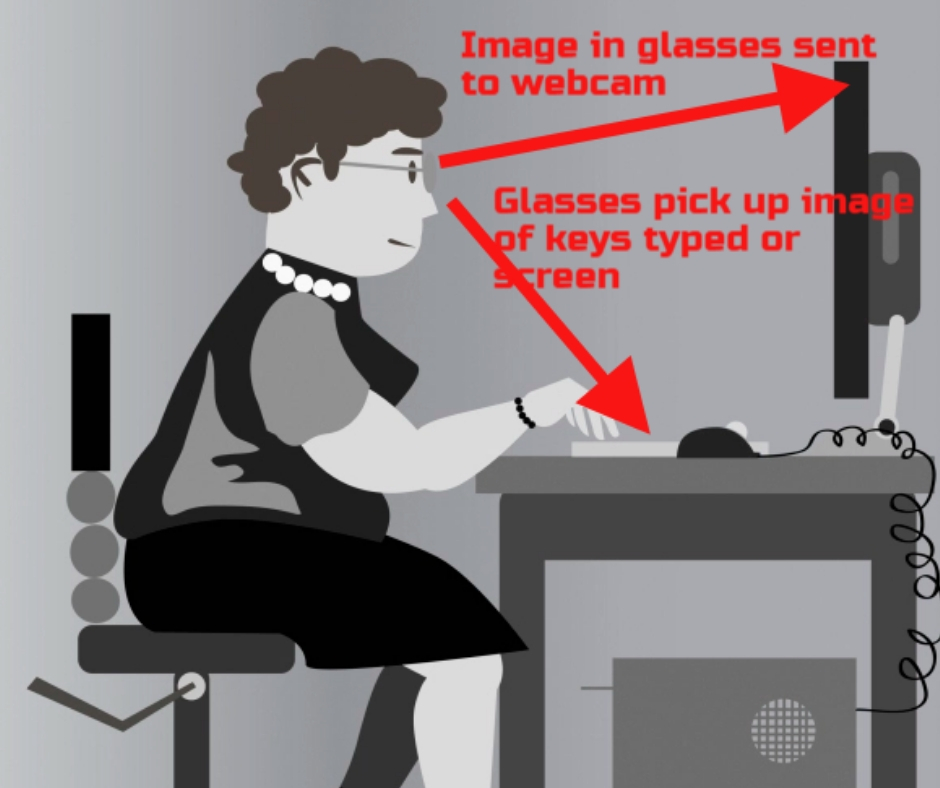
Every month, we’ll share five themed posters that you can share on your website (with attribution), post on your walls, or simply be inspired.
This month: Security
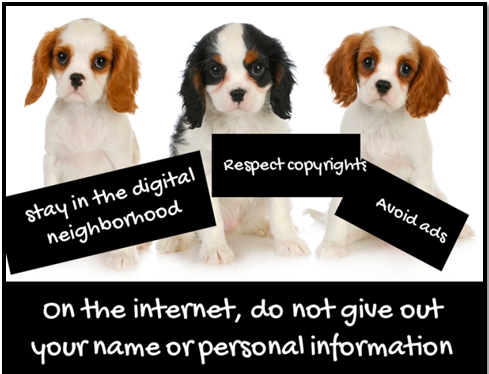
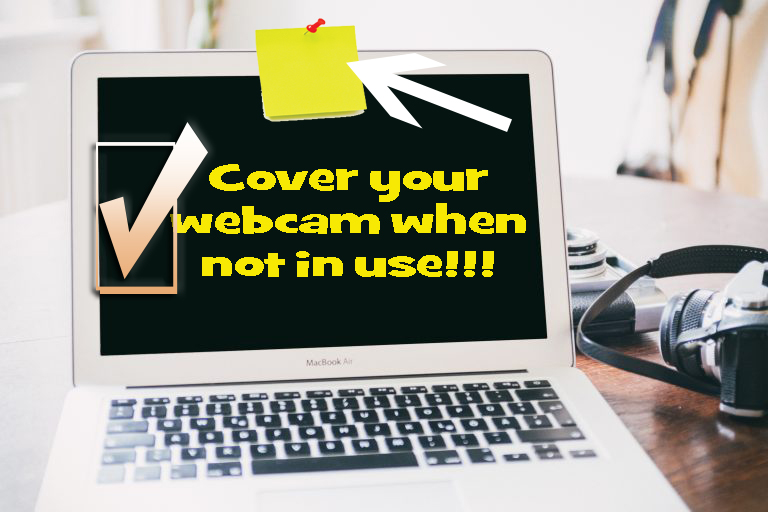
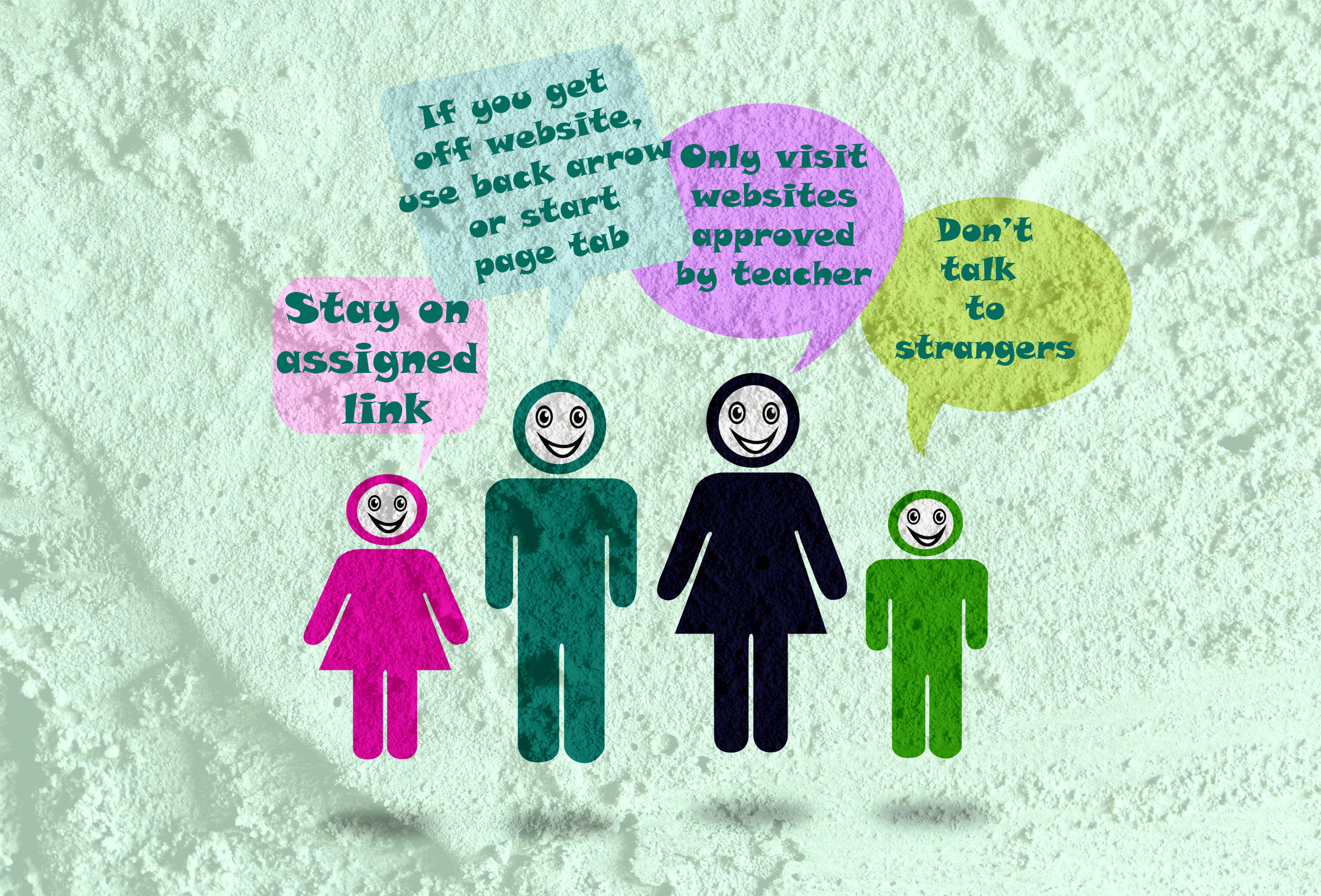
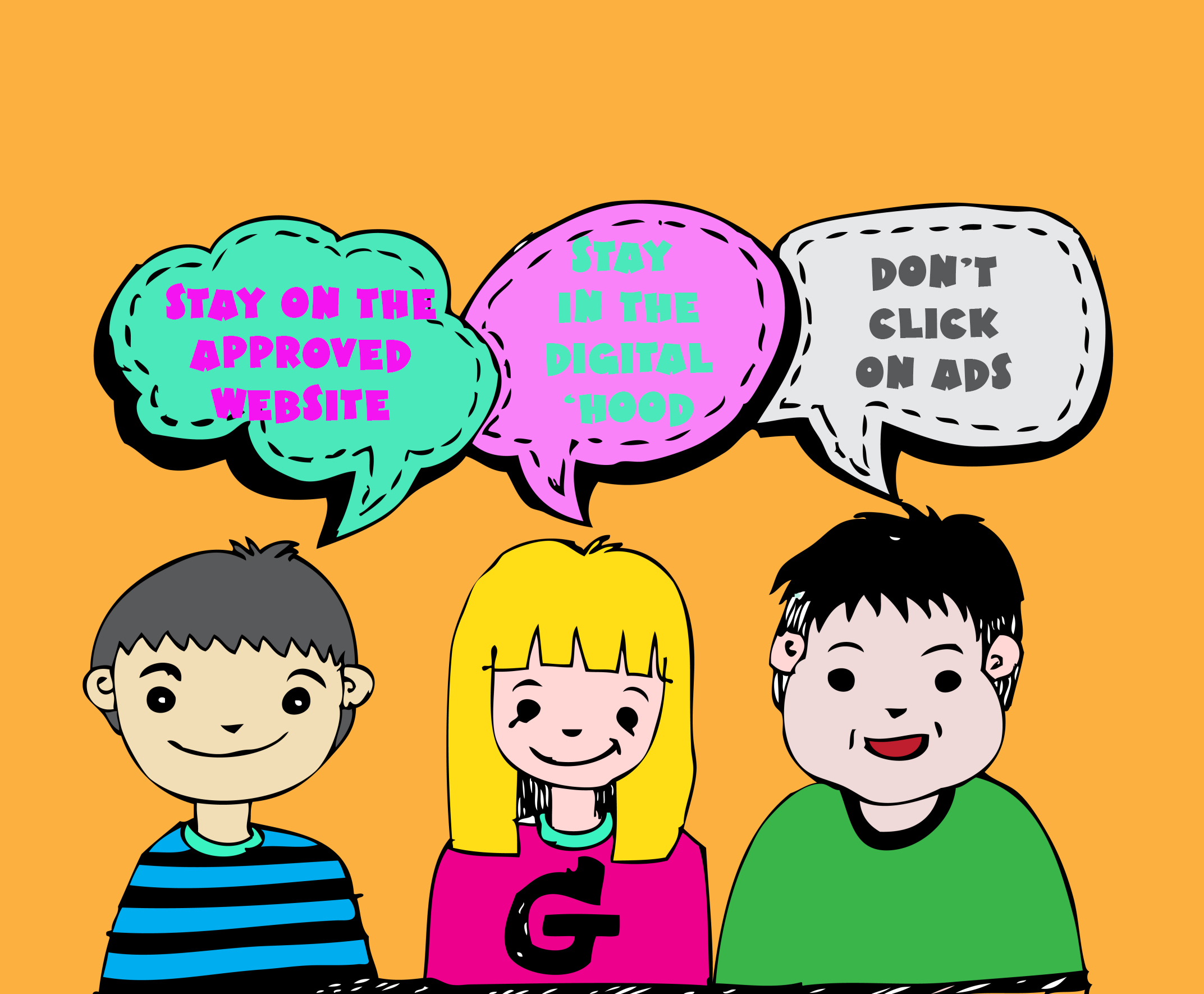
–for the entire collection of 65 posters, click here
Jacqui Murray has been teaching K-18 technology for 30 years. She is the editor/author of over a hundred tech ed resources including a K-12 technology curriculum, K-8 keyboard curriculum, K-8 Digital Citizenship curriculum. She is an adjunct professor in tech ed, Master Teacher, webmaster for four blogs, an Amazon Vine Voice, CSTA presentation reviewer, freelance journalist on tech ed topics, contributor to NEA Today, and author of the tech thrillers, To Hunt a Sub and Twenty-four Days. You can find her resources at Structured Learning.

Subscriber Special: 2 Free Martin Luther King Day Lesson Plans
Subscriber Special
Until January 18th:
Free Martin Luther King Day Lesson Plans
Two lesson plans to prepare for Martin Luther King Day in January: 1) Students research events leading up to Dr. Martin Luther King’s impact on American history and share them with an Event Chain organized visually, including pictures and thought bubbles. 2) Students interpret the words of Dr. Martin Luther King in their own words in a visual organizer. Great project that gets students thinking about the impact of words on history.
xx
Designed for grades 4-7, it’s aligned with Common Core and ISTE Standards.

What’s included in each lesson plan:
- brief summary of the project
- Essential Question
- Big Idea
- Common Core and ISTE alignment
- materials required
- teacher prep required
- step-by-step instructions
- extensions to dig deeper into the subject
- assessment strategies
- sample grading rubric
- sample project
- resources

5 (free) Tech Ed Safety Posters
Every month, we’ll share five posters you can post on your website (with attribution), on your (virtual) walls, or simply be inspired by.
This month: Safety and Security

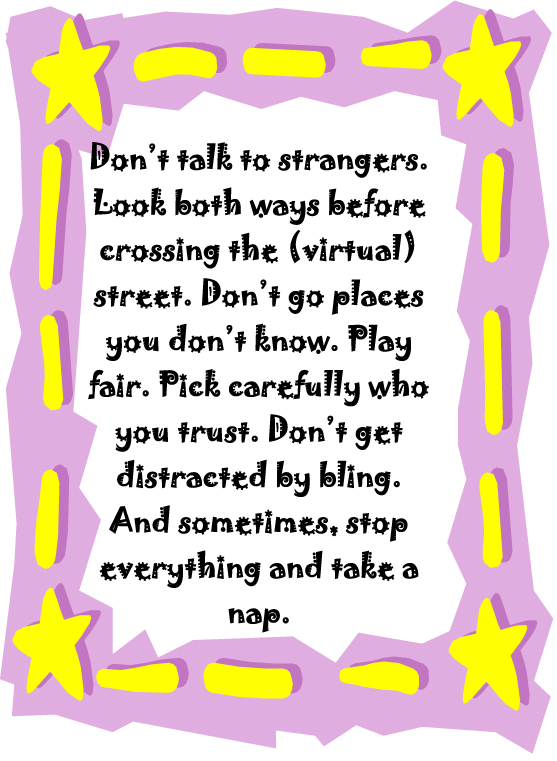

–for the entire collection of 65 posters, click here

169 Tech Tip #100 Top Ten Internet Shortkeys
 In these 169 tech-centric situations, you get an overview of pedagogy—the tech topics most important to your teaching—as well as practical strategies to address most classroom tech situations, how to scaffold these to learning, and where they provide the subtext to daily tech-infused education.
Today’s tip: Top Ten Internet Shortkeys
Category: Internet
Sub-category: Keyboarding
Here’s a poster with ten favorite shortkeys students will love when using the internet:
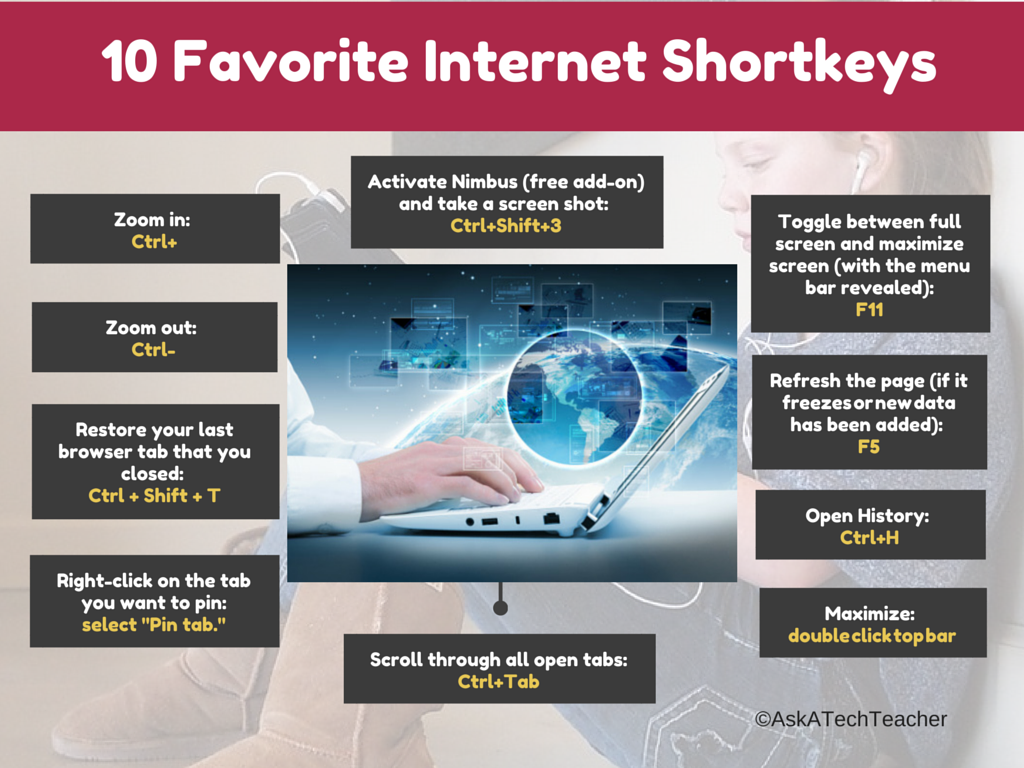
Sign up for a new tip each week or buy the entire 169 Real-world Ways to Put Tech into Your Classroom.

12 Favorite PC Shortkeys
Here’s an update to my Favorite PC Shortkeys poster:

Jacqui Murray has been teaching K-18 technology for 30 years. She is the editor/author of over a hundred tech ed resources including a K-12 technology curriculum, K-8 keyboard curriculum, K-8 Digital Citizenship curriculum. She is an adjunct professor in tech ed, Master Teacher, webmaster for four blogs, an Amazon Vine Voice, CSTA presentation reviewer, freelance journalist on tech ed topics, contributor to NEA Today, and author of the tech thrillers, To Hunt a Sub and Twenty-four Days. You can find her resources at Structured Learning.

Subscriber Special: August

Every month, subscribers to our newsletter get news to help their tech teaching.
August:
3 Ways to Learn Digital Citizenship
so you can teach your students
Building Digital Citizens: Online college-credit 5-week class
Building Digital Citizens: Online certificate class delivered via Google Classroom (also available through Teachers Pay Teachers)
K-8 Digital Citizenship Curriculum
Here’s a preview of my Digital Citizenship materials: