




Subscriber Special: Discount on School Licenses

Every month, subscribers to our newsletter get a free/discounted resource to help their tech teaching.
May 28th-June 6th:
Buy any K-8 Tech Curriculum School License
20% discount (digital only)
To take advantage of this special, purchase from Structured Learning with PayPal. If you use a PO, email admin@structuredlearning.net with the discount applied to the PO (during the sale).
What is a school license?
Benefits of a School License
- provide an overarching curriculum map for using technology in your school
- provide access to full text PDF from every digital device in your school, 24 hours a day. This maximizes productivity and student independence.
- enable flexible learning paths as students work at their own pace, with the ability to review or work ahead as needed
- share tech-in-ed pedagogy to infuse your school with technology
- enable teachers to vertically integrate with core grade-level teachers
- provide multiple authentic and organic formative and summative assessments
- provide free online Help via Ask a Tech Teacher (staffed by educators who use SL resources).
Benefits of School License for Students
- provide easy access to monthly lessons, how-tos, rubrics, project samples, practice quizzes, grade-level expectations, homework, images, and checklists (grade level Scope and Sequence and the Ready to Move On monthly keyboard workbooks lists, for example)
- provide full color instructions that can be zoomed in on for greater detail
- allow a convenient place to take lesson notes (using a PDF annotator)
- encourage students to be independent in their learning, work at their own pace. This is great both for students who need more time and those who ‘get it’ and want to move on
- enable a quick way to spiral up for quick learners or back to earlier resources for student needing to scaffold their learning
- prepare students for the rigor of end-of-year summative testing

NOTICE: We will be on summer schedule through August. That means 3-4 posts a week instead of 4-5.

A Teacher’s Guide to Managing Creative Projects Without Burnout
For those already thinking about next year, Ask a Tech Teacher contributor, Jenny Wise, has ideas on managing class projects without burning out. This time of year, we all feel on the edge. Jenny has great ideas to prepare for summer school classes if you teach them, or the new school year. She has navigated the complexities of raising a growing family, supporting her children through life’s difficulties, and finding strength through faith, resilience, and connection.
If you’re interesting in homeschool ideas, Jenny shares family homeschooling experiences, practical advice, encouragement, and resources for parents considering or navigating homeschooling through her platform, Special Home Educator. Her mission is to support and inspire other families by honestly sharing the ups and downs of creating a personalized education at home.

A Teacher’s Guide to Managing Creative Projects Without Burnout
For busy classroom teachers who also lead clubs, performances, showcases, or other creative work, the real strain isn’t the project itself, it’s the extra layer of coordination piled onto an already full day. Teacher workload challenges grow fast when student team coordination, shifting expectations, and last-minute questions keep spilling into planning periods and evenings. That pressure can make managing extracurricular projects feel like a personal endurance test instead of a normal part of the job. The good news is that stress management for teachers often starts with educational project planning that makes responsibilities, communication, and follow-through predictable. (more…)

June is Internet Safety Month

June is National Internet Safety Month, thanks to a resolution passed in 2005 by the U.S. Senate. The goal is to raise awareness about online safety for all, with a special focus on kids ranging from tots to teens.
Here’s a short list of internet cautions I got from online efriends. I reprint it every year because it covers all the basics, avoids boring details, and gives kids (and adults) rules to live by:
Not everything you read online is true
It used to be anything we read in print was true. We could trust newspapers, magazines and books as reliable sources of information. It’s not the same with the web. Since anyone can become published, some of the stuff you’re reading online isn’t true. Even worse, some people are just rewriting stuff they read from other people online, so you might be reading the same false information over and over again. Even Wikipedia isn’t necessarily a reliable source. If you’re researching something online, consider the source. Some poorly written, random web page, isn’t necessarily a good source. However, if you find a .gov or .org site, the information has a better chance of being true. Always look at who owns the website and whether or not they have an agenda before considering whether or not certain information is true.

(more…)

Looking for Summer Activities? Try These
Earlier, we posted books you might like to read this summer. Now, we’ll focus on what to accomplish with your summer. Here are popular AATT articles. Pick the ones that suit you:
How to Keep Learning Fresh Over the Summer
15 Skills To Learn this Summer and Use Next Year
6 Tech Activities for Your Summer School Program
12 Tech Tasks To End the School Year
Here’s How to Motivate Summer School Students
Seven Fun Math Activities for the Summer Break
How to Blend Learning with Play for a Kid-friendly Summer
6 Tech Activities for Your Summer School Program
15 Skills Teachers Can Learn this Summer and Use in Next Year’s Classroom
5 Apps to learn this summer

From Messy Drafts To Better Essays: How Digital Writing Tools Help Students Write Smarter
The Ask a Tech Teacher International team has ideas on how digital writing tools help students plan, edit, cite, and polish essays without losing their own voice or thinking skills.
From Messy Drafts To Better Essays: How Digital Writing Tools Help Students Write Smarter

Source: https://unsplash.com/photos/person-typing-on-laptop-computer-3GZNPBLImWc
Once upon a time, essay writing was a lonely business. You opened a word processor, stared into the abyss, typed a sentence, erased it, and tried to make sense of your argument. Today’s students are certainly under the same pressures, yet the writing tools available to them have become very different.
Digital writing tools today offer outlining services, grammatical assistance, citation generators, clarification services, note-taking apps, and much more. This does not mean that students should entrust everything to the software. The smartest applications will function more like a partner in studying, pointing out weaknesses in the argument, suggesting ways to structure your ideas, and helping you improve your drafts without taking away your critical decision-making.
This is important because, under stress, students will compare sample essays, seek help in editing their work, or even try their luck looking for write my essay for me online services. One such service, called WriteMyEssay, could easily pop up among the results of your search; give it a try. (more…)

Happy Memorial Day!

I’m taking Memorial Day (the last Monday in May here in the USA) to honor our soldiers, hang the American flag and call my two soldier children. Say hi, how are you.
Comments closed for the day

National Spelling Bee Coming In May

The 2026 Scripps National Spelling Bee
247 spelling bee champions from across the country will compete for the Scripps Cup this year. Who will earn the title of Champion?
Watch the two-night special event:

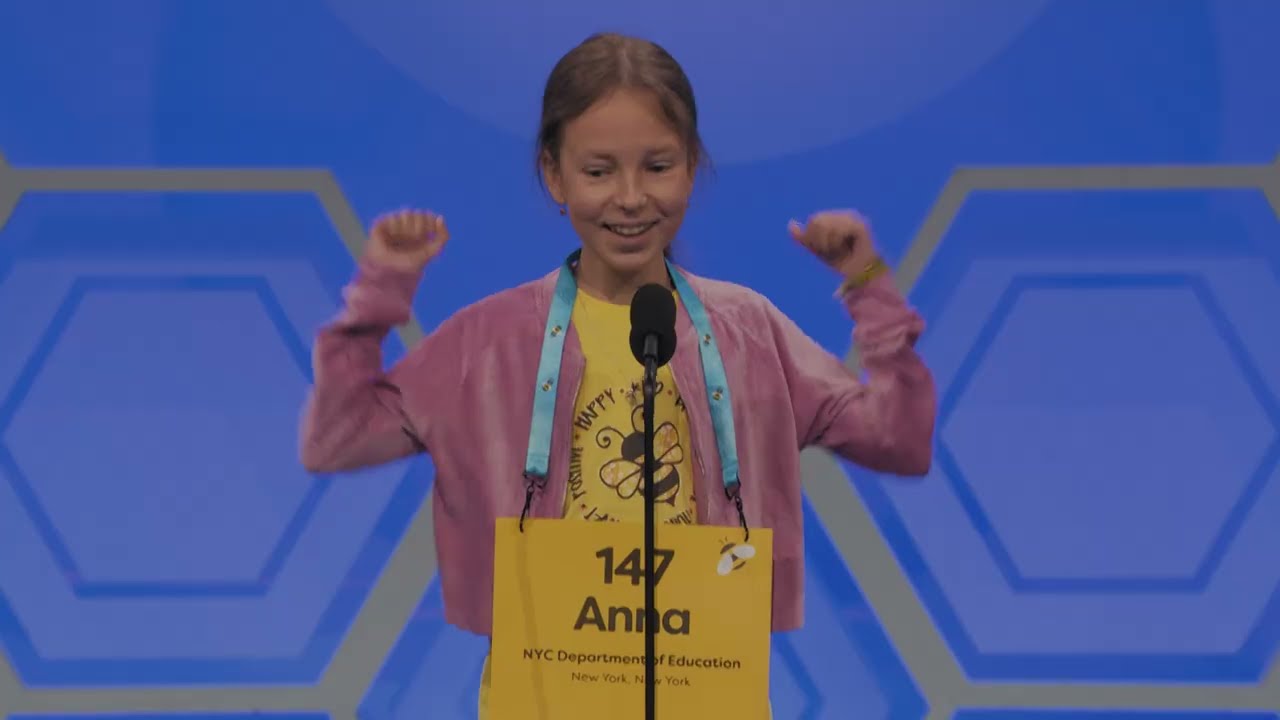
Highlights from last year:

Copyright ©2026 askatechteacher.com – All rights reserved.

Here’s the sign-up link if the image above doesn’t work:
Jacqui Murray has been teaching K-18 technology for 30 years. She is the editor/author of over a hundred tech ed resources including a K-12 technology curriculum, K-8 keyboard curriculum, K-8 Digital Citizenship curriculum. She is an adjunct professor in tech ed, Master Teacher, and author of the tech thrillers, To Hunt a Sub and Twenty-four Days. You can find her resources at Structured Learning.

Successful USNA Graduates

If you’re looking for a science background (everyone gets a BS), the US Naval Academy where everyone gets a BS is one of your best choices. Besides that, it includes a massive work load that must be done in a short amount of time (while holding down a part-time job–yes, you’re paid for the labor), the requirement to incorporate physical with mental calisthenics, a patriot’s approach to serving your countrypeople. The result often is a successful national leader. Specifically:
- 1 President of the United States
- 3 Cabinet Members
- 21 Ambassadors
- 32 Members of Congress
- 6 State Governors
- 10 Secretaries of the Navy
- 1 Secretary of the Air Force
- 5 Chairmen of the Joint Chiefs of Staff
- 4 Vice Chairmen of the Joint Chiefs of Staff
- 31 Chiefs of Naval Operations
- 9 Commandants of the Marine Corps
- 2 Nobel Prize Winners
- 72 Medal of Honor Recipients
- 56 NASA Astronauts
- 56 Rhodes Scholars
- 34 Marshall Scholars
- 4 Churchill Scholars
- 122 Olmsted Scholars
- 39 Fitzgerald Scholars
- 1 Beyer Scholar
- 43 White House Fellows
Who are some of these? (more…)

Tech Tip #152: Tips for the Inquiry-based Teacher

In these 169 tech-centric situations, you get an overview of the tech topics most important to your teaching as well as practical strategies to address most classroom tech situations, how to scaffold these to learning, and where they provide the subtext to daily tech-infused education.
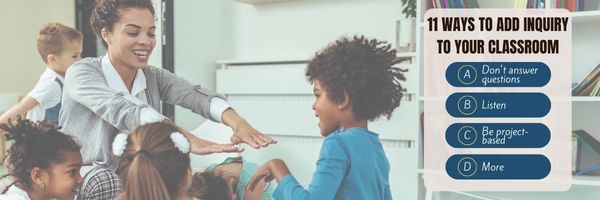
Today’s tip: Tips for the Inquiry-based Teacher
So how do you create the inquiry-based classroom? Here’s advice from a few of my e-friend teachers: (more…)





