
Category: Geography

#45: How to Use MS Word to Teach Geography
Where Am I?
Use MS Word target diagram to organize the Universe. Start with the student’s town in the center and build out. Show students how to color the diagram. For olders, add a table at the bottom with the location and a fact about it. This is a great way to show kids how they can organize their thoughts with pictures, diagrams, tables—lots of ways other than simple text
[caption id="attachment_929" align="alignleft" width="182"]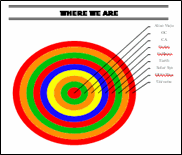 Sample diagram[/caption]
Grade Level: 3-5
Background: Using MS Word.
Vocabulary: diagram, graphic organizer, solar system
Time: About 30 minutes
Steps:
- Open MS Word. Add a heading to the top.
- Add a title–Where We Are–centered, bold and font 14. Use this to point out the toolbar with the four alignment tools, bold, fonts and font size (more…)

Weekend Website #30: Breathing Earth
Drop by every Friday to discover what wonderful website my classes and parents loved this week. I think you’ll find they’ll be a favorite of yours as they are of mine.
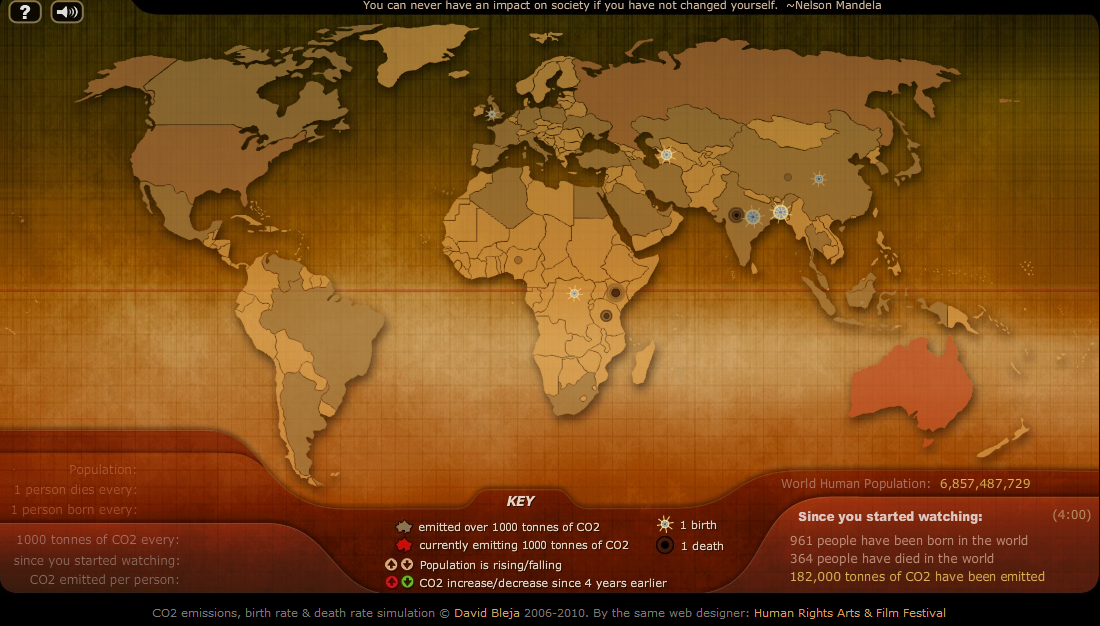
(more…)
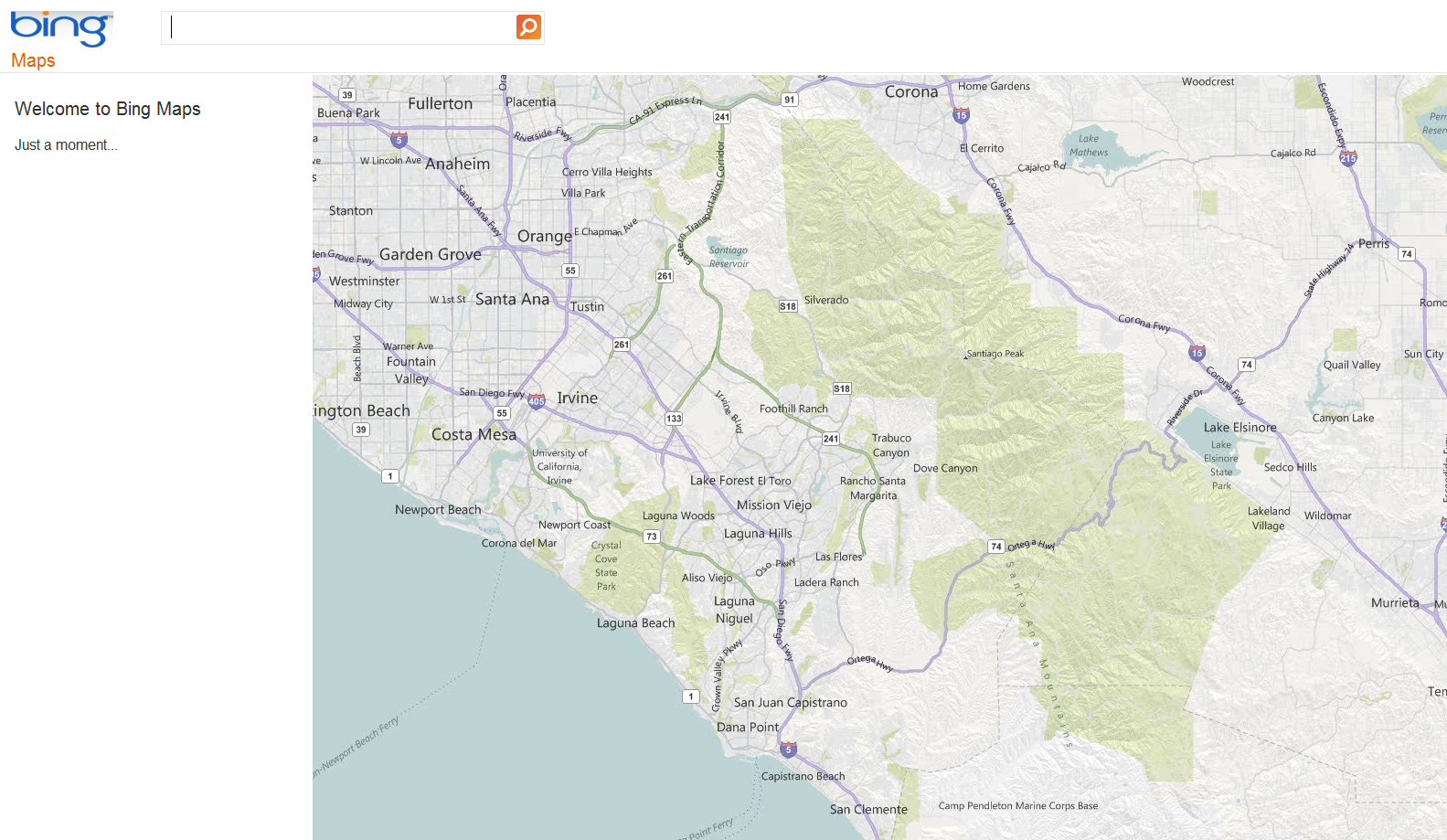
Weekend Website #28: Bing Maps
Drop by every Friday to discover what wonderful website my classes and parents loved this week. I think you’ll find they’ll be a favorite of yours as they are of mine.

14 Websites to Learn Everything About Landforms
If your third grader has to write a report about landforms, try these websites:
- About Rivers www.42explore.com/rivers.htm
- Biomes/Habitats http://www.allaboutnature.com/biomes/
- Deserts http://www.42explore.com/deserts.htm
- Explore the Colorado http://www.desertusa.com/colorado/explorriver/du_explorrv.html
- Geography Activities—for teachers www.enchantedlearning.com/geography/
- Geography Quiz Game www.quia.com/pop/114591.html
- GeoNet Game www.eduplace.com/geonet/
(more…)

Find Great Kids Websites
They’re user-friendly, kid-tested, organized by grade and topic. Just click this link to Great Kids Websites and scroll down until you find your grade and subject.
Send me an email with any websites you use with your students:

Google Earth: User Friendly in the Classroom
What an amazing program! I decided to devote a unit to it for my fifth grade technology classes. I gave them a list of locations which they had to locate on Google Earth  using the Fly To bar or with Google Earth Community, placemark them (with their choice of creative placemarks), create their own tour file folder under ‘My Places’ and save each location to their tour folder with one interesting fact (which didn’t include Boy is this a great place!). (more…)

#46: How to Use Technology to Teach Landforms
Every elementary school student learns about landforms–deserts, mountains, oceans–what they are, how they’re different. Here’s a great table to put some of those details onto one page for your students. The best part is they explore Google Images, finding some of the most amazing pictures of landforms you’ve ever seen.

Weekend Website #10: Google Mars
Drop by every weekend to discover what wonderful website my classes and parents loved this week. I think you’ll find they’ll be a favorite of yours as they are of mine. (more…)
How to Use MS Word to Teach Geography
Sample diagram[/caption]
Grade Level: 3-5
Background: Using MS Word.
Vocabulary: diagram, graphic organizer, solar system
Time: About 30 minutes
Steps:
- Open MS Word. Add a heading to the top.
- Add a title–Where We Are–centered, bold and font 14. Use this to point out the tool bar with the four alignment tools, bold, fonts and font size (more…)

#43: How to Teach Geography with KidPix II
Click on image to enlarge if it’s blurry.
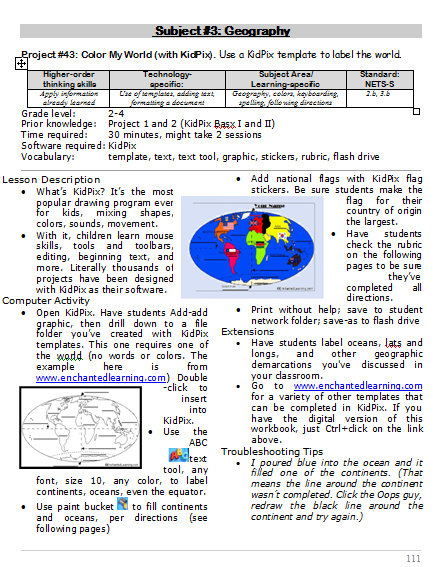

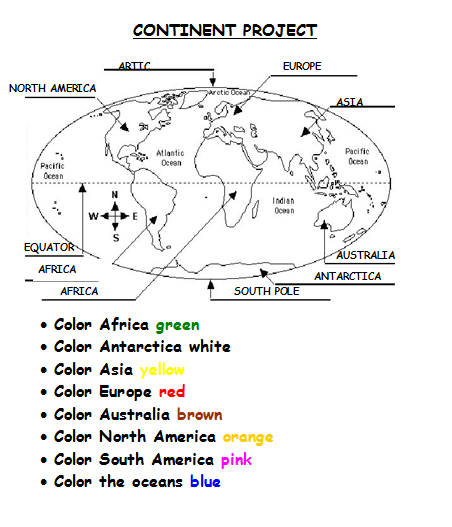

–from 55 Technology Projects for the Digital Classroom
Jacqui Murray has been teaching K-18 technology for 30 years. She is the editor/author of over a hundred tech ed resources including a K-12 technology curriculum, K-8 keyboard curriculum, K-8 Digital Citizenship curriculum. She is an adjunct professor in tech ed, Master Teacher, webmaster for four blogs, an Amazon Vine Voice, CSTA presentation reviewer, freelance journalist on tech ed topics, contributor to NEA Today, and author of the tech thrillers, To Hunt a Sub and Twenty-four Days. You can find her resources at Structured Learning.





