
Author: Jacqui

11 Ways to Update Your Online Presence

For regular readers of Ask a Tech Teacher, these are yearly reminders. For new readers, these are like body armor in the tech battle. They allow you to jubilantly overcome rather than dramatically succumb.
11 Ways to Update Your Online Presence
For most teachers I know, life zooms by, filled with lesson planning, teaching, meeting with grade-level teams, chatting with parents, attending conferences (to stay UTD), and thinking. There are few breaks to update/fix/maintain the tech tools that allow us to pursue our trade.
That includes your online presence and all those personal profiles. But, that must happen or they no longer accomplish what we need. If they aren’t updated, we are left wondering why our blog isn’t getting visitors, why our social media Tweeple don’t generate activity, and why you aren’t being contacted for networking. Here’s a short list of items that won’t take long to accomplish:

Happy Thanksgiving Week to All!
I’m taking next week off. I’ll be preparing for my daughter’s holiday visit from her home in DC and my son who’s visiting virtually from Okinawa Japan. I am so excited to see both of them!

I’ll be back November 29th. Any emergencies–drop me a line at askatechteacher@gmail.com.

Jacqui Murray has been teaching K-18 technology for 30 years. She is the editor/author of over a hundred tech ed resources including a K-12 technology curriculum, K-8 keyboard curriculum, K-8 Digital Citizenship curriculum. She is an adjunct professor in tech ed, Master Teacher, webmaster for four blogs, an Amazon Vine Voice, CSTA presentation reviewer, freelance journalist on tech ed topics, and author of the tech thrillers, To Hunt a Sub and Twenty-four Days. You can find her resources at Structured Learning.

10 Ways Any Teacher Can (and Should) Use Technology
 Common Core tells us:
New technologies have broadened and expanded the role that speaking and listening play in acquiring and sharing knowledge and have tightened their link to other forms of communication. Digital texts confront students with the potential for continually updated content and dynamically changing combinations of words, graphics, images, hyperlinks, and embedded video and audio.
The underlying theme can’t be ignored by teachers any longer: A 21st Century learner requires technologic proficiency. Proof enough is that Common Core summative assessments will be completed online—only possible if students use technology as comfortably as paper and pencil to demonstrate knowledge.
But how do you do that if you aren’t a ‘techie’ or a ‘geek’, if you barely use a Smartphone much less the myriad of online tools. I have ten strategies that will make your teaching life easier, bump up your effectiveness with students, and save time complying with Common Core standards. Try these ten tech uses. Watch what a difference they make:

9/11… We Remember
America, we love you.
[youtube=http://www.youtube.com/watch?v=6TPgJSZf5Vw&w=420&h=315]
Tech Ed Resources for your Class–K-8 Keyboard Curriculum
I get a lot of questions from readers about what tech ed resources I use in my classroom so I’m going to take a few days this summer to review them with you. Some are edited and/or written by members of the Ask a Tech Teacher crew. Others, by tech teachers who work with the same publisher I do. All of them, I’ve found well-suited to the task of scaling and differentiating tech skills for age groups, scaffolding learning year-to-year, taking into account the perspectives and norms of all stakeholders, with appropriate metrics to know learning is organic and granular.

Today: K-8 Keyboard Curriculum
Overview
K-8 Keyboard Curriculum (four options plus one)–teacher handbook, student workbooks, companion videos, and help for homeschoolers
2-Volume Ultimate Guide to Keyboarding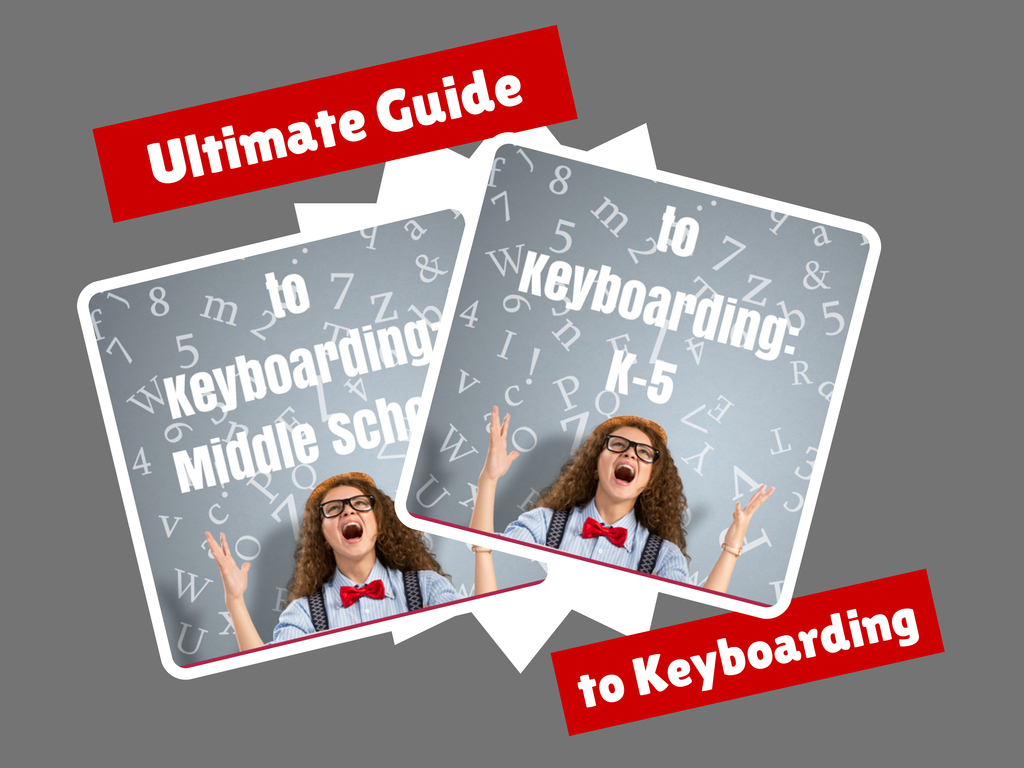
K-5 (237 pages) and Middle School (80 pages), 100 images, 7 assessments
K-5–print/digital; Middle School–digital delivery only
Aligned with Student workbooks and student videos (free with licensed set of student workbooks)
Student workbooks sold separately
__________________________________________________________________________
1-Volume Essential Guide to K-8 Keyboarding
120 pages, dozens of images, 6 assessments
Great value!
Delivered print or digital
Doesn’t include: Student workbooks

Here’s How to Motivate Summer School Students
 When you have to compete with a warm sun, sandy beaches, and playful friends, motivating students in summer school can be a daunting challenge. The best first step, right after introducing yourself, is to understand why students are with you rather than with friends or playing online games. Their reasons could be to try something new, make up for a class they failed, get ahead of classes they must take, or something else. Their answers to this question will guide you in how you teach the class. Once you know their reasons, be honest with them on how you will help them meet their goals. In general terms, you want them to know you’ll do your best to make their summer experience worthwhile, get them through the material, and help them pass the required exams with the grades they need. I’ve talked about best practices for teaching. Let’s today cover how to get students through the summer learning experience:
Make the class interesting
There are a lot of ways to teach a topic that satisfies curriculum demands. For example, you can fill in worksheets, watch videos, complete group projects, or work independently. Pick an approach that is 1) different from how you teach during the school year, and 2) fits your student group.
While you’re changing the approach, also change the setting. Teach class in a park, in a museum’s group learning room, at a restaurant over a meal, in someone’s home, or in the school auditorium. Here’s the logic behind that: Students react well to change. Do you remember the Hawthorne Effect Study? Done in the 1930’s (and redone in different ways many times afterwards), researchers examined how different aspects of the work environment (i.e., lighting, the timing of breaks, and the length of the workday) affected employee productivity. What they found wasn’t what they expected. The biggest impact on productivity came from simply paying attention to the workers and their environment. Let your summer school students experience this motivator. Change their learning ecosystem and watch how much harder they work simply because you care enough to pay attention.

Happy Memorial Day
I’m taking the day to honor our all soldiers on America’s Memorial Day. Without their sacrifice, where would we be? I tried to keep the videos to three and failed miserably. Once I got started watching, I got lost.
[youtube https://www.youtube.com/watch?v=Omd9_FJnerY] [youtube https://www.youtube.com/watch?v=MoNj8qsptjA] [youtube https://www.youtube.com/watch?v=07-RnI8W4xY] [youtube https://www.youtube.com/watch?v=TT5u2xVEO5M]
12 Websites for Digital Books Summer Reading

At the beginning of the 21st century, the definition of digital equity revolved around the provision of a digital device to every student. Usually, that meant desktop computers, iPads, and laptops, either in small groups or 1:1. As digital equity discussions matured and hyperbole became reality, educators found that those loudly-touted digital devices often became paperweights. The reasons were varied (teacher training, infrastructure, and professional support to name a few), but one of the most prominent was money. Good intentions to give all students access to the world’s knowledge were derailed by the cost of the websites and webtools that made that happen. Turns out — and not really a surprise — the cost of the digital devices was minor compared to the cost of the websites and webtools required to meet goals.
There is one bright spot in this story: Online books. Thanks to the efforts of many devoted professionals and the financial support of more, there are a wide variety of free/inexpensive sources for books that students can use for classroom activities as well as pleasure.

12 Tech Tasks To End the School Year

Wrapping up your school technology for the summer is as complicated as setting it up in September. There are endless backups, shares, cleanings, changed settings, and vacation messages that — if not done right — can mean big problems when you return from summer vacation. If you have a school device, a lot of the shutdown steps will be done by the IT folks as they backup, clean, reformat, and maybe re-image your device. If you have a personal device assigned by the school but yours to take home, the steps may be more numerous but really, not more complicated.
Here’s a list. Skip those that don’t apply to you and complete the rest. I won’t take time in this article (I’m at about 1000 words right now) for a how-to on each activity so if you don’t know how to complete one, check with your IT folks or Google it:
Make sure your firewall and antivirus programs are working.
Many computers come with a built-in one to keep viruses and malware out that slow your computer. Sometimes, they seem to turn off by themselves (I have no idea why). Check to be sure yours is active. If you have a Chromebook or an iPad, don’t even worry about this.
Clean out your documents.
Sort through the documents you collected this year and get rid of those you don’t need anymore. It’s intimidating, like a file cabinet that hasn’t been opened in months –- or years — and is covered with spider webs. If you don’t do this regularly, the computer must finger through these unused files every time you search. If you hate throwing anything away, create an ‘Old’ folder, toss them all in it, and save that to a flash drive or in the cloud.

5 Ways to Involve Parents in Your Class
 In fifteen years of teaching K-8, I have learned that one factor provides a reliable barometer for student success: Parent involvement. In fact, it’s crucial. According to the National Coalition for Parent Involvement in Education Research Review and Resources, no matter income or background, students with involved parents are more likely to have higher grades and test scores, attend school regularly, have better social skills, show improved behavior, and adapt well to school. According to the School Community Journal, “There is a sizable body of research literature supporting the involvement of parents in educational settings and activities”.
The data is so overwhelming, one of our important jobs as teachers must be to facilitate the involvement of parents in their child’s education. There are as many ways to do that as there are parents who need alternatives to the traditional parent-teacher conference and back-to-school night. Here are some of my favorites:





