
Author: Jacqui

Humor that Inspires–for Teachers! Part III
 If you liked the last Humor that Inspires (Part 1 and Part 2), here are more to kick-start your day:
- “A man can’t be too careful in the choice of his enemies.”
– Oscar Wilde (1854-1900) - “Forgive your enemies, but never forget their names.”
– John F. Kennedy (1917-1963) - “Logic is in the eye of the logician.”
– Gloria Steinem - “No one can earn a million dollars honestly.”
– William Jennings Bryan (1860-1925) - “Everything has been figured out, except how to live.”
– Jean-Paul Sartre (1905-1980) - “Well-timed silence hath more eloquence than speech.”
– Martin Fraquhar Tupper - “Thank you for sending me a copy of your book – I’ll waste no time reading it.”
– Moses Hadas (1900-1966) - “From the moment I picked your book up until I laid it down I was convulsed with laughter. Some day I intend reading it.”
– Groucho Marx (1895-1977) - (more…)

10 Steps to Tech Saviness This Summer
 Summer is for change. Out with routine, in with spontaneity. When you were in high school, that meant relaxing, seeing friends, going to parties. In college, it likely meant a summer job to make the money that paid for college. Now, as an adult, living your future, summer is a time to rejuvenate, to enrich, to build your core–those things that make you who you are.
As a technology teacher or IT coordinator or computer specialist (or all of the above), you need as much time as you can get and more than you have during the school year to stay afloat of what’s happening in the tech ed field. The list of changes is daunting–iPads, 1:1 initiatives, technology integration, podcasts, sharing and publishing student work, embeddable widgets, Common Core State Standards, digital citizenship, keyboarding. If you’re like me, you try to do what you can during the school year, but it’s summer, with its endless days and no schedule that gives you the freedom to let your brain lose.
Here’s my bucket list for this summer:

Tech Tip #53: How to Pin Any Program to the Start Menu
As a working technology teacher, I get hundreds of questions from parents about their home computers, how to do stuff, how to solve problems. Each Tuesday, I’ll share one of those with you. They’re always brief and always focused. Enjoy!
Q: There’s a program I use all the time, but it’s not on my desktop. I have to click through All-Programs-(etc–wherever it is you must go to find it). Is there a way to add it to my start menu so I can find it more easily?
A: Absolutely.
- Click through All-programs to wherever it is, but don’t open the program.
- Instead, right click on the icon that would normally open the program and select ‘pin to start menu’ from the drop down menu.
This will attach this program to your Start button in the future. Much easier! From this same menu, you could attach to program to your Taskbar if you prefer.
In My Opinion
 A Parent’s Perspective on education…
Parents do not always see things as we–the teacher–do. It is refreshing to have them voice their thoughts on prickly issues that are part and parcel to educating children.
Here’s Sara Stringer’s opinion. She is a former medical and surgical assistant who now does freelance business consulting. She enjoys blogging and helping others. In her spare time (translation: the time spent doing what’s most important), she enjoys soaking up the sunshine with her husband and two kids.
Instilling the Importance in Education
As adults we understand what is so important about going to school and doing the best we can. But sometimes kids just don’t see the point. Some of us are natural scholars and others have to be trained to be so. I have heard time and again that grades don’t count until high school anyway. This just isn’t true.
Sure colleges aren’t looking at what your child does in the 2nd grade, but it’s at a young age they will build the habits that they will carry with them the rest of their lives. Slacking in school is just not an option.
I am not saying that your child has to be the smartest or that learning disabilities aren’t real. The truth is we all have strengths and luckily we are more aware of this than we once were. But a child who has an extremely creative mind still has to learn math. As awful as it may sound, use the subjects they love as collateral for them to do the things that are harder for them.
But possibly what is most important is keeping it honest with your kids. If s/he loves the nurse at the doctors office because she helps and is really nice and your child wants to be like her when s/he grows up, explain the opportunities in healthcare. Let her know academically what that career requires and without doing well in school, s/he may not get to live that dream.

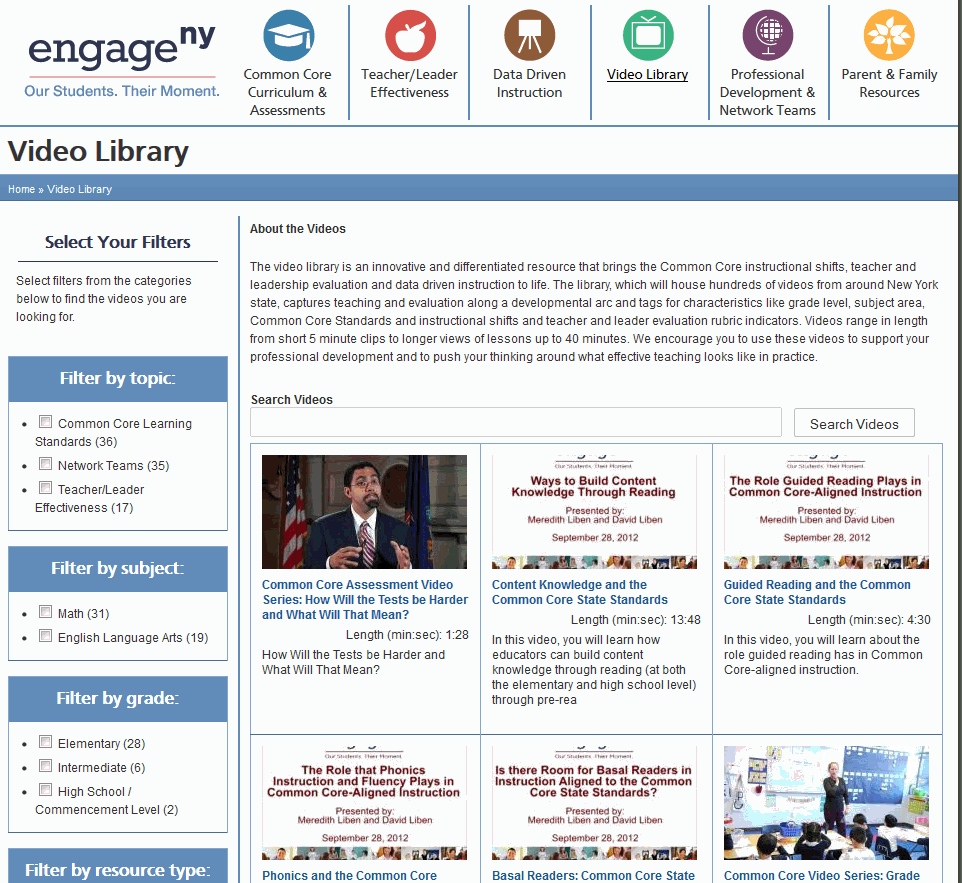
Weekend Website #130: EngageNY
Every week, I share a website that inspired my students. Here’s one that I’ve found effective in supporting the pedagogic changes to Common Core

Can’t Attend ISTE 2013? Try this

Can’t attend ISTE 2013 in person? Not to worry—now you can access many of the same great sessions that our regular conference attendees do—right from the comfort of your own home!
Participate virtually in a full day of ISTE 2013, including our Tuesday morning keynote and 20 of our most popular sessions—all live!
- Choose from five concurrent sessions at each timeslot.
- Interact with presenters, conference attendees, and other Access ISTE participants via moderated chat.
- Engage in custom interactive interview discussion activities exclusively available to Access ISTE participants.
- Receive on-demand access to archived recordings of all 20 Access ISTE sessions.
Space is limited so reserve your spot now!
Cost: $219 (a bit pricey)—includes recorded archive of all Access ISTE 2013 sessions for six months
Jacqui Murray has been teaching K-18 technology for 30 years. She is the editor/author of over a hundred tech ed resources including a K-12 technology curriculum, K-8 keyboard curriculum, K-8 Digital Citizenship curriculum. She is an adjunct professor in tech ed, Master Teacher, webmaster for four blogs, an Amazon Vine Voice, CSTA presentation reviewer, freelance journalist on tech ed topics, contributor to NEA Today, and author of the tech thrillers, To Hunt a Sub and Twenty-four Days. You can find her resources at Structured Learning.

5 Digital Goals for You This Summer
 Ah, summer. Is it really that time again? It’s hard to believe those amazing children I started with in September are about to move on.
Which means I must come up with activities to keep myself busy until I return to the next classful of eager faces.
Truth, I know exactly what I’m doing this summer. I’ve spent much of this school year drooling over exciting tools I wanted to learn to use, unable to eke out the requisite time. Too busy with classes and homework and report cards and student needs to focus that nine-pound muscle inside my skull on the nerve-wracking horrors of Something New. What if I can’t figure it out? What if it sucked up all my skimpy free time and I had none left for, say, reading a book?
Tech Tip #52: Roll Your Computer Back to a Problem-Free Date
As a working technology teacher, I get hundreds of questions from parents about their home computers, how to do stuff, how to solve problems. Each Tuesday, I’ll share one of those with you. They’re always brief and always focused. Enjoy!
Q: Something happened and now my computer isn’t working right. I downloaded a program/music/video or installed a new program and it hasn’t worked right since. What do I do?
A: These days, that’s not as hard as it used to be. All you have to do is type ‘restore’ in the search box (on the start menu) and follow instructions. What it’ll do is turn your computer back to an earlier date, before you did the download or the install. It won’t affect documents, only the bad stuff. It’s saved me several times.

7 Digital Ways to End the School Year
If you’ve been swearing all year to get students online using some of those amazing digital tools. I have some ideas for you. These seven projects will be so much fun, they will eagerly welcome the new school year, hoping you have more toys for them to learn.
The trick with so many of these online sites is: Let students explore. Don’t rush them. Don’t teach them every twist and turn. Don’t expect perfection. Expect inquiry and enthusiasm and self-paced discovery. Let them solve problems as they create.
Here are seven ideas for amazing end-of-year projects that leave students thinking the school year is ending too soon:
End-of-year Multimedia Summative
Students take pictures of each other holding up favorite projects or working on tech skills–humorously, of course. Use these pictures in an Animoto movie to share light-hearted details of their Year in Tech. Open it with a magazine cover of student (created in Big Huge Labs). Accessorize with music, transitions, and text bubbles. Save to class network and load onto the school set of iPads. Students can play these movies on the last day of class as they celebrate the end of school. If you don’t have iPads, gather students in comfortable seating, play a student video as they reflect on another successful year of Tech.

10 Factors to Consider in Tech Report Cards
 It used to be simple to post grades. Add up the test scores and see what the student earned. Very defensible. Everyone understood.
It’s not that easy anymore, especially in technology. Here are all the factors I take into consideration when I’m posting grades:
- Does s/he remember skills from prior lessons as they complete current lessons?
- Does s/he show evidence of learning by using tech knowledge in classroom or home?
- Does s/he participate during class discussions?
- Does s/he complete class goals?
- Does s/he save to their network folder?





