
Author: Jacqui

120+ Digital Citizenship Links on 22 Topics
 Here’s a long list of websites to address Digital Citizenship topics you teach in your classroom:
Avatars
to promote digital privacy
- Avatar 1–a monster
- Avatar 2–Lego you
- Avatar 3–animal
- Tellagami–a video avatar
- Vokis
- With comics, via Pixton — fee-based
Copyrights and Digital Law
- Copyrights–BrainPop video
- Copyright and Fair Use–Common Sense Media video
- Copyright Law Explained (fun video, informative, thorough)
- Copyright law curriculum
- Creative Commons
- Take the mystery out of copyrights–by the Library of Congress
- Videos on licensing, copyrights, more (from Creative Commons)
 Curriculum

Cyberbullying
- Bullying—Watch this (videos)
- Cyberbullying video
- Cyber-bullying–5th grade
- Cyber-bullying—BrainPop
- Cyberbullying—what is it
- Think Time: How Does Cyberbullying Affect You
DigCit (General)

32 Websites to Support Math Automaticity in K-5
 Here’s along list of websites that focus on math automaticity for the K-5 classroom. I’ve broken it down by grade level, but you can decide if your second graders are precocious enough to try the websites for grades 3-5:
K
1st
2nd

Tech Tip #115: Three-click Rule
As a working technology teacher, I get hundreds of questions from parents about their home computers, how to do stuff, how to solve problems. Each Tuesday, I’ll share one of those with you. They’re always brief and always focused. Enjoy!
Q: Some websites/blogs are confusing. I click through way too many options to get anything done. What’s with that?
A: I hadn’t put a lot of thought to this until I read a discussion on one of my teacher forums about the oft-debunked-and-oft-followed 3-click rule made popular by Web designer Jeffrey Zeldman in his book, “Taking Your Talent to the Web.”. This claims ‘that no product or piece of content should ever be more than three clicks away from your Web site’s main page’.
This is true with not just programming a website, but teaching tech to students. During my fifteen years of teaching tech, I’ve discovered if I keep the geeky stuff to a max of 2-3 steps, students remember it, embrace it, and use it. More than three steps, I hear the sound of eyes glazing over.
Whether you agree with the ‘rule’ or not, it remains a good idea to make information easy and quick to find. Readers have a short attention span. Same is true of students.

3 Lesson Plans to Teach Architecture in First Grade
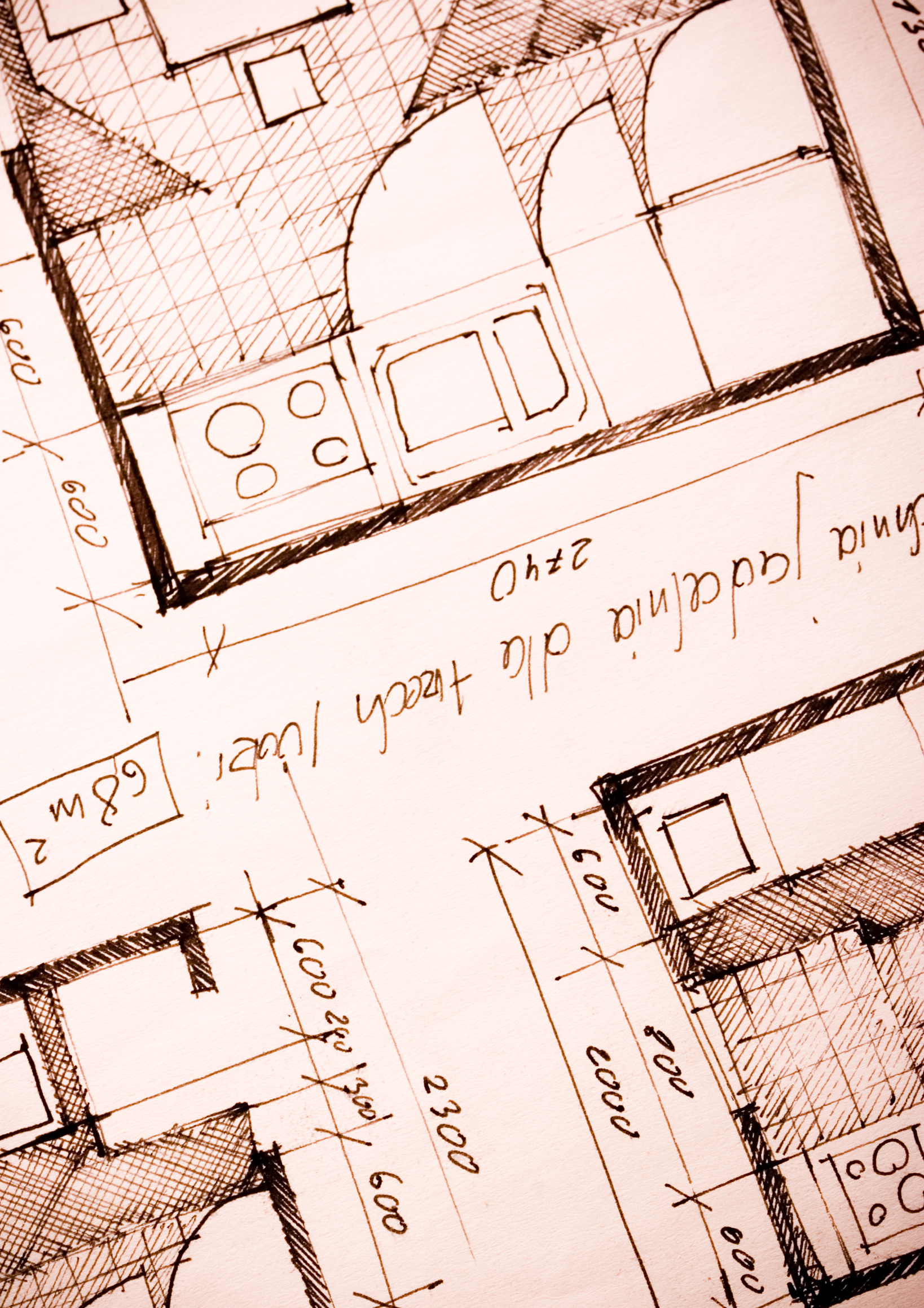 Here’s a great lesson plan with three activities well-suited to the discussion of architecture and design in 1st grade:
Review
Students complete three projects in two weeks to aid understanding of architecture, design, and three-dimensional thinking. They’ll experiment with spatially laying out a three-dimensional structure on a two-dimensional paper. When completed, they’ll discuss with neighbors while practicing good listening skills learned in class.
Start with a discussion of design. This includes size, shape, texture, proportion, scale, mass and color. We will apply these to rooms, buildings, and neighborhoods. Encourage students to think and analyze critically as they engage in learning.
In figures below, ask students which are two- or three-dimensions? How do they know?
[gallery ids="50170,50171,50172,50173,50164"]Design the Classroom
Visit Classroom Architect and demo how to design the classroom with drag-and-drop pieces (see figures below). Take suggestions from class on layout. Students must think about where tables and storage are relative to other items. This is an active learning lesson that encourages visual thinking. Develop a sample based on class input and show how to make corrections if necessary.

33 Great Research Websites for Kids

Here are quick, safe spots to send students for research (click for updates to this list):
- CoolKidFacts–kid-friendly videos, pictures, info, and quizzes–all 100% suitable for children
- Fact Monster–help with homework and facts
- Google Earth Timelapse–what changes to the planet over time
- Google Trends–what’s trending in searches
- History Channel–great speeches
- How Stuff Works–the gold standard in explaining stuff to kids
- Info Please–events cataloged year-by-year
- National Geographic for Kids
- Ngram Viewer–analyzes all words in all books on Google Books
- TagGalaxy–search using a cloud
- Wild Wordsmyth–picture dictionary for kids
- World Book–requires membership
Citing Resources
Kids Search Engines
How to Research
- A Google A Day
- How to Search on Google
- Power Searching (with Google)
- Internet Search and Research–a lesson plan for K-8
Lesson Plans
Resources/Research
- BrainPOP–Bring learning to your fingertips™ with the BrainPOP® Featured Movie app
- Kids Picture Dictionary
- Primary Source Documents
- SparkVue–collect and display live data from iPhone etc to the iPad
- Talk to Books–research your topic based on books
- TED app–TED’s official app presents talks from some of the world’s most fascinating people

Tech Tip #112: How to Open 2 Gmail Accounts at Once
As a working technology teacher, I get hundreds of questions from parents about their home computers, how to do stuff, how to solve problems. Each Tuesday, I’ll share one of those with you. They’re always brief and always focused. Enjoy!
Q: I have a home Gmail account and a school one. How do I open both at once so I can keep track of what my kids/home business/etc is doing while at my teaching job?
A: The quick answer I got from e-friend and tech guru Chris Hoffman is: Open each account in a separate browser (in my case, I use Firefox and Chrome). Click here to get all the details why this works. It has to do with each browser keeping its own cookie.
Why do you need this:

6 Sites + 12 + 6 About Coin Counting
Second graders (sometimes first graders) learn about money. The only way to really ‘get it’ is  repetition. Here’s a list of websites to provide redundancy for each type of learner:
For a longer list that includes concepts like ‘economics’, try these:
Coins and Counting Money
- Brain Pop Learn about Money
- Cashtivity
- Coin games—from US Mint
- Count Money
- Face on money
- Face on money–from Lunapic; lots of options
- Make change
- Money—counting
- Moneyville
- Money Flashcards–APlus Math
- Mr. Bouncy’s Money collection–lots of websites
- US Mint virtual tour (a slideshow)
Economics–for youngers
- Brain Pop Learn about Money
- Coffee Shop Game
- Rich Kid Smart Kid
- Spent–living at minimum wage: the game
- Three Jars–kids learn to use money wisely
- Tykoon Kid–earning with a purpose
Do you have any to add to this list? These are mostly for youngers–I’d love some for older age groups. (more…)

Tech Tip #108: Got a Tech Problem? Google It!
As a working technology teacher, I get hundreds of questions from parents about their home computers, how to do stuff, how to solve problems. Each Tuesday, I’ll share one of those with you. They’re always brief and always focused. Enjoy!
Q: Sometimes, I just can’t remember how to accomplish a task. Often, I know it’s simple. Maybe I’ve done it before–or even learned it before–and it’s lost in my brain. What do I do?
A: One of the best gifts I have for students and colleagues alike is how to solve this sort of problem. Before you call your IT guy, or the tech teacher, or dig through those emails where someone sent you the directions, here’s what you do:
Google it.

Tech Tip #106: Auto-add a Period, Caps Lock, When Typing on an IPad
As a working technology teacher, I get hundreds of questions from parents about their home computers, how to do stuff, how to solve problems. Each Tuesday, I’ll share one of those with you. They’re always brief and always focused. Enjoy!
Q: Typing on the iPad keyboard is slow. You have to access two different screens to type most messages. How do I speed that up without buying (and installing) a separate QWERTY keyboard?
A: Here’s one time-saving tip: IPads and most Smartphones will add a period (which inconveniently is on the second screen) if you double-space.
Cool.
Double-tapping seems to be a secret shortkey for many tools. For example, if you double-click the shift key, it turns the CAPS LOCK on.

Tech Tip #105: Create Shortkeys for Windows Tools
As a working technology teacher, I get hundreds of questions from parents about their home computers, how to do stuff, how to solve problems. Each Tuesday, I’ll share one of those with you. They’re always brief and always focused. Enjoy!
Q: I love the Windows snipping tool, but it takes too long to get to. Is there a shortkey for it?
A: Oddly, there isn’t, which is why I didn’t use it for a long time. I want a screen capture that’s instantaneous. Jing is even too slow for me (though I tolerate it because of all its cool annotations.
Then I discovered how to create a shortkey for Snipping Tool:
- Go to Start–accessories
- Right click on ‘snipping tool’
- Select ‘properties’
- Click in ‘shortcut’
- Push the key combination you want to use to invoke the snipping tool. In my case, I used Ctrl+Alt+S
- Save
Now all I have to do is remember the shortkey!
BTW, this works for any tool.





