
Author: Jacqui

Tech Tip #34: My Program Froze
As a working technology teacher, I get hundreds of questions from parents about their home computers, how to do stuff, how to solve problems. Each Tuesday, I’ll share one of those with you. They’re always brief and always focused. Enjoy!
Q: I’m writing a very (very) important paper and all of a sudden, the screen is frozen. I can’t save it, or anything else. What do I do?
A: Programs do freeze for no reason sometimes, but not often (I’m assuming you take care of your computer–defrag, don’t download with abandon, update it occasionally). Before you declare a dog-ate-my-homework sort of catastrophe, try this: (more…)

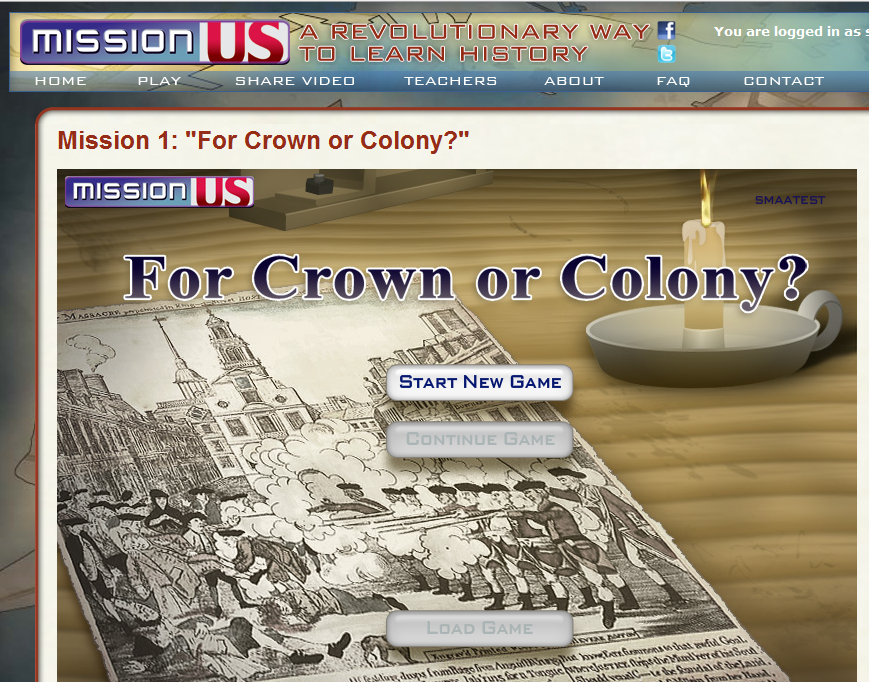
Weekend Website #44: Mission US
Every Friday I’ll send you a wonderful website that my classes and my parents love. I think you’ll find they’ll be a favorite of your students as they are of mine.

#45: How to Use MS Word to Teach Geography
Where Am I?
Use MS Word target diagram to organize the Universe. Start with the student’s town in the center and build out. Show students how to color the diagram. For olders, add a table at the bottom with the location and a fact about it. This is a great way to show kids how they can organize their thoughts with pictures, diagrams, tables—lots of ways other than simple text
[caption id="attachment_929" align="alignleft" width="182"]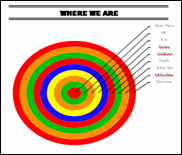 Sample diagram[/caption]
Grade Level: 3-5
Background: Using MS Word.
Vocabulary: diagram, graphic organizer, solar system
Time: About 30 minutes
Steps:
- Open MS Word. Add a heading to the top.
- Add a title–Where We Are–centered, bold and font 14. Use this to point out the toolbar with the four alignment tools, bold, fonts and font size (more…)
Tech Tip #35: My Program Closed Down
As a working technology teacher, I get hundreds of questions from parents about their home computers, how to do stuff, how to solve problems. Each Tuesday, I’ll share one of those with you. They’re always brief and always focused. Enjoy! (more…)
Tech Tip #32: My Taskbar Got Moved to the Side
As a working technology teacher, I get hundreds of questions from parents about their home computers, how to do stuff, how to solve problems. Each Tuesday, I’ll share one of those with you. They’re always brief and always focused. Enjoy! (more…)

#7: Fifth Grade Cropping in Photoshop
Before trying this lesson, start here and here and here, with background training on image editing. Don’t worry. It’s not hard–just the basics.
Ready? Let’s start with what Adobe Photoshop is–a grown-up KidPix, and the default photo-editing program for anyone serious about graphics. This series of projects (available in 55 Technology Projects for the Digital Classroom Volume I) introduces students to a traditionally-challenging program in an easy to understand way, each scaffolding to the next, thus avoiding the frustration and confusion inherent in most Photoshop training.
There are three ways to crop in Photoshop:
Weekend Website #41: Spanish Help
Every Friday I’ll send you a wonderful website that my classes and my parents love. I think you’ll find they’ll be a favorite of your students as they are of mine.
[caption id="attachment_4351" align="aligncenter" width="614"]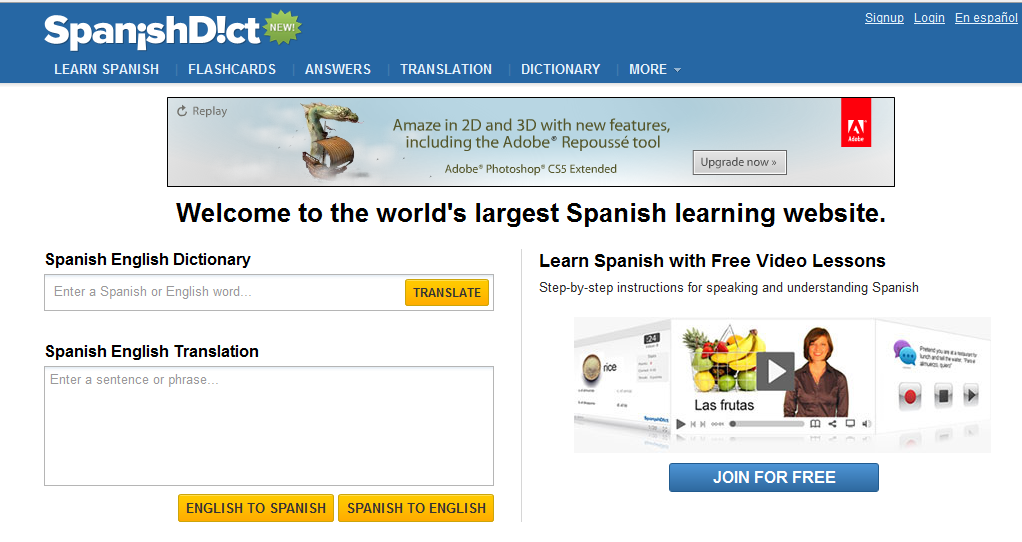 Learn Spanish[/caption]
(more…)
Weekend Websites #39: Big Huge Labs
Every Friday I’ll send you a wonderful website that my classes and my parents love. I think you’ll find they’ll be a favorite of your students as they are of mine.


#27: Internet Skills for K-8: Blogs
Blogs are the most exciting educational tool to come along since… well, wikis, twitter and email. Without any effort on the teacher’s part, students become enthralled with writing. (more…)

#28: My Storybook
Create a ten-sentence story, using characters, setting, plot, rising action, climax and resolution. One sentence per page with a picture to communicate the idea. Include a cover, About the Author. Use this lesson to teach students how to use Publisher’s design gallery
Click on lessons for a full size alternative. (more…)





