
Tag: digital storytelling

42 Great Story Websites You’ll Love
 Check out our latest addition of great websites–Stories. There are 45 websites for grades K-5, everything from audio to international to write your own. Enjoy!
- Aesop Fables—no ads
- Aesop Fairy Tales
- Aesop’s Fables
- Childhood Stories
- Classic Fairy Tales
- Comic Creator
- Edutainment games and stories
- Fables and Fairy Tales
- Fables–Aesop, beautiful
- Fables–Aesop, nicely done
- Fairy tales
- Fairy Tales and Fables
- Get Writing—write your own story
- Interactive storybook collection
- Ivy Joy Fables
- Listen/read–Free non-fic audio books
- Magic Keys–stories for different ages
- Make a Story
- Make another story
- Make Believe Comix (more…)

Great Websites–Stories
Check out our latest addition of great websites–Stories. There are 45 websites for grades K-5, everything from audio to international to write your own. Enjoy!

Monday Freebies #28: My Storybook
This year more than any before, classroom budgets have been cut making it more difficult than ever to equip the education of our children with quality teaching materials. I understand that. I teach K-8. Because of that, I’ve decided to give the lesson plans my publisher sells in the Technology Toolkit (110 Lesson Plans that I use in my classroom to integrate technology into core units of inquiry while insuring a fun, age-appropriate, developmentally-appropriate experience for students) for FREE. To be sure you don’t miss any of these:
…and start each week off with a fully-adaptable K-8 lesson that includes step-by-step directions as well as relevant ISTE national standards, tie-ins, extensions, troubleshooting and more. Eventually, you’ll get the entire Technology Toolkit book. If you can’t wait, you can purchase the curriculum here.
I love giving my material away for free. Thankfully, I have a publisher who supports that. If everyone did, we would reach true equity in international education.
My Storybook
Create a ten-sentence story, using characters, setting, plot, rising action, climax and resolution. One sentence per page with a picture to communicate the idea. Include a cover, About the Author. Use this lesson to teach students how to use Publisher’s design gallery

Monday Freebies #25: Intro to PowerPoint–with KidPix Pictures
Drawings are done in KidPix. Assign topics (me, my family, etc) for grades K-1 to reinforce the concept of following directions. With 2nd grade, use one picture for each of the parts of a story—characters, plot, setting, climax/resolution. Mix pictures and text. Students can show these to parents at Open House or a parent night using Windows slideshow function (something they can do without assistance after a bit of practice)

Weekend Website #51: 17 Story Sites for First and Second Grade
This is my list of websites students can use when we’re studying story-telling, fables and myths. This list includes sites
[caption id="attachment_4872" align="alignright" width="222"]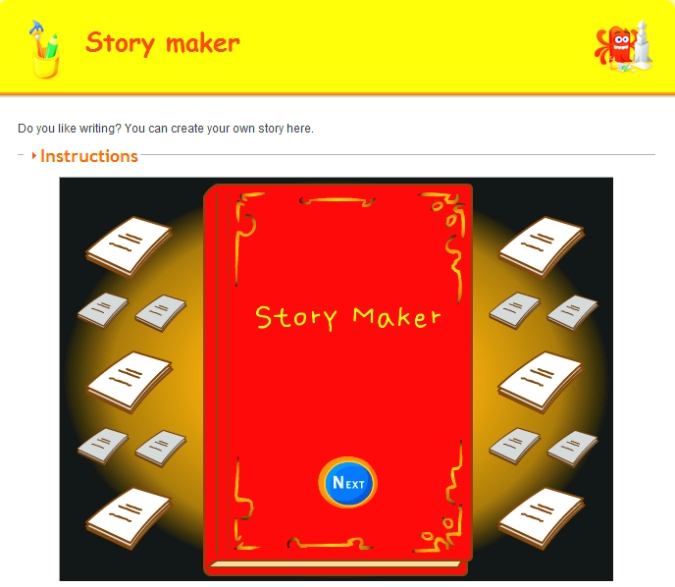 Create a story[/caption]
where students can read stories, have stories read to them and create their own. I pick 3-4, post them on our internet start page for a week or two, and then change the list. If you click that link, it takes you to kindergarten. You can select the red first grade tab or the blue second grade for more choices. If you don’t see any there, it’s because we’re not discussing stories right now.
See which work best for your students:

#28: My Storybook
Create a ten-sentence story, using characters, setting, plot, rising action, climax and resolution. One sentence per page with a picture to communicate the idea. Include a cover, About the Author. Use this lesson to teach students how to use Publisher’s design gallery
Click on lessons for a full size alternative. (more…)
#26: Create a Storybook in KidPix
Create the drawings in KidPix for grades kindergarten and first. By second grade, you can have students insert them into PowerPoint as a slideshow for Open House. (more…)





