
Category: Webtools

ISTE Debrief: Don’t Hide the Internet from Today’s Kids
If you didn’t make it to ISTE 2011, you missed a great time. There was more going on than any sane person could absorb in a month and all 30,000+ of us  attendees tried to do it in four days. The seminars cover every topic from tech integration to how to use specific programs to general trends. I tried to attend a few of each to not only learn new material but to make sure what I’m teaching is as relevant this year as when I first taught it to my classes.
Here are some of my thoughts:
- Teachers are not lecturers. We are guides, even fellow-learners
- Students learn by doing more than being taught. Encourage this
- There are a lot of ‘right’ ways to learn
- Students are problem-solvers. Let this happen
- Technology is about offering options in learning styles
- Technology offers different ways to teach different learners. Use it that way.
- Work beyond the classroom because class is too short, kids aren’t engaged the entire five hours
- Paperless classroom is possible. Figure it out.
- Virtual presentations so kids hear from the experts in real time (more…)

Weekend Website #51: 17 Story Sites for First and Second Grade
This is my list of websites students can use when we’re studying story-telling, fables and myths. This list includes sites
[caption id="attachment_4872" align="alignright" width="222"]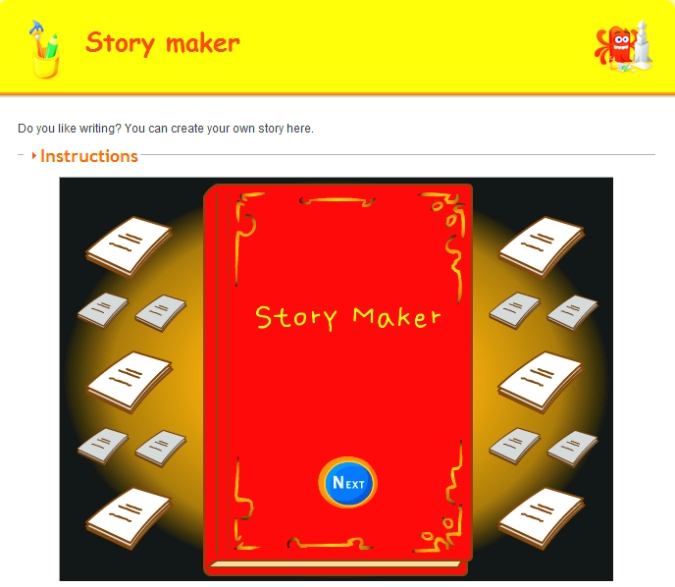 Create a story[/caption]
where students can read stories, have stories read to them and create their own. I pick 3-4, post them on our internet start page for a week or two, and then change the list. If you click that link, it takes you to kindergarten. You can select the red first grade tab or the blue second grade for more choices. If you don’t see any there, it’s because we’re not discussing stories right now.
See which work best for your students:

#101: Don’t Print Homework–Email it!
By third grade, students can email their homework to you rather than turn in all those pesky hard copies. No more lost work, no more dog-ate-their-homework, no more blaming their mom. They can use their own account or a parents. Once they learn how, it is automatic–and they love doing it this way. (more…)

Book Review: 55 Technology Projects for the Digital Classroom
My rating: 5 of 5 stars
The all-in-one K-8 toolkit for the lab specialist, classroom teacher and homeschooler, with a years-worth of simple-to-follow projects. Integrate technology into language arts, geography, history, problem solving, research skills, and science lesson plans and units of inquiry using teacher resources that meet NETS-S national guidelines and many state standards. The fifty-five projects are categorized by subject, program (software), and skill (grade) level. Each project includes standards met in three areas (higher-order thinking, technology-specific, and NETS-S), software required, time involved, suggested experience level, subject area supported, tech jargon, step-by-step lessons, extensions for deeper exploration, troubleshooting tips and project examples including reproducibles. Tech programs used are KidPix, all MS productivity software, Google Earth, typing software and online sites, email, Web 2.0 tools (blogs, wikis, internet start pages, social bookmarking and photo storage), Photoshop and Celestia. Also included is an Appendix of over 200 age-appropriate child-friendly websites. Skills taught include collaboration, communication, critical thinking, problem solving, decision making, creativity, digital citizenship, information fluency, presentation, and technology concepts. In short, it’s everything you’d need to successfully integrate technology into the twenty-first century classroom.

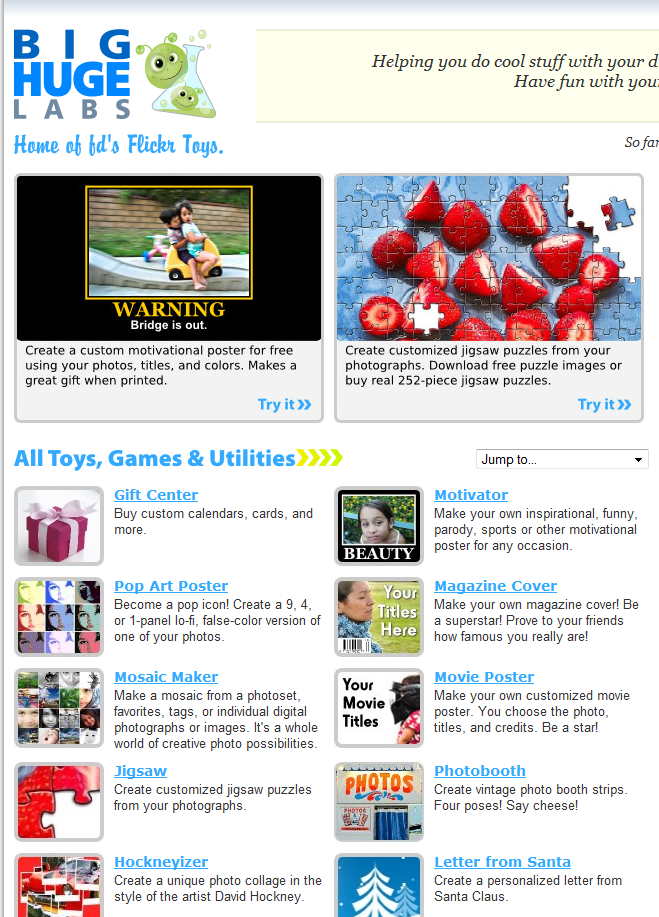
Weekend Websites #39: Big Huge Labs
Every Friday I’ll send you a wonderful website that my classes and my parents love. I think you’ll find they’ll be a favorite of your students as they are of mine.
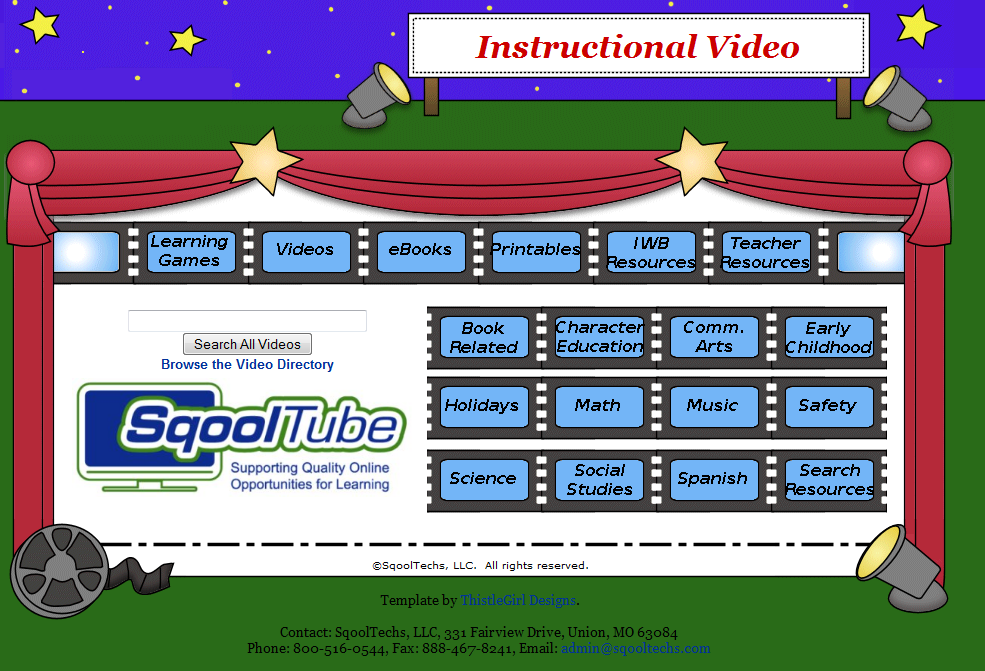
Weekend Website #32: SqoolTube
Drop by every Friday to discover what wonderful website my classes and parents loved this week. I think you’ll find they’ll be a favorite of yours as they are of mine.
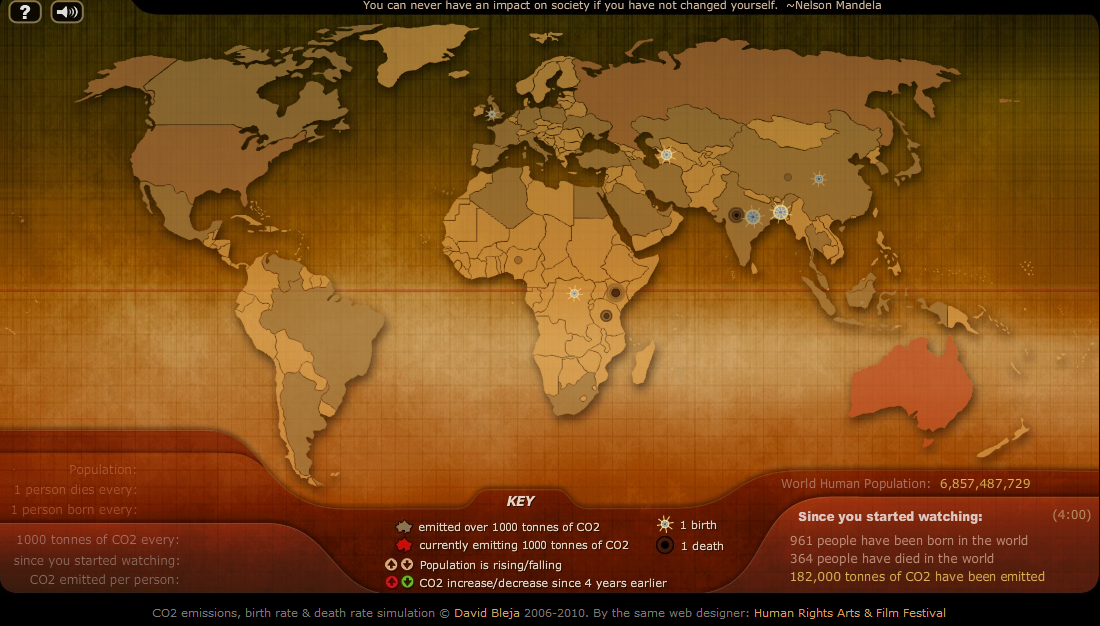
Weekend Website #30: Breathing Earth
Drop by every Friday to discover what wonderful website my classes and parents loved this week. I think you’ll find they’ll be a favorite of yours as they are of mine.
(more…)

Where Would You Like to Go Today?
Are you here for a lesson plan… Tech tips… Humor? Click the category below and you’re there.
[caption id="attachment_1055" align="aligncenter" width="154"] 52 weeks of tech tips[/caption]
[caption id="attachment_1057" align="aligncenter" width="150"]
52 weeks of tech tips[/caption]
[caption id="attachment_1057" align="aligncenter" width="150"] KidPix lessons for K-2[/caption]
[caption id="attachment_1058" align="aligncenter" width="150"]
KidPix lessons for K-2[/caption]
[caption id="attachment_1058" align="aligncenter" width="150"] Google Earth lesson plans[/caption]
[caption id="attachment_1059" align="aligncenter" width="150"]
Google Earth lesson plans[/caption]
[caption id="attachment_1059" align="aligncenter" width="150"] Photoshop lesson plans[/caption]
[caption id="attachment_1063" align="aligncenter" width="150"]
Photoshop lesson plans[/caption]
[caption id="attachment_1063" align="aligncenter" width="150"] Web 2.0 lesson plans[/caption]
[caption id="attachment_1064" align="aligncenter" width="150"]
Web 2.0 lesson plans[/caption]
[caption id="attachment_1064" align="aligncenter" width="150"] MS Word lesson plans[/caption]




 Mouse lesson plans[/caption]
[caption id="attachment_1072" align="aligncenter" width="150"]
Mouse lesson plans[/caption]
[caption id="attachment_1072" align="aligncenter" width="150"] Take a break[/caption]
-
Jacqui Murray has been teaching K-18 technology for 30 years. She is the editor/author of over a hundred tech ed resources including a K-12 technology curriculum, K-8 keyboard curriculum, K-8 Digital Citizenship curriculum. She is an adjunct professor in tech ed, Master Teacher, webmaster for four blogs, an Amazon Vine Voice, CSTA presentation reviewer, freelance journalist on tech ed topics, contributor to NEA Today, and author of the tech thrillers, To Hunt a Sub and Twenty-four Days. You can find her resources at Structured Learning.

Weekend Website #26: Tagxedo
Drop by every Friday to discover what wonderful website my classes and parents loved this week. I think you’ll find they’ll be a favorite of yours as they are of mine.


(more…)

Tech Tip #21: How to Make a Small Webpage Window Big
As a working technology teacher, I get hundreds of questions from parents about their home computers, how to do stuff, how to solve problems. Each Tuesday, I’ll share one of those with you. They’re always brief and always focused. Enjoy! (more…)





