Author: Jacqui

Here’s a Preview of December
Here’s a preview of what’s coming up on Ask a Tech Teacher in December. Bear in mind–it’s a short month!
- Holiday Gifts for Teachers
- Why Should Students Learn Computer Science? A Teacher’s Perspective
- Have Santa Call Your Kids
- 16 Holiday Websites and 13 Projects For Your Student
- Where did Christmas Come From?
- End-of-Year Maintenance: 19 Steps To A Speedier Computer
- End of Year Maintenance: Update Your Online Presence
- End-of-year Maintenance: Image and Back-up Digital Devices
- Happy Holiday!
Jacqui Murray has been teaching K-18 technology for 30 years. She is the editor/author of over a hundred tech ed resources including a K-8 technology curriculum, K-8 keyboard curriculum, K-8 Digital Citizenship curriculum. She is an adjunct professor in tech ed, Master Teacher, webmaster for four blogs, an Amazon Vine Voice reviewer, CAEP reviewer, CSTA presentation reviewer, freelance journalist on tech ed topics, contributor to NEA Today and TeachHUB, and author of the tech thrillers, To Hunt a Sub and Twenty-four Days. You can find her resources at Structured Learning.

Websites and Apps to Support Hour of Code
 We’ve provided a lot of projects and lesson plans, as well as websites you’ll like organized by grade. Here are all those that don’t easily differentiate by grade. See if some of them work for you:
Websites
- Animatron–design and publish animated and interactive content that plays everywhere, from desktop computers to mobile devices.
- BrainPop coding games
- Build a website–a guide
- Chrome Experiments–geeky experimentation with programming
- I like programming video
- Kodu—game programming
- Learn to code
- Minecraft coding mod
- Pivot Stickfigure Animator–free, download, powerful, with a cult following
- Robby Leonardi–programmer–a game played about programming in the style of Mario
- Roboblockly–to teach coding and math, from UCDavis
- Stencyl–build games without coding with downloaded software
- Stickman–draw a stick figure and the site animates it
- Symbaloo collection for coding
- TED Talk on young programmers
Apps
Hour of Code Lesson Plans by Grade
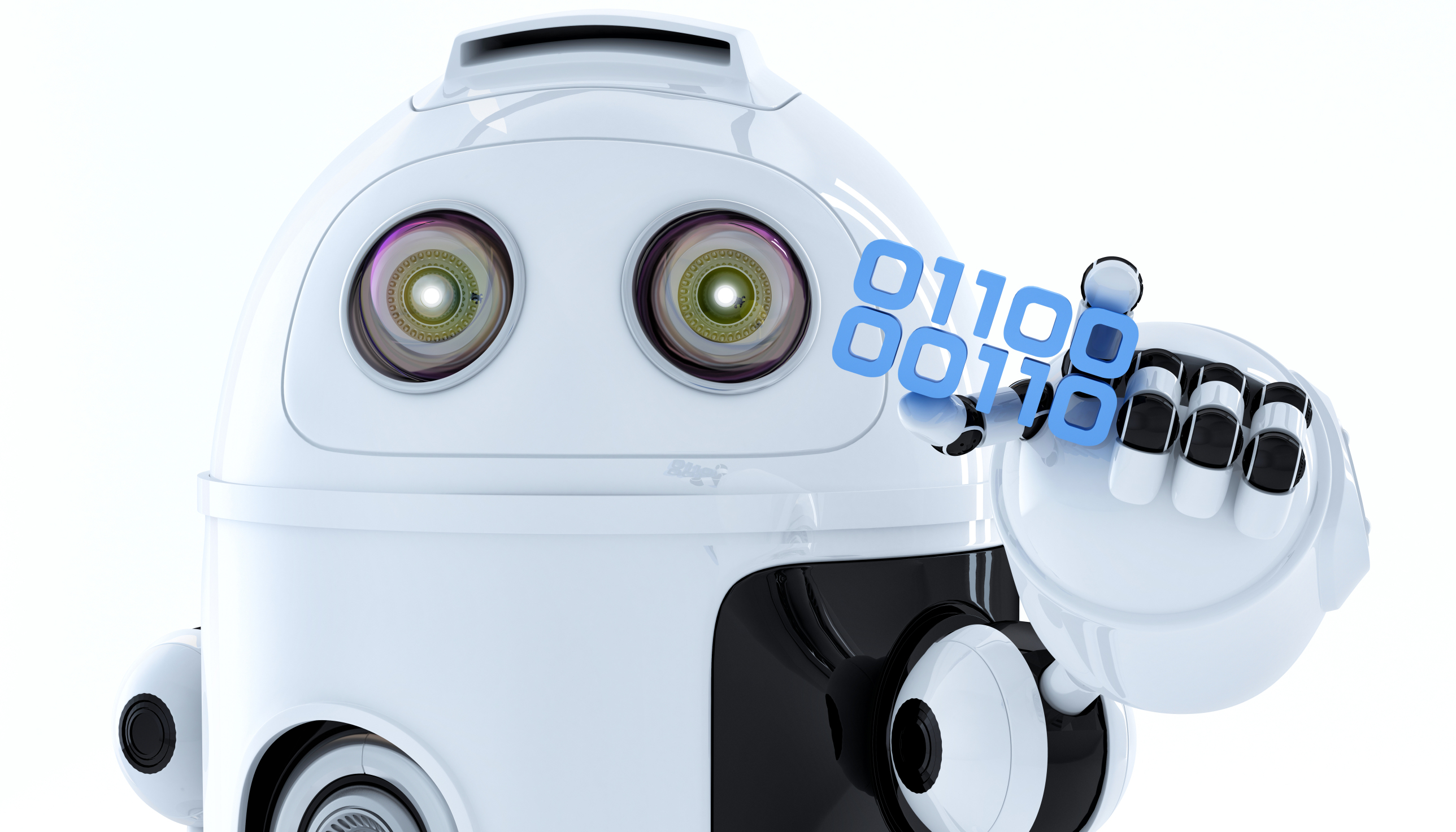 This December will again host the Hour of Code, a one-hour introduction to programming designed to demystify the subject and show that anyone can be a maker, a creator, and an innovator. Last year, almost 300,000 students (age 4-104) participated from over 180 countries and wrote almost 20 billion lines of code. The 200,000+ teachers involved came away believing that, of all their education tools, coding was the best at teaching children to think. It’s easy to see why when you look at fundamental programming concepts:
- abstraction and symbolism – variables are common in math, but also in education. Tools, toolbars, icons, images all represent something bigger
- creativity – think outside the box
- if-then thinking – actions have consequences
- debugging – write-edit-rewrite; try, fail, try again. When you make a mistake, don’t give up or call an expert. Fix it.
- logic – go through a problem from A to Z
- sequencing – know what happens when
If you’re planning to participate in Hour of Code, here are activities by grade that will kickstart your effort. They can be done individually or in small groups.
10 Unusual Projects for Hour of Code
Coding–that geeky subject that confounds students and frightens teachers. Yet, kids who can code are better at logical thinking and problem solving, more independent and self-assured, and more likely to find a job when they graduate. In fact, according to Computer Science Education, by 2020, there will be 1.4 million coding jobs and only 400,000 applicants.
December 3-9, 2018, Computer Science Education will host the Hour Of Code–a one-hour introduction to coding, programming, and why students should love it. It’s designed to show that anyone can learn the basics to be a maker, a creator, and an innovator. Here are ten unusual projects (each, about one hour in length) you can use in your classroom to participate in this wildly popular event:
- Alt Codes
- Animation
- Coding with pixel art
- Human robot
- Human algorithm
- IFTTT
- Macros
- QR codes
- Shortkeys
- Wolfram Alpha widgets
Hour of Code 101
December 3-9th, 2018, Computer Science Education will host the Hour Of Code–a one-hour introduction to students on coding, programming, and why they should love it, designed to demystify “code” and show that anyone can learn the basics to be a maker, a creator, and an innovator. Throughout participating websites, you’ll find a variety of self-guided tutorials that say “anybody can do, on a browser, tablet, or smartphone”. You’ll even find unplugged tutorials for classrooms without computers. No experience needed.
Coding–that mystical geeky subject that confounds students and teachers alike. Confess, when you think of coding, you see:

…when you should see

It feels like:

When it should feel like:

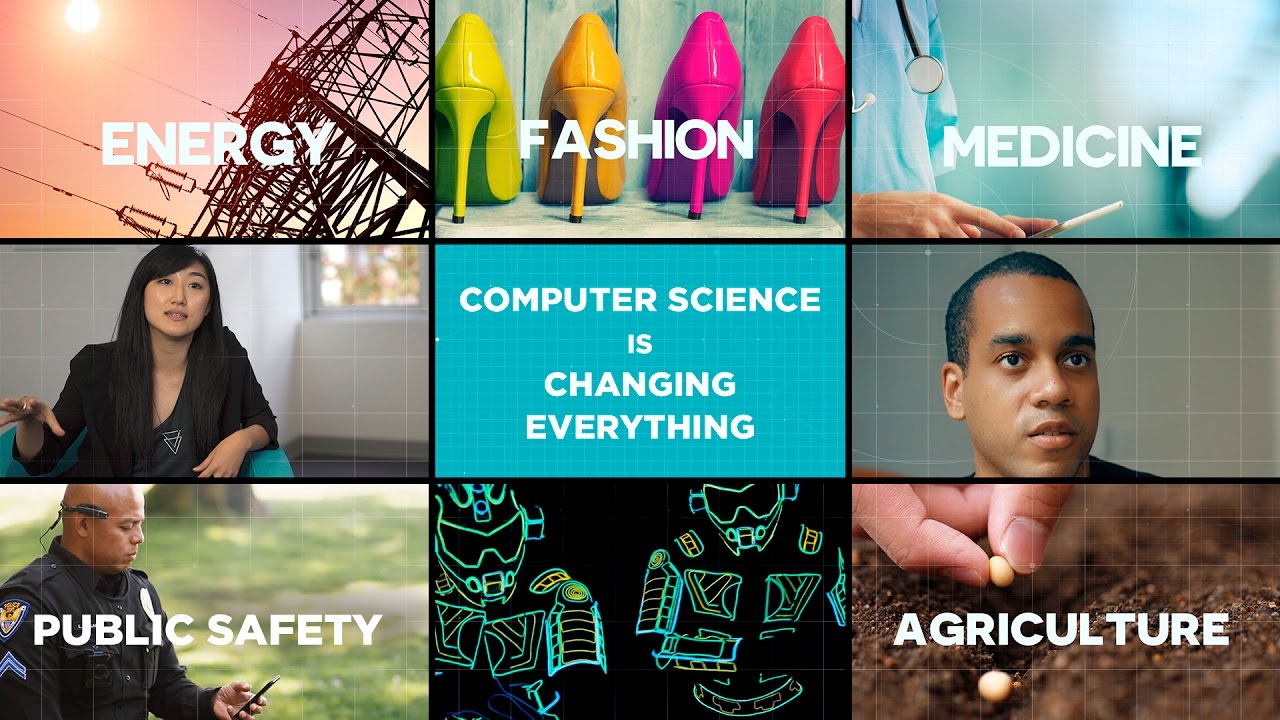
Computer Science Education will host the Hour Of Code–a one-hour introduction to coding, programming, and why students should love it. It’s designed to demystify “code” and show that anyone can learn the basics to be a maker, a creator, and an innovator. If you’re not sold 100% on the importance of computer science in a student’s future, watch this video:



Happy Thanksgiving Week to All!
I’m taking next week off. I’ll be preparing for my daughter’s holiday visit from her home in DC and my son who’s visiting virtually from Okinawa Japan. I am so excited to see both of them!

I’ll be back November 26th. Any emergencies–drop me a line at askatechteacher@gmail.com.
Jacqui Murray has been teaching K-18 technology for 30 years. She is the editor/author of over a hundred tech ed resources including a K-8 technology curriculum, K-8 keyboard curriculum, K-8 Digital Citizenship curriculum. She is an adjunct professor in tech ed, Master Teacher, webmaster for four blogs, an Amazon Vine Voice reviewer, CAEP reviewer, CSTA presentation reviewer, freelance journalist on tech ed topics, contributor to NEA Today and TeachHUB, and author of the tech thrillers, To Hunt a Sub and Twenty-four Days. You can find her resources at Structured Learning.
A Thanksgiving Poll for Students–What does ‘Turkey’ mean?
 Last year, I did a poll on the meaning of the word ‘turkey’. This was to demonstrate how powerful symbols are to your students and do so with an authentic use of technology to support discussion on math, language standards, and the holidays.
As a summation to your discussion with students on symbols, idiomatic expressions, geography, farms, or another topic, post this on your Smartscreen. The poll includes lots of definitions for the word ‘turkey’. Have each student come up sometime during the day (or class) and make their choices.
What definitions did your students come up with I didn’t list?
16 Thanksgiving Sites, 2 Apps, and 2 Projects
 Need a few websites and apps to fill in sponge time? Here are Thanksgiving websites that will keep students busy and still teach them:
- Canadian Thanksgiving
- Online/Offline Thanksgiving activities
- Plimoth Plantation
- Starfall–Silly Turkey
- Thanksgiving edu-websites–CybraryMan
- Thanksgiving Games
- Thanksgiving games and puzzles
- Thanksgiving games–Quia
- Thanksgiving information–history, more
- Thanksgiving Jigsaw
- Thanksgiving Jigsaw II
- Thanksgiving Lesson Plans
- Thanksgiving Tic-tac-toe
- Thanksgiving video–Brainpop
- Thanksgiving Wordsearch
- The First Thanksgiving

Thanksgiving Activities That Keep You in Charge of Learning
 Teaching the days before big holidays is challenging. Students and teachers alike are ready for a break. Both struggle to pay attention regardless of how innovative and engaging are the lesson plans.
I’ve been there often. As a result, I’ve come up with fun ways to support learning while students power through the last few days of school. Here are seven I use during the pre-Thanksgiving season:
ASCII Art
Time required: Less than one class
ASCII Art is the graphic design technique of creating images by typing the letters, numbers, and symbols defined by ASCII Standards. Holiday examples include this Thanksgiving pumpkin and these holiday bells. Here’s how you do it:
- Open your word processing program (MS Word, Google Docs, or another).
- Add a watermark of a picture you’d like to use, preferably a single image rather than one that includes a background. Silhouettes are perfect for this sort of project.
- Type over the image with the letters, symbols, and numbers that best fit the outline. It’s fine to use one letter throughout (like an X).
- Add color by highlighting the letters, numbers, and symbols typed over the parts you’d like colored (such as the stem of a pumpkin or the bow on Christmas bells in the linked samples above).
- When you’ve covered the image with characters, delete the watermark. That leaves just your typing.
- Save, print, share, publish as is customary in your classes.
Tie-ins: Use this not only for holidays but any academic class by creating an artistic image of the topic being discussed. Click the link for an example of Abraham Lincoln to align with study of the American Civil War or this one of the American Revolution. This is also a fun and authentic way for students to practice keyboarding.